

Are you having trouble activating Windows 10? Until recently, no one could help, as Microsoft support basically told everyone to reinstall the older operating system (Windows 7 or 8), apply the upgrade from within the activated operating system, and then try to activate Windows 10.
But what about those who have tried this method many times and due to some error, Windows 10 does not activate?
In our case, on an Acer laptop, the Windows 10 installation proceeded normally until 54% and stopped reporting an error at the APPLY_IMAGE point.
After many searches on the internet, to no avail, we were able to install the new operating system when we declared that we did not wish to keep the files and data of the previous user.
So the installation, although done through Windows 7 (the previous operating system), was a clean installation of Windows 10.
Of course after that activation was impossible.
From today, Microsoft offers a solution for such activation issues. Of course, a prerequisite is that you have a legal activation key for an older operating system (Windows 7, 8, 8.1)
You can call the toll-free number 8015003000 and follow the instructions. Select what you are interested in activating and proceed until you speak to a Microsoft representative. (Not automated assistance)
Support will ask for your old activation key, check it to confirm its validity, and request your details.
This information includes your name, surname, telephone number and personal e-mail.
After a while (about a quarter of an hour) the company will call you to give you a Windows 10 activation key.
The key will be emailed to you and the Microsoft representative will remain on the line until activation occurs.
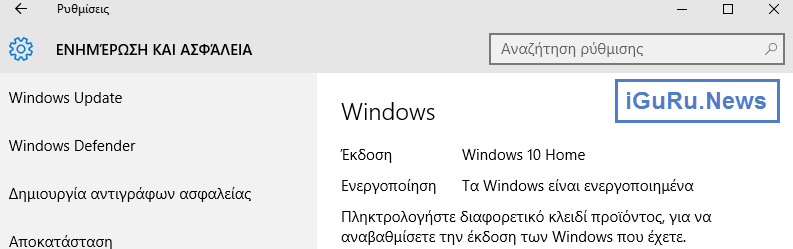
Note: The old activation key will be invalidated, and cannot be used again to activate Windows 7 or Windows 8, 8.1.
