

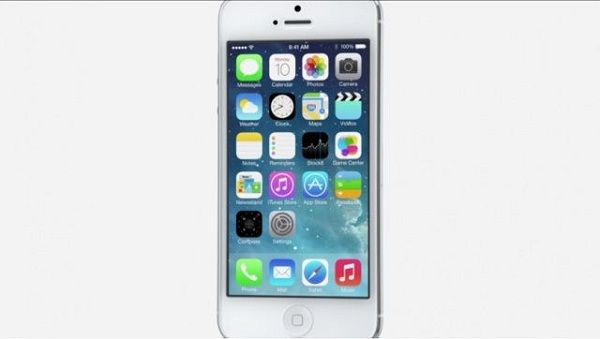
In addition to the appearance, Apple has also changed a lot of things in the way the operating system works. Among these, it has introduced some new features, as well as improved some others.
Here are some of the changes:
One of the biggest new features is definitely Control Center, a new way to access system toggles (adding tasks and a flashlight) from anywhere you are in iOS.
With Control Center, you can swipe to reveal settings like Airplane Mode, screen brightness, and WiFi, and you can also control music.
In addition, a new multitasking feature was introduced, which not only makes switching between applications more beautiful but also more practical.
Safari no longer has a limit of 8 tabs, and a new feature has been added, Shared Links, which allows you to see what your friends are sharing on social networks like Twitter.
AirDrop allows you to share images and videos between devices without the need for an internet connection. Think of it as Apple's answer to the Bump app.
The camera app has also received some big and important upgrades. One of them is that it now allows you to apply filters to photos so they are ready to upload wherever you want without further editing.
The photo app has also been upgraded, offering better management, while a new feature, Moments, intelligently collects your photos as you take them.
Dimitrios Georgoulas
