

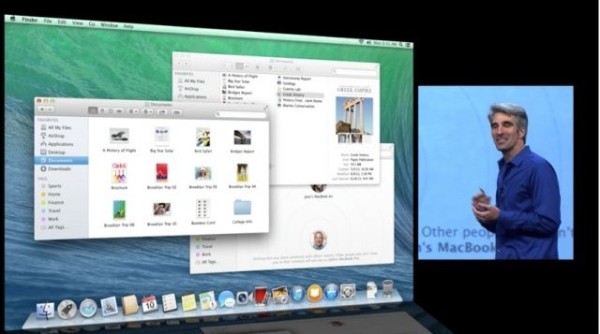
Craig Ferenghi takes the stage and announces the features of OS X 10.9 Mavericks:
– Finder Tabs: You don't need to have thousands of Finders windows open anymore, it works pretty much like Safari.
– Tagging: You can tag files so you can find them more easily when you need them. These tags will exist like smart folders in the Finder, and you will be able to tag files either by entering the text you want to tag or by dropping them into the tag folder.
– Multiple Displays: Finally, proper multiple display support! You’ll be able to easily open apps on any display you want, you’ll be able to have more than one fullscreen app at a time, and you’ll be able to have a static display with pinned apps (like Dashboard). Plus, you’ll be able to use your Apple TV as a second display over Airplay.
