

Traveling back in time, and after learning about Storm Worm #15 in our previous article, today we will refer to an admittedly very destructive virus that appeared a year later. We are talking about the Conficker virus, which - together with its variants - uses a range of techniques to infect computers running Microsoft Windows.
It is a new virus that allows hackers to steal corporate (financial, etc.) data. Downadup or otherwise Conficker worm is spreading exponentially and already eight million computers on networks have been infected in just one week since its release (indicatively on Monday 2.5 million were infected, on Wednesday 3.5 million and on Friday they had reached 8.0 million).
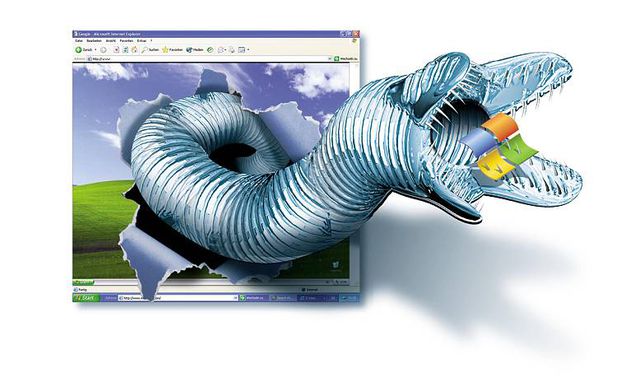
The worm exploits a security flaw in Windows to infect primarily corporate networks. Mikko Hypponen, Chief Research Officer at anti-virus company F-Secure, said the worm's goal or purpose is not yet clear, but its design ("phone home" design or otherwise "call back" design) probably indicates that it is waiting for further instructions to wreak havoc!
The researcher reports that at F-Secure, through “reverse engineering” they discovered its origin (Ukraine). The worm does not spread via email or the internet, however, if a laptop is connected to an infected corporate network, then the worm will search to find new computers to infect and therefore the… laptop, and then it will try to guess security codes (passwords), trying hundreds of common words. It can even spread with USB sticks!
The "worm" is particularly dangerous and to protect your computer - especially if you happen to connect it to corporate networks, which are the main target of the worm - it is absolutely necessary to "download" the specific patch (MS08-067) from Microsoft.
Infection
If your antivirus program detects the Conficker virus on your computer, or if you notice any of the symptoms of a Conficker virus infection, you may have connected to an infected USB storage device or been infected by another computer on your network. Using pirated software, opening suspicious email attachments, and browsing a malicious website can also lead to a Conficker infection.

Prevention
To avoid the risk of infection, always make sure you are using Internet security software with up-to-date virus definitions. Use the Windows Update feature on your computer to download the latest Microsoft security patches, and always exercise caution when opening email attachments, browsing the Internet, and downloading files. Reduce the risk of infection by the Conficker virus and other malicious programs by using strong passwords for Windows user accounts.
Remove it
You can usually remove the Conficker virus by running a full virus scan with an up-to-date antivirus program. Microsoft's Malicious Software Removal Tool, which you can download with Windows Update, can also remove a Conficker infection. Microsoft provides detailed online instructions for manually removing the infection, but these are complicated. You should only attempt this removal method if you have a high level of technical skill, as accidentally deleting the wrong files or registry entries could render your computer's operating system unusable.
[alert variation=”alert-info”]For those of you interested in reading more technical details, you can read a technical article on how Conficker works here https://mtc.sri.com/Conficker/ [/alert]
At this point, our historical review of the Conficker virus has come to an end.
We are renewing our appointment for tomorrow with the S virus… shhhh… Can you guess?
Stay tuned to SecNews!

