

Elgato has introduced Model Context Protocol (MCP) support in Stream Deck 7.4, allowing AI assistants like Claude, ChatGPT, and Nvidia G-Assist to automatically activate features on Stream Deck devices. This innovation marks a new era in streaming equipment control, where artificial intelligence takes over manual control of buttons. This development represents a significant step towards fully automating creator workflows and integrating AI into everyday content production equipment.
See also: Stream Deck Plus returns to its lowest price
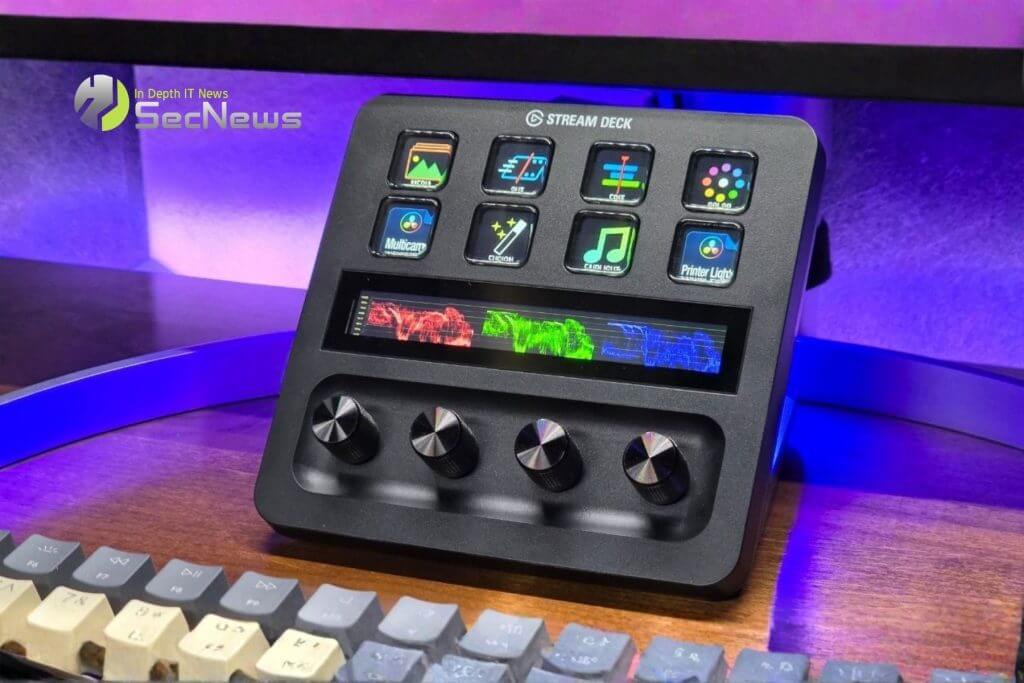
MCP is a protocol supported by major companies such as Microsoft, Anthropic, Figma, and Canva, and is rapidly emerging as the “USB cable” of artificial intelligence. It allows AI assistants to connect directly to third-party applications, creating an automation ecosystem that extends beyond the traditional boundaries of software. This standardization is critical to the development of a single AI ecosystem that can interact with different platforms and devices without the need for specialized integrations for each application.
Elgato emphasized that users will still set up actions in the Stream Deck app the same way they always have. MCP simply adds a new way to trigger those actions. Once everything is connected, users can type or speak requests and their AI tool will trigger the corresponding Stream Deck action. This means a streamer can say “start recording” and the AI will automatically trigger the appropriate button for OBS Studio, without having to pause their stream to physically press the button.
See also: Corsair Galleon 100 SD combines mechanical keyboard with Stream Deck
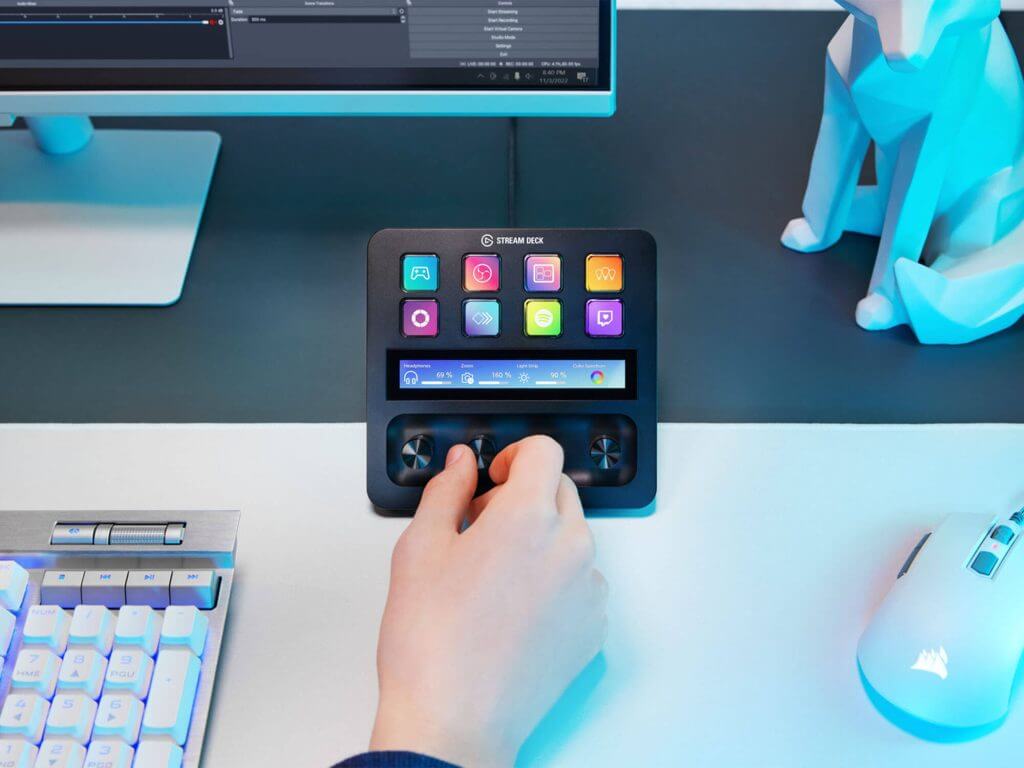
Technical details of MCP installation on Stream Deck
To enable the feature, users must update to the latest version of the Stream Deck app, open “Preferences,” and tap the “General” tab at the top of the window. From there, they can select “Enable MCP Actions” to create a dedicated “MCP Actions” profile, with any actions placed in it becoming accessible to connected AI tools. This approach ensures that users maintain full control over the actions available to the AI, protecting sensitive features from accidental activation.
The full setup requires the installation of an additional Node.js and the Elgato MCP Server bridge on your computer to connect the AI tools to the Stream Deck app. This is a process that may seem complicated to those unfamiliar with MCP integrations, but fortunately Elgato provides a complete step-by-step installation guide that is simple to follow. Node.js acts as the runtime environment that allows the MCP Server to communicate effectively with both the Stream Deck app and the AI assistants, creating a communication bridge between the different systems.
Practical security and optimization tips for MCP
Users planning to adopt MCP technology in their Stream Deck should keep in mind some important security practices. First, it is recommended to create separate MCP Actions profiles only for the actions they want to be accessible to the AI, keeping sensitive functions such as deleting files or changing system settings outside of this profile. In addition, it is important to regularly check the MCP Server logs to detect any unwanted activations and ensure that their AI assistants are working as expected. Finally, it is recommended to use voice commands with specific keywords to avoid accidental activations during chats or streams.
See also: Steam Deck OLED out of stock due to RAM crisis
MCP support marks a deepening of AI-physical control integration, with Elgato predicting an ecosystem expansion for advanced triggers via plugins and bridges. Multi-device support and AI agent tools like AgentDeck are expected to proliferate across platforms. Trends point toward universal hands-free workflows, combining Siri-like voice control, chatbots, and adaptive profiles for streaming, encoding, and productivity. This development could lead to a new generation of creator tools that deeply integrate AI, making production more accessible and efficient for creators of all experience levels, according to the source.
