

If you have an iPhone running iOS 26, you may have noticed that it now displays the estimated time to charge to 80% on the lock screen. However, if you're not using a fast charger, it will display 'Slow Charger'. This likely means you're using a weaker charger or an older cable.
See also: Anker: Launches MagGo charging accessories with Qi2
To charge quickly with a cable, get a new charger that's rated at 30 watts or more, along with a USB-C cable. Modern iPhones have much larger batteries than models from five years ago. If you've recently upgraded from an older iPhone and switched from Lightning to USB-C, you may not have a modern fast charger.
For example, if you're using an older USB-A charger with a rectangular port, it will charge your iPhone at a maximum of 7.5 watts , and it's likely only 5 watts. Charging times at this speed on the iPhone 17 can take three hours or more. With the right accessories, iPhone fast-charging speeds can reach a steady 20 watts to 30 watts. At this speed, you should be able to charge from zero to 50 percent in less than half an hour.
The exact brand of power adapter doesn't really matter. Any USB-C charger with Power Delivery will likely work. For the iPhone 17, Apple recommends its new Dynamic Charger, which may be the most efficient option in terms of speed and power consumption, but the difference is negligible.
See also: iOS 26 notifies when the AirPods case runs out of battery

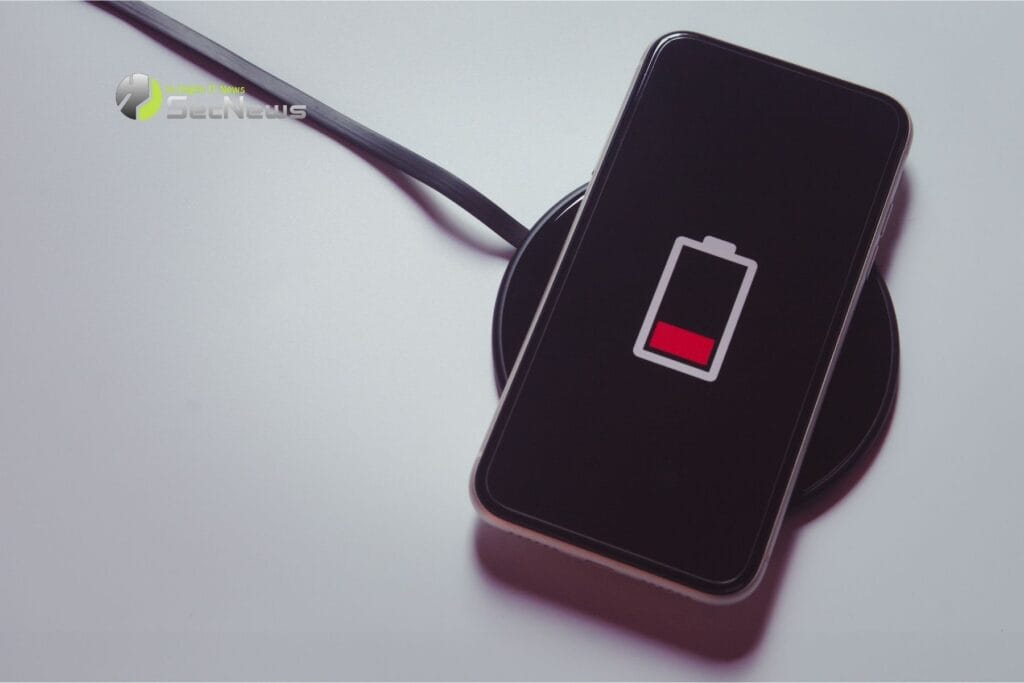
Cheaper USB-C fast chargers from brands like Anker or Belkin will also work just fine. You may also see a Slow Charger message if you're using Qi wireless charging. This could be because you're using a first-generation Qi charger that delivers less than 10 watts of power. If you want to achieve fast wireless charging, look for official MagSafe or the Qi2 standard logo.
The latest iPhones support wireless charging speeds of up to 25 watts. For example, a Belkin MagSafe can charge your iPhone at speeds of up to 25 watts and also has a slot for AirPods. A more affordable option is a simple wireless charging pad that can charge an iPhone at 15 watts. Whether your iPhone reports Slow Charger status or not, there is no safety risk or risk of damage to the phone when using it with a slower charger. The only factor here is convenience.
See also: Apple's new iPhone charger is the first of its kind

If you only charge your phone overnight, it doesn't matter if the charger on your bedside table takes three hours to fully charge your phone, it'll work just fine. However, if you want the fastest charging speeds, whether for your desk or your kitchen charging station, the options above outline how you can achieve that, both wired and wirelessly.
