

Microsoft known, is actively participating in the world of artificial intelligence, with the presence of Copilot being strengthened in Windows.
With Bing Chat, Copilot, and even an attempt to hire OpenAI CEO Sam Altman to create its own AI team, it's clear that Microsoft is looking to strengthen its presence in this area. Copilot, the helpful AI assistant ,has been present in much of Microsoft's software to date, including Windows, and now the company appears to be testing a new change that will make Copilot much more visible.
Read also: How to enable Copilot in Windows 10?
Microsoft is testing a new change in the latest Insider build of Windows 11. Specifically, it will add a colorful Copilot icon to the right side of your taskbar, next to the Notifications. With a simple click on the icon, the Copilot assistant side window will appear, where you can ask questions. This change replaces the “show desktop” button and is intended to make the Copilot assistant more visible and easily accessible. This change helps improve the accessibility of Copilot, whose manufacturer seeks to make it more accessible and easy to use for users.
While this may seem useful to some, others may not enjoy it so much and interpret it as Microsoft to further entrench Copilot. However, the good news is that there is a way to restore the previous behavior by going to Settings and selecting Personalization > Taskbar. Alternatively, you can right-click on the taskbar to access these options. If you don’t actively leverage the genetic AI for all your daily tasks, this button may not be very useful to you and will likely go unused most of the time.
See related: Windows Hello: Serious vulnerability in laptops
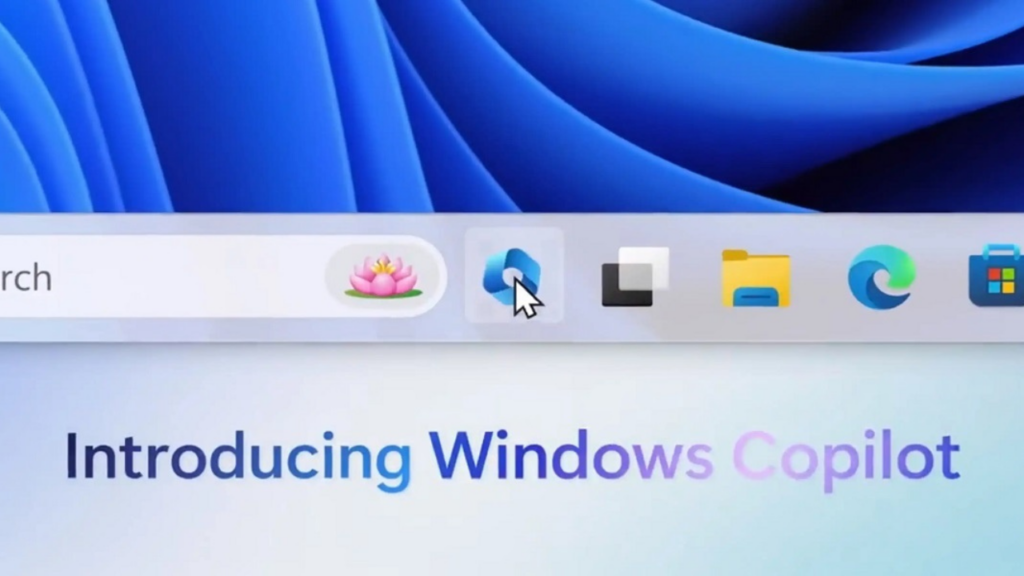
This feature is still being tested in Insider builds of Windows 11, so its behavior may change or be dropped before it becomes available for all PCs. Additionally, Microsoft is adding Copilot to Windows 10 as well, with the button in the same location.
Source: howtogeek.com
