

Google is ushering in a new era of possibilities with the launch of Android 14 Beta and the release of the first beta build for this groundbreaking operating system . Android 14 will eventually roll out to all users, but those who can't wait to experience the features now have the chance with the beta version. If you have a compatible Android smartphone, such as the Google Pixel 4a 5G or later, you can take advantage of this opportunity to install the new Android 14 beta right away. Here's how to install the Android 14 beta on your Google Pixel device
See also: Will Android 14 make live wallpapers exciting again?
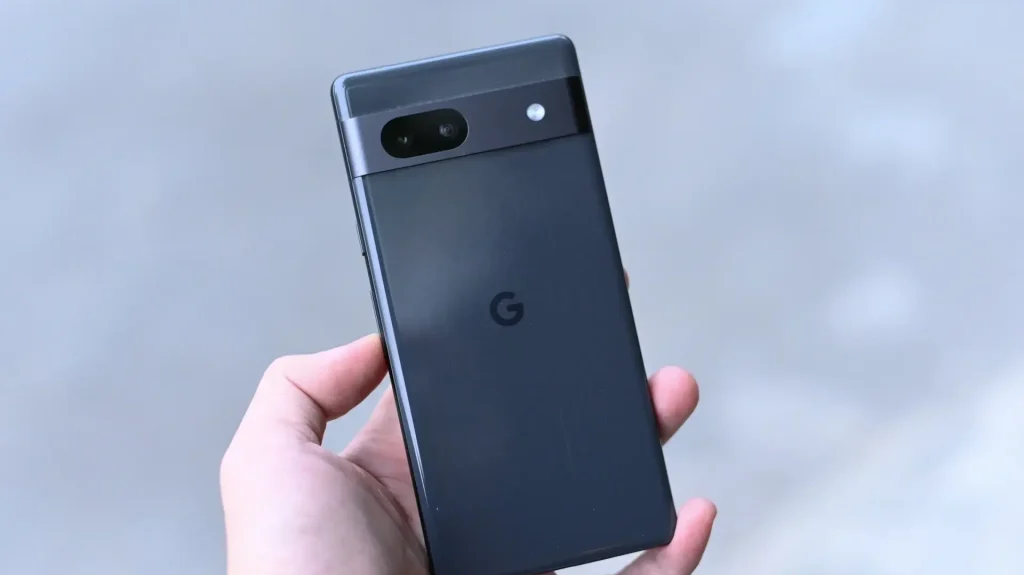
To enjoy the benefits of the Android 14 beta, take a look at the smartphones listed below.
- Google Pixel 4a 5G
- Google Pixel 5
- Google Pixel 5a
- Google Pixel 6
- Google Pixel 6 Pro
- Google Pixel 6a
- Google Pixel 7
- Google Pixel 7 Pro
It's important to understand that the Pixel 4a 5G and the Pixel 4a are different. Unfortunately, Google has discontinued all support for the Pixel 4a.
As this version of the software is still in beta, it may be full of bugs and glitches – therefore, we advise you not to install it on your primary device. Before installing the update, make sure you have created a safe backup of all your data.
See also: Android 14: Will bring passkeys support to Dashlane and other apps
- Once you visit the page, you will be asked to sign up for the Android 14 beta program.
- To enroll in the beta program, click Join. Review the terms and conditions and click Confirm and enroll. You will receive a notification confirming that your smartphone is now part of the Android 14 beta program.
- If eligible, your Pixel smartphone will appear under Eligible devices. If you have an eligible smartphone and it still doesn't appear, try charging your phone and make sure your Pixel smartphone's battery level is above 10%.
- Once you sign up, you'll receive a notification for an OTA update to the Android 14 beta on your eligible Pixel smartphone.
- If not, go to Settings, then System , and check for the Android 14 beta update in the system update.
If you're already enrolled in the Beta Program or are a developer, there's no need to re-enroll. If you're eligible, the Android 14 beta will be sent to you immediately.
See also: Android 14: Will block the installation of certain outdated apps
If you want to remove the Android 14 beta from your Pixel smartphone, the easiest way is to opt out of the Android 14 beta program.
- Open the Android Beta for Pixel page.
- Click Exception.
- Install the OTA update you received on your smartphone. It takes about 24 hours for the system update to arrive.
After installing the update, all data will be lost and you will be returned to the latest stable version of Android 13.
