

If you no longer want to communicate with a person, it's a good idea to delete their contact from your WhatsApp list. This way they no longer fill up your chat list, and we'll show you how to do this from your iPhone or Android phone.

When you delete a WhatsApp contact, you are essentially deleting the contact from your phone's address book. This means that the contact has completely disappeared from your phone and will not be available in other apps on your phone. There is no way to remove the contact from WhatsApp without removing it from your phone, although blocking someone on WhatsApp can achieve a similar effect.
Remove a WhatsApp contact on iPhone or Android
To begin the process of removing contacts, launch WhatsApp on your iPhone or Android phone.
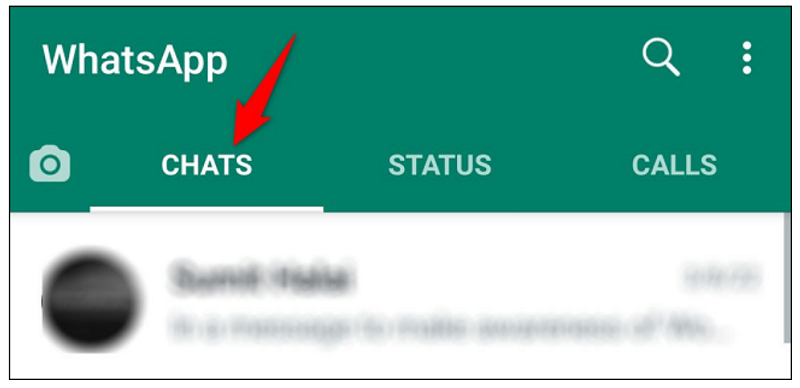
On the top bar of WhatApp, tap the “Chats” tab
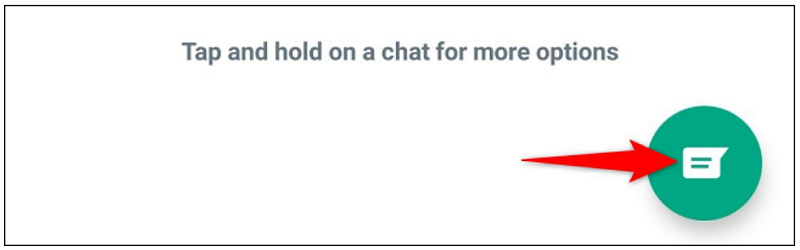
In the bottom right corner of the “Chats” tab, tap the “New Chat” icon
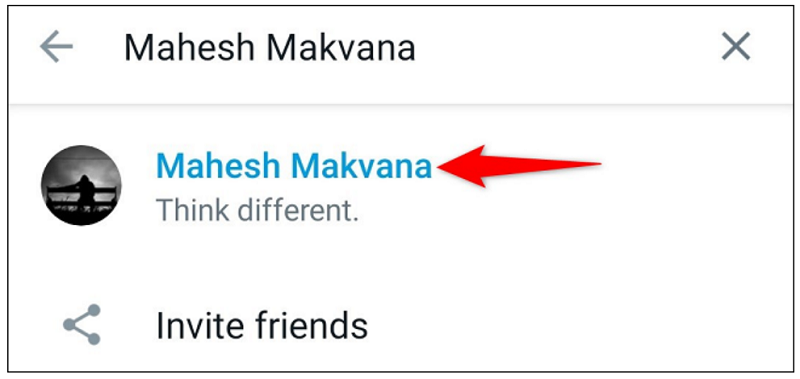
All your WhatsApp contacts will appear. Here, find and tap the contact you want to delete.
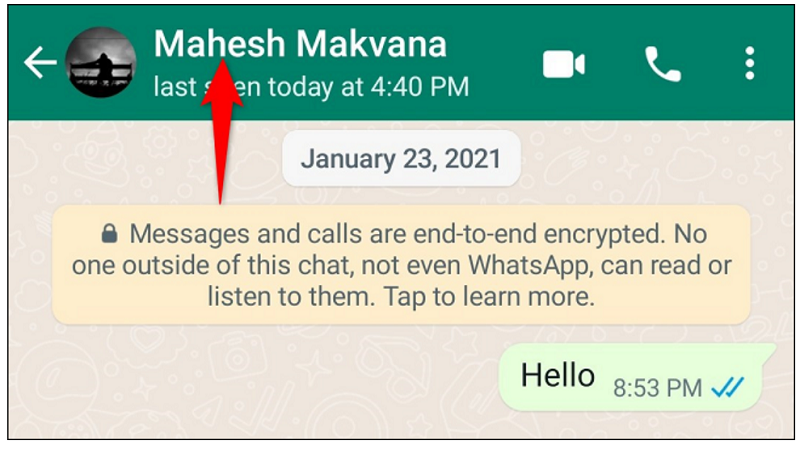
On the contact's chat screen, at the top, tap the contact's name.
If you're using an iPhone, tap Edit > Delete Contact to remove the contact.
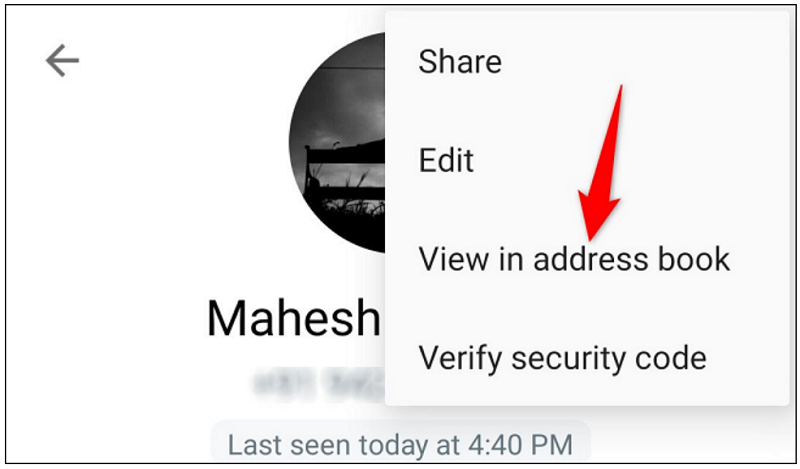
If you're on Android, then in the top right corner, tap the three dots and select “View in Address Book.”
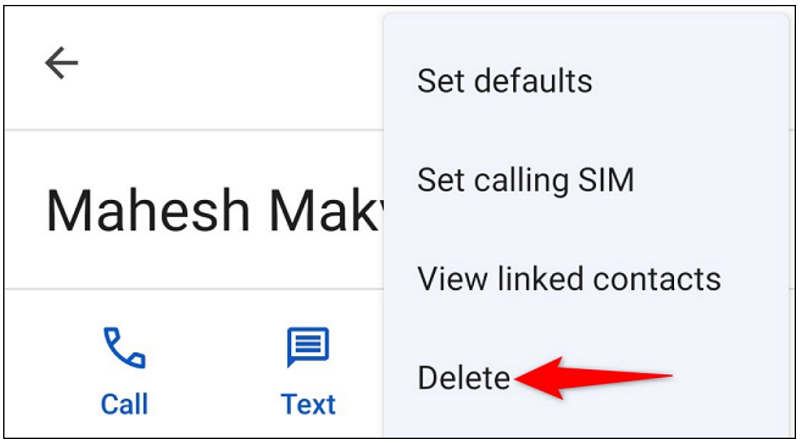
In the top right corner, tap the three dots and select “Delete.”
Confirm the contact removal by tapping “Delete” in the message.
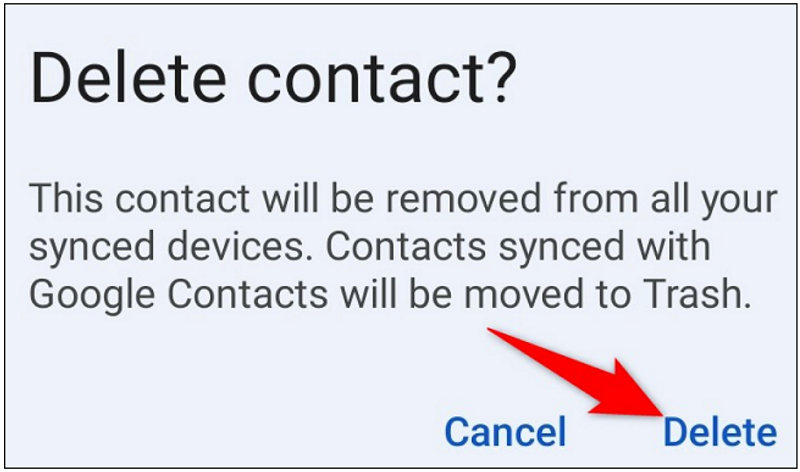
And your selected contact has now been removed from WhatsApp as well as your phone. You're done.
Information source: howtogeek.com
