

QNAP today announced two vulnerabilities affecting QTS, the operating system that powers its network-attached storage devices, which could allow arbitrary command execution.
The vulnerabilities can be exploited remotely and are found in versions of the software released before September 8, 2020.
The network attached storage (NAS) device vendor doesn't provide too many details about the two issues, but says that recent QTS releases include the necessary patches.
According to security advisory , users who have updated their QTS operating system to at least QTS version 4.4.3.1421 build 20200907 should not worry at all.
They are currently being named as CVE-2020-2490 and CVE-2020-2492 – the two bugs are being reported as command-line detection vulnerabilities, the company says.
It's not clear how an attacker could exploit these vulnerabilities or what components of the operating system are vulnerable, but executing arbitrary commands on a system is usually synonymous with taking over the device.
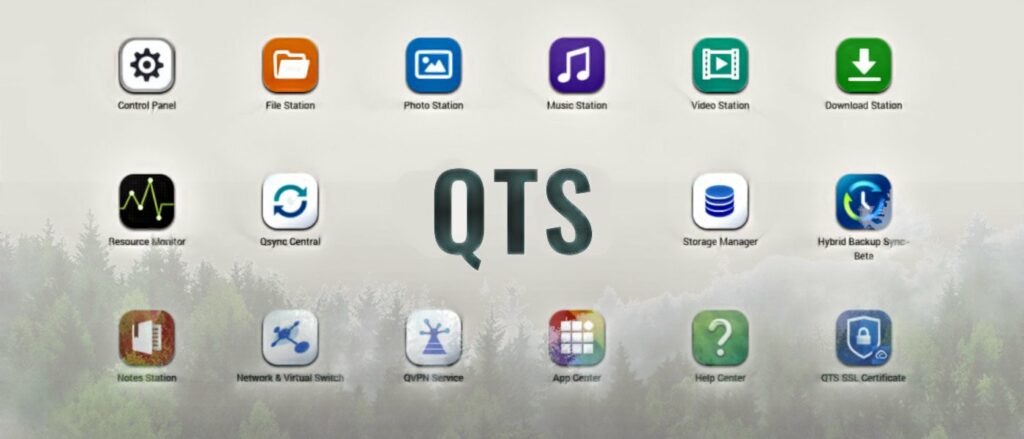
The QTS operating system's features go beyond providing a convenient environment for file sharing, storage management, and backup. It also allows you to install applications from the QNAP App Center that extend the functionality of the NAS device to meet business and home entertainment purposes.
QNAP devices are attractive targets
Small businesses typically use them for backup and file sharing. An exposed system running an outdated operating system could give attackers the opportunity to compromise the storage with various types of malware.
In September, QNAP warned customers about ransomware attacks targeting its NAS products. The attacker exploited a vulnerability in the Photo Station app that allows users to upload images to the device, create albums , or view them remotely.
Most recently, the company fixed issues in the Helpdesk app that could be exploited to control a QNAP device.
Another warning came on October 21 when the NAS device vendor warned customers that some versions of its QTS operating system are affected by the critical Windows ZeroLogon vulnerability (CVE-2020-1472)
Users can install the latest QTS update manually after downloading it from the QNAP website or by checking for updates and letting the operating system download and install the new version:
- Log in to QTS as administrator
- Go to Control Panel > System > Firmware Update
- In the Live Update section, click Check for Update
Information source: bleepingcomputer.com
