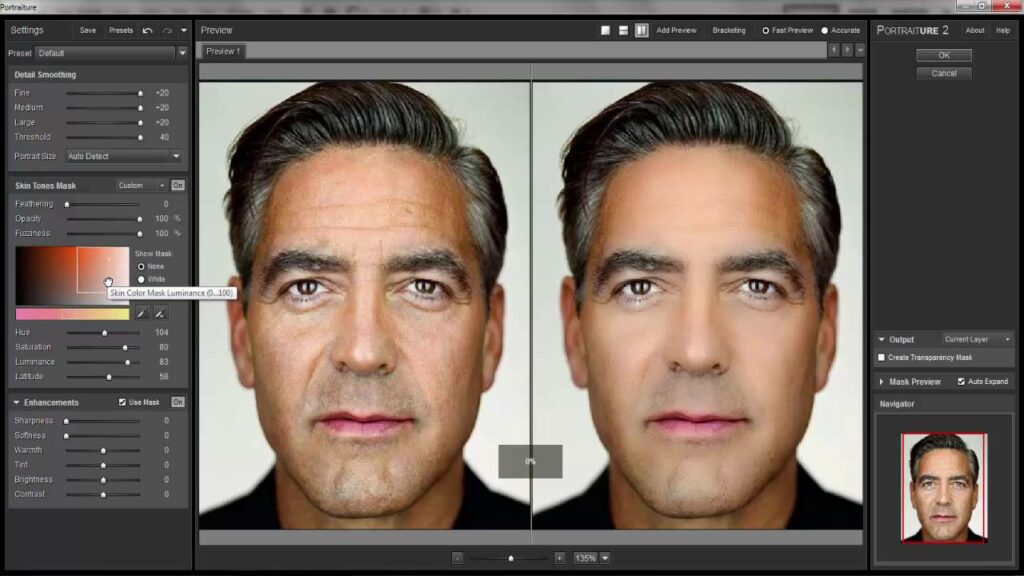
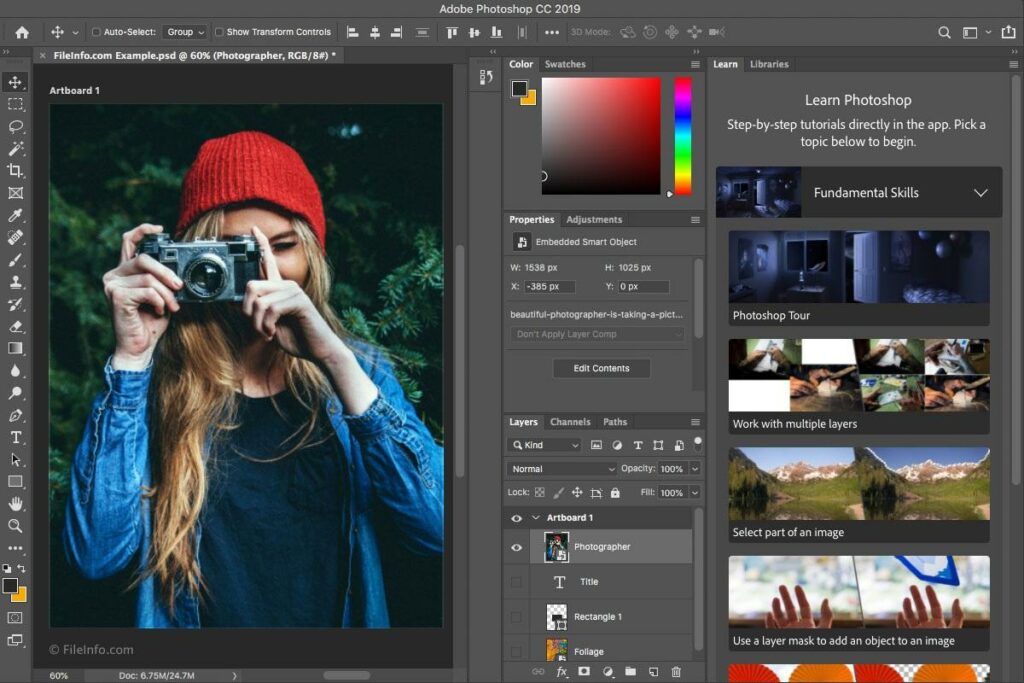
Adobe Photoshop is a very popular program . Even though there are cheaper or free alternatives available, users still prefer it over other options. This is because with Photoshop you can edit and enhance a photo in unlimited ways. However, if you are a beginner or have never used Photoshop before, this software can be very confusing. That's where Photoshop filters can help. Applying a filter is a simple way to enhance photos , without having to delve into more techniques and details.
So, if you want to improve your photography and Photoshop skills, but don't want to spend a lot of time or put in a lot of effort for the desired result, you should first learn a few things about filters, as well as the best places on the Internetwhere you can get free Photoshop filters.
What are Photoshop filters?
Many of you may be familiar with how filters work from other photo filter apps , like Instagram or Snapchat, but when it comes to Photoshop, things get a little more complicated.
If you've searched for free Photoshop filters, you've probably seen various actions, presets, overlays, and plugins. All of these tools improve the quality of your photos. However, filters are the easiest to use. They change the basic settings of a photo, such as the color tone, and cannot be modified further. Other tools, such as actions or presets, give you more control over individual settings, but this makes them less user-friendly for beginners.
Where can you find free Photoshop filters?
There are 7 top sources where you can find Photoshop filters. If you are not looking for anything too advanced and just want to have fun with your photos, filters are the best option for you. There are a variety of filters available that can help you fix certain features that you may not like in your photos, as well as create an artistic effect on them.
- Adobe Exchange: The best place to find free Photoshop filters and extensions is Adobe's site, as it has a wide variety of filters, actions, and plugins that can enhance your Photoshop experience. The site also offers a wide range of user-reviewed options. For easy browsing, make sure you select Photoshop in the View by Product menu on the left and Free in the filter menu at the top of the screen.
- Download.com: Download.com has a wide variety of Photoshop filters and plugins. Many of them are free or allow you to try them for free. There are filters available for both Windows and Mac devices. You can check user ratings and reviews for each filter, as well as see full specifications, such as developer information, download information, and the filter's popularity among site users.
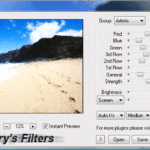
- Harry's Filters Via The Plugin Site: The Plugin site has a lot of interesting options in Photoshop filters and plugins. However, Harry's Filters is the most impressive, as it contains 69 Photoshop filters available in one download. In addition, the site offers other free Photoshop actions and extensions. However, one limitation is that all these benefits are only available for Windows devices. To download something from the Plugin site, fill out the download form and wait for the link to be sent to you via emailbefore you receive the free filters.
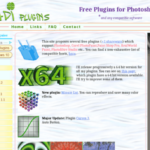
- Mehdi Plugins: Mehdi Plugins is a site that specializes in free Photoshop filters and plugins. However, it is only available for Windows devices. When browsing the filters, you will find detailed information about each one, including specifications and example images that illustrate their use.
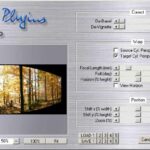
- MV's Plugins: MV's Plugins is a site by Martin Vicanek that provides a huge variety of filters and plugins for Photoshop. It currently features 10 filters for photo editing, all of which are free to download for Windows. MV's Plugins filters are probably less suitable for professionals and would be a more ideal choice for photography enthusiasts. For example, a Wire Worm helps you remove various long objects that may spoil the view.
- Imagenomic: Imagenomic offers just a few free Photoshop filters. If you're looking for filters that will do some retouching, meaning enhance skin texture, change tones, and remove blemishes, you'll find a filter at Imagenomic that will do it for you automatically, without you having to do anything. The filters are available for both Windows and Mac devices.