

Displaying ads based on searches made in a browseris a common practice that many users face. However, it is sometimes annoying, resulting in more and more users turning to incognito browsing.
With this in mind, Cassidy James Blaede, co-founder and CXO of elementary OS, developed Ephemeral, an browser that offers anonymous browsing by default.

What is Ephemeral Browser?
Ephemeral is a browser designed and developed specifically for the elementary OS. However, you can also install Ephemeral on any Linux.
To avoid being tracked, you don't need to open another incognito browser. The moment you open Ephemeral, you go straight into incognito mode.
Ephemeral does not store information about your browsing data such as history, cookies, local storage, or passwords. All data is erased from your device when you close the browser.
Ephemeral uses Startpage.com, a private search engine, by default to avoid tracking and block third-party ads.
Below are some key features of Ephemeral:
- Incognito mode
- No third-party cookies
- Custom settings for any search engine
- User-added recommended websites
- Emoji support
- Search the website using CTRL + F
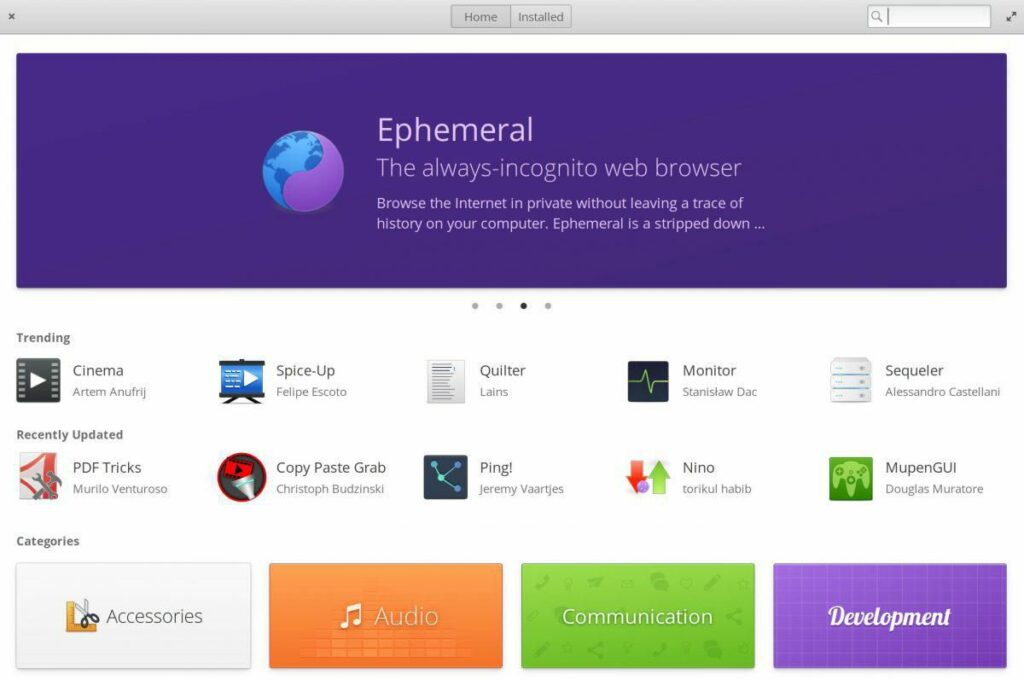
How to install Ephemeral?
If you are using elementary OS, you can download Ephemeral directly from the AppCenter. For other major Linux distributions, you can use the package manager that is usually pre-installed with that distribution.
You can run the following command on Ubuntu Linux Distro:
sudo apt update
sudo apt install snapd
sudo snap install ephemeral
For detailed installation instructions for other Linux distributions, click here.
