

The latest version of Android has been out for more than a week, and the search for hidden features continues.

- How to display the app menu.
's navigation iPhone, Google has made it difficult for Android fans by changing a key feature. Swiping from the left side of the phone now returns you to the previous screen instead of opening the app's menu. You can, of course, hold your finger on the left edge for a few seconds, and a preview of the sidebar menu.
- Notification of potentially infected USB.
With the Android 10 upgrade, your phone can detect moisture or debris that may be blocking the USB port. When such notifications appear, it would be best to clean it immediately to avoid any problems when charging or connecting to other USB devices.
- Search field on the app info page.
Android users, as well as Google, seem to be fans of search. There are already search bars in most Android software , and now it's been added to one of the menus that was definitely needed, the apps list.
- Control area for music notifications.
The ability to skip forward or backward a track you're listening to, even a few seconds, has been added to the list of Android 10 features.
- New way to silence notifications.
Notifications on are a convenient way to keep track of what's going on at any given time, but sometimes they're unnecessary. For example, when you're in a meeting. the notifications with your finger, you can mute them.
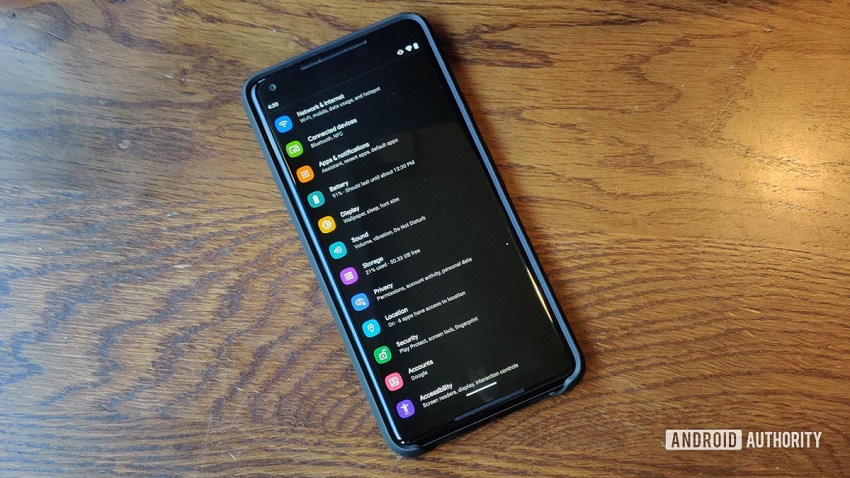
- Battery status in the notification area.
By swiping down to see the quick actions menu, if you notice in the upper right part, the remaining battery life is displayed.
- Battery saving programming.
You can now choose criteria based on which the battery saving setting will be activated . If you go to Settings > Battery > Battery Saver > Setting schedule there is even an option “based on your routine”.
- Undo app deletion.
Now when you delete an app on the Android 10, you are presented with the undo option, which you can select to undo the deletion.
