

A fake Adobe Flash Player installer for Macinstalls adware on compromised computers, and while users can remove a large portion of it, they can't easily get rid of it completely.
Specifically, the fake Flash Player installs on Mac systems, deploys the fake Advanced Mac Cleaner application, and locks the home page of Safari and Google Chrome browsers to a specific domain.
Changing the browser homepage is not as easy as you might think and is only possible after removing a configuration profile that was secretly developed and installed on your system during the installation of the fake Flash Player.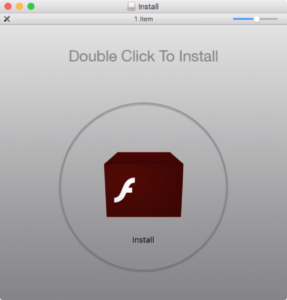
With this profile, Crossrider forces the browser to load a malicious website called chumsearch [dot] com, which could be used by attackers to push other infected files to compromised systems. What's worse is that removing it requires not only changing the URL ,but also removing the profile.
The profile is located in System Preferences > Profiles and must be deleted manually with an account that has administrator privileges.
This profile is installed with an ID of com.myshopcoupon.www, which is not visible in System Preferences. You can, however, find it by searching for references to chumsearch [dot] com. You can manually remove it by clicking the minus (-) button in the lower-left corner of the window.
