

Collaborative work platform Slack just announced the addition of one of its most requested features: a new screen sharing tool, which lets your collaborators control your screen.
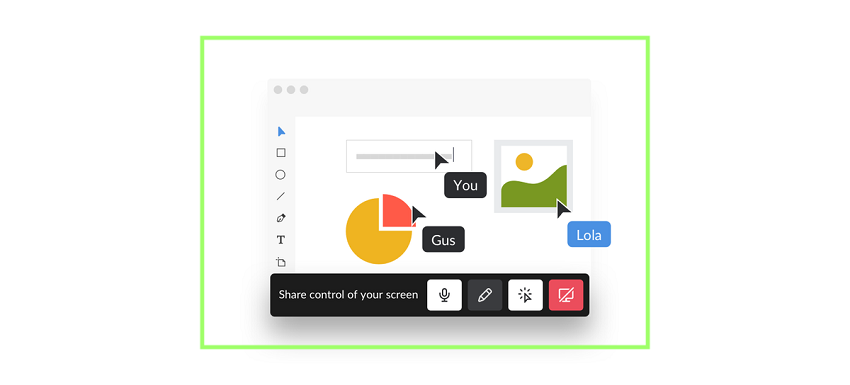 Slack used to allow users on a call to share screens with other collaborators, but now, Slack users can also allow other collaborators to interact with their screen in a variety of ways, including typing, drawing, and editing on the screen.
To improve its screen sharing capabilities , Slack acquired collaborative workspace software Screenhero in 2014 and has been gradually moving Screenhero's interactive features into the official Slack apps and clients. Now, the integration is complete, and Slack says it will shut down Screenhero on December 1st.
To make the transition easier for users who are still active on Screenhero, Slack will offer a 60-day trial for those who don't already have a paid Slack account.
Enabling this new interactive screen sharing capability in Slack seems pretty straightforward. During a Slack call, you’ll simply need to tap the “Control Screen Sharing” button, which will then give each call participant their own cursor. They can now type, edit, and draw on the shared screen.
