

Many times, reusing old passwords is an easy and convenient solution, but are they secure?
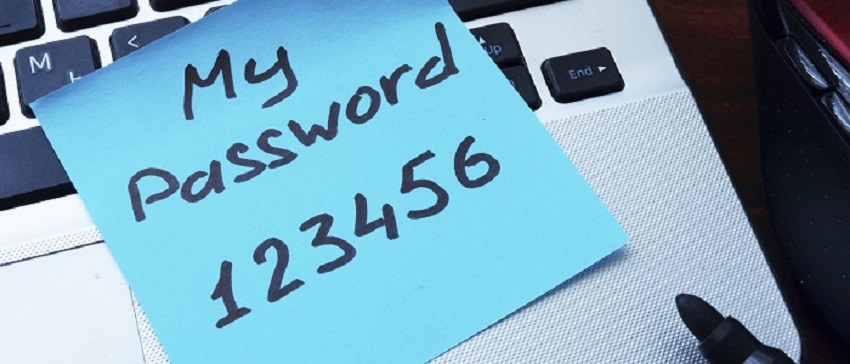
According to Yahoo, not at all. This is evidenced by the massive leak of personal information that occurred in 2013, where 3 billion of its passwords were compromised.
We all have an internet account, many of us have two or more. And somewhere, there's a database with all the usernames and passwords.
This means that a hacker can hack an email address and a password pair and execute them on all the popular sites on the internet. Facebook. Google. Ebay. Amazon. PayPal.
Did you use an old password when you created an account on any of these sites? Did you think hackers wouldn't target you? Malicious hackers, except in a few very specific cases, don't care who you are. They take your passwords and test them against hundreds of sites. If an old password works, then they have something valuable on their hands.
So if you had a Yahoo account in 2013 (or 2012, or whenever) and you're still using that old password, you're putting yourself at serious risk. You could lose your personal data, your reputation, or even your money.
And it's not just Yahoo. Basically, every major service or company has experienced some kind of security breach in its history. It happened to MySpace. It happened to Equifax. It happened to Verizon. And massive security flaws like Heartbleed have exposed virtually every site on the Internet, including Google and Facebook. Think you're safe? No one is!
There are solutions though. We have some good tips for staying safe online, but in a nutshell, here's what you should do: Don't reuse the same password across multiple sites. Use a password manager. Also, use two-factor authentication whenever possible.
Nothing can protect you completely. A website you use can get hacked and your personal data can be stolen, and there's nothing you can do about it. But you can at least make sure that the same people can't use that data to log in to all your other websites.
The next time you have to think of a new password and you really don't want to, think again. Install a password manager. Follow the steps. Create a new, secure password.
