

One of the changes that WatchOS implemented on the Apple Watch is the ability for cartoon characters, namely Minnie and Mickey Mouse, to speak to you and tell you the time when you tap on the screen.
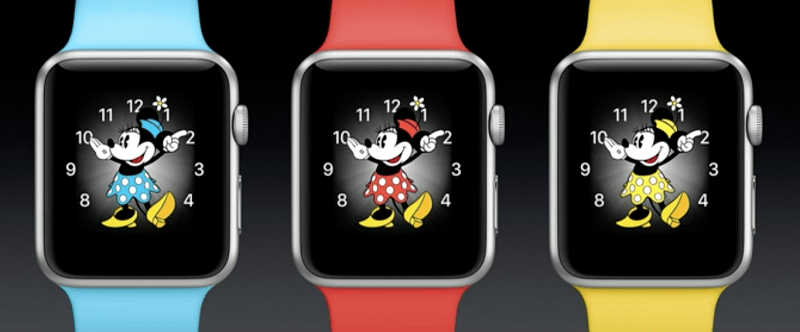
The feature has obviously been a big hit with young children, but we've also seen many adults who really love having Minnie and Mickey Mouse tell them the time, but for some reason the feature doesn't work on their devices.
If you're a long-time user and participated in Apple's beta programs, you probably know that similar issues existed with the first versions of watchOS 3, when some users reported that neither Minnie nor Mickey would tell the time on their devices.
Addressing the problem
To fix the error, follow some simple steps, following the exact order presented below (check after each step if the problem has stopped and the animations are talking):
- Restart your Apple Watch
- Soft reset: All you have to do is hold down the side button and the Digital Crown at the same time for at least 10 seconds until the Apple logo appears. Once the logo appears, stop pressing the buttons and let the process complete.
- Launch the Watch app, and go to your watch, tap on the small “i” icon and tap on “Unpair Apple Watch.” To connect it again, simply launch the Watch app and follow the process.
- Hard reset: If none of the above works, your only option is to do a hard reset on your device. Go to your Apple Watch's settings, select General, scroll down to Reset, and tap the option that says "Erase all Content and Settings." You'll need to reconnect your watch when the process is complete.
