

Google recently launched the Save to Google extension for Chrome that lets you save web pages to your Google account to view later.
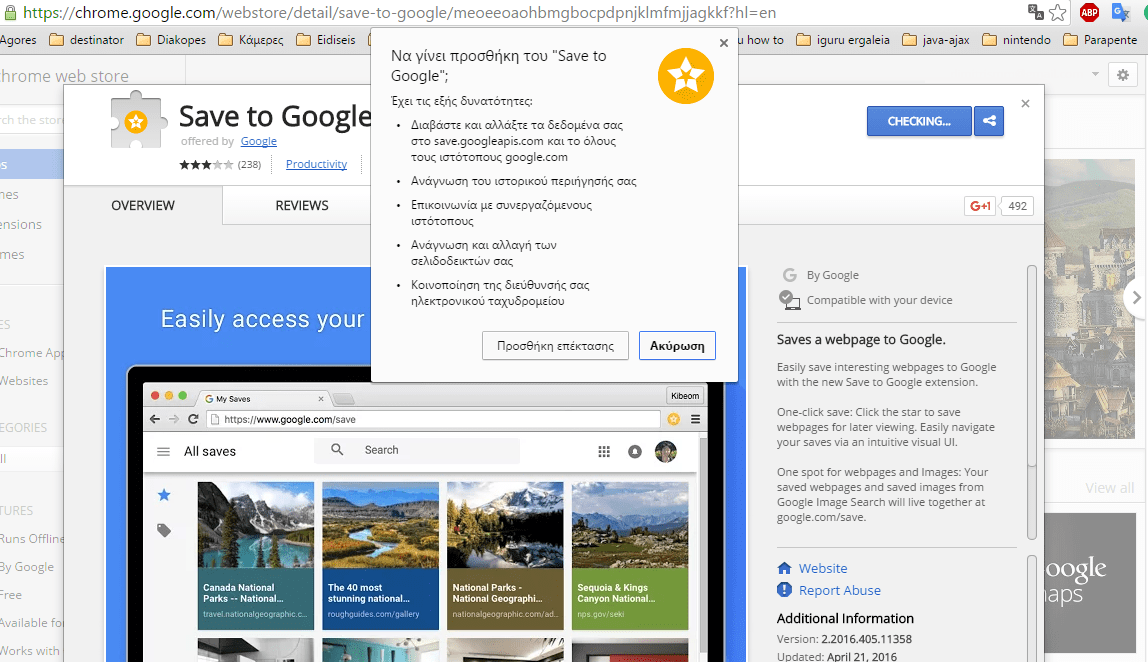
Save to Google lets you save Google web pages and images to a web portal where they can be organized by tags and easily searched for. All saved web pages can be viewed at google.com/save from any device or browser.
After installing the extension, you will see a white star inside a yellow circle in the top right of the extensions bar. You can click on this button for any webpage you want to save to Google for later viewing.
When you click the Save to Google button the extension will let you choose an image to easily remember the webpage you saved and also add tags to easily find it later.
One drawback we noticed is that the extension does not give any indication or report that the desired page has been saved, leaving you wondering if your command was carried out.
If you want to view your saved webpages then you can either go to google.com/save or click on the “View Saves” button present in the extension menu.
You need a Chrome account for the extension to work. You can download it from here.
