

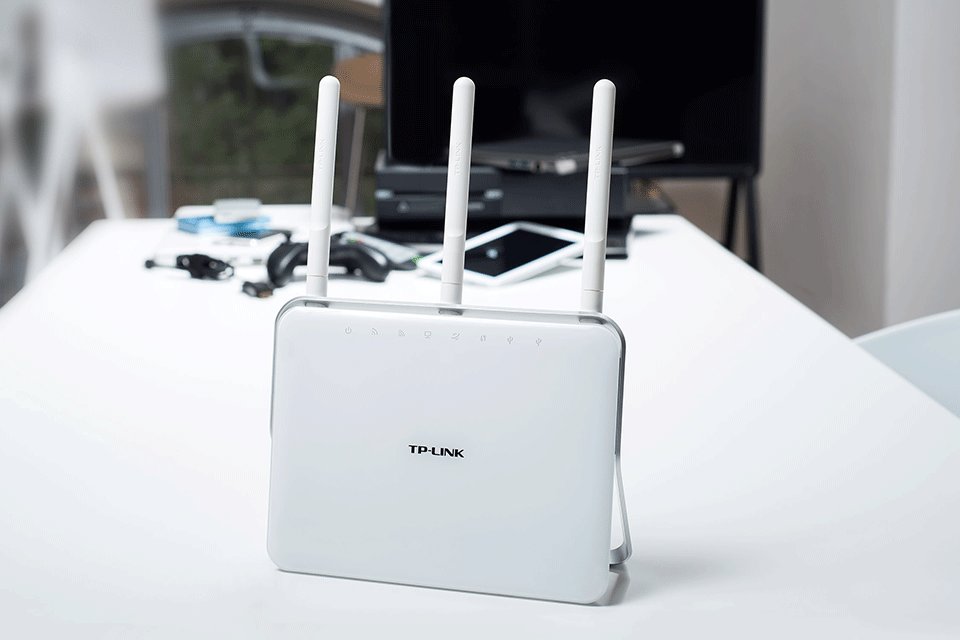
TP -Link has released a new software package compatible with its Archer C9 V3 router model , version 160.713, which will optimize the online upgrade function and add support for cloud account management and remote management with the Tether App.
In addition to this, this update adds TP -Link as a service provider for the Dynamic DNS feature, improves the parental control feature in the Tether app, and implements IPTV support for MEO and Vodafonein Portugal.
Last but not least, 160.713 also manages to resolve the issue faced when running uTorrent on the client computer, as new rules will be created according to the UpnP client.
As for the installation , first of all, make sure to write down all the settings as a backup , save and unzip the available file, create a wired connection between the router and your computer.
Then, log in to the router using the appropriate username and password (Internet Explorer is recommended for this step), go to System Tools > Firmware Upgrade, and click the Browse button.
Now, simply select the .bin file, click Upgrade and wait patiently as the router does its job. Be careful not tointerrupt this process, as this can lead to serious malfunctions.
Click here to download TP-Link Archer C9 V3 Router Firmware 160713, applyit carefully to your wireless device to enjoy these new changes.
