

The new “Transfer to Android” feature in iOS 26.3 allows Apple users to transfer their data from iPhone to Android easily and quickly by placing the two devices side by side.
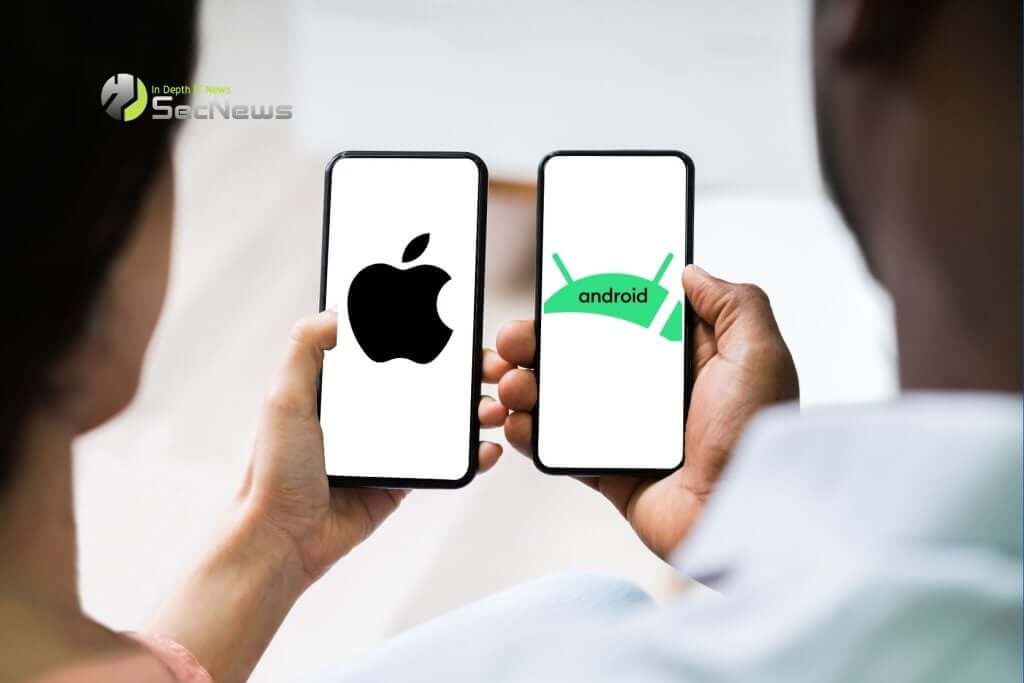
On Wednesday, Apple released its latest iOS 26 update, which includes a new process for switching from an iPhone to an Android phone. The updated transfer tool can transfer data like apps, photos, messages, and even a phone number user's by placing the two phones side by side.
See also: iOS 27: Focus on bug fixes, performance, and design improvements
Previously, users had to either download data transfer apps on each device or manually copy all their apps and data.
What else does iOS 26.3 bring?
users in the EU also have an option to “push notifications” with third-party wearables in iOS 26.3. This update allows users to see the full content of notifications on third-party wearables and control which apps they receive notifications from, bringing the third-party smartwatch experience closer to that of the Apple Watch.
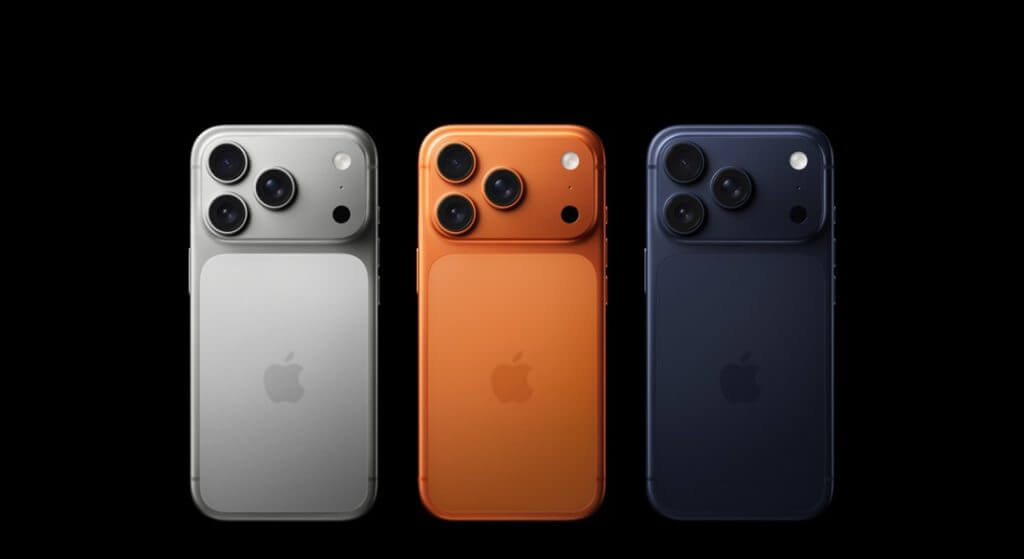
Improving interoperability between iPhones and non-Apple wearables, including features like notification functionality, was one of many requirements for Apple to comply with the EU Digital Markets Act.
See also: New M5 Chips Spotted in iOS 26.3 Beta
How to install iOS 26.3
To install iOS 26.3 on your phone, follow these steps:
- Open the Settings app
- Go to “General”
- Select “Software Update”
See also: iOS 26.3 and iOS 26.4 will add these new features to your iPhone
If iOS 26.3 is available on your iPhone, you should see an option to download and install. If this option doesn't appear, double-check that your iPhone is compatible with iOS 26.
