

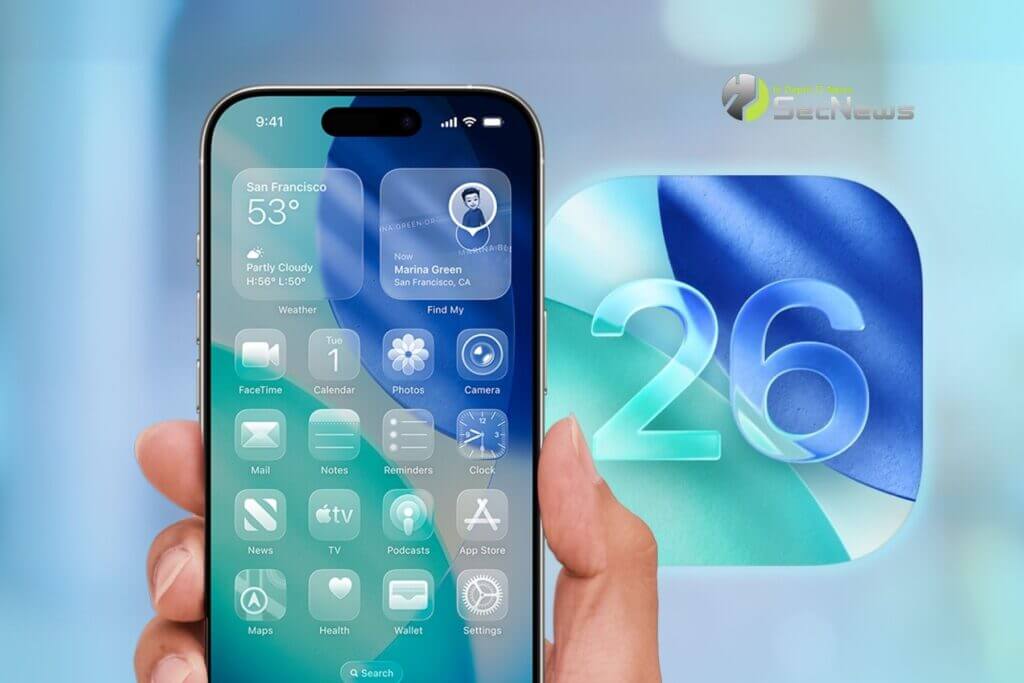
Apple has released the second beta of iOS 26.1 and iPadOS 26.1, introducing useful changes to alarms, multitasking on the iPad, and more. There are also subtle tweaks to some of the Liquid Glass as Apple continues to refine iOS 26.
See also: United Airlines: Using iOS 26's new Wallet boarding passes
Alarm Clocks and Timers
Alarms set through the Clock now have a slide to stop button instead of a tap button on the lock screen. To snooze an alarm, you can tap, but to turn it off from the lock screen, you have to use a swipe gesture. The change makes it much harder to dismiss an alarm when you try to tap the snooze button. Slide to Stop is also used for stopwatches.
Security Improvements Behind the Scenes
The Privacy & Security section of the Settings now has a toggle to automatically download and install security improvements. It's a revamp of the previous Rapid Security Responses.
Fitness App
You can now create custom workouts in the Fitness app on iPhone. There are options to select the workout type, estimated Active Calories, effort, duration , and start time.
Settings app
Apple has changed the alignment of icons and text in the Settings app. All settings with headings that contain text now have the text aligned left instead of centered.
This includes General, Bluetooth, Wi-Fi, Mobile Network, Personal Hotspot, Accessibility , and more.
Display Settings
The Display of the Settings app now has an iOS 26-themed wallpaper instead of an iOS 18 wallpaper.
Home Screen Folders
When you tap a folder on the Home Screen, the folder name at the top is left-aligned instead of centered.
See also: Apple continues to prepare iOS 26.0.1 with multiple fixes

iPadOS 26.1 Slide Over
With iPadOS 26.1 beta 2, Apple has reintroduced Slide Over. Slide Over works alongside iPadOS 26's window-based multitasking functionality, so you can have multiple windows open and still swipe to quickly access an app in Slide Over.
You can only have one Slide Over app at a time in iPadOS 26.1, and you can use the feature by tapping the green window resize button and enabling Enter Slide Over.
External Microphones on iPad
There is now an option to adjust the input when using an external microphone on iPad.
Liquid Glass
The light refraction effect around apps is now more subtle with darker icon and background colors.
Wallpaper
When you set a wallpaper on the lock screen, instructions like Pinch to Crop appear momentarily and then disappear, instead of appearing continuously.
Screen Accessibility
In the Display and Text Size section of Accessibility settings , there is a new “ Screen Borders ” toggle. It adds a border to all buttons and replaces the previous “ Button Shapes ” setting.
Calendar
The change to the Calendar app that showed events in full color in iOS 26.1 beta 1 has been removed.
See also: iOS 26: How to filter messages from unknown senders

Photos app
The interface for managing multiple selected photos has been slightly tweaked. The Play as Slideshow, Favorites, and Hide are now at the top of the menu.
