

Amazon recently added passkey support as a new password-less login option for its customers, offering better protection against malware and phishing.
See also: Amazon, Tripadvisor and other companies team up to fight fake reviews
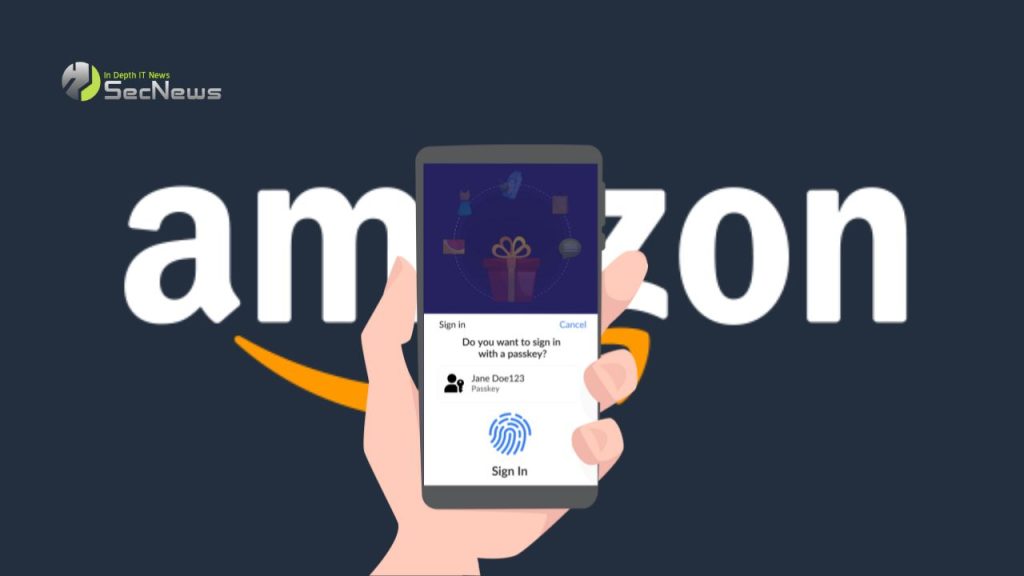
Passkeys are digital credentials that allow you to use biometrics or PINs linked to a device, such as phones, computers, and USB security keys, to log in to websites.
Using passkeys significantly reduces the risk of network data leaks and account breaches. Passkeys act as a protection against phishing attacks and information-stealing malware, preventing the theft of credentials. From a user perspective, passkeys also make it much easier to log into an account, as you no longer need to use a password manager or remember passwords for each site.
Recently, Amazon added a new section in the “Your Account” > “Sign-in & Security” settings, which allows you to create a passkey that can be used to log in to the site.
To create an Amazon passkey, use the Google Chrome or Microsoft Edge browser. Mozilla Firefox does not currently support this feature. Additionally, you could use Windows Hello in Windows 11 to create a passkey, while Windows 10 does not support this feature.
Once you click the “Set Up” button on Amazon, you will be asked to choose between using Windows Hello, a passkey, or your mobile device to create your password. Once the passkey is created, the next time you log in, you will be asked if you want to enter your password or “Sign in with a passkey.”
After selecting “Sign in with a passkey,” you’ll be asked to enter a PIN to sign in to your Amazon account. Creating a passkey doesn’t prevent you from using your password to sign in to your account. However, passkeys are more secure and allow you to bypass entering your passwords.
See also: WhatsApp: Passkeys for logging into the app are coming soon

Amazon's passkey support is a big step forward in terms of security and ease of use, but it's not without its problems. For example, unlike other passkey implementations, Amazon doesn't let you name or manage your passkeys individually. Instead, they're all bundled together, and if you want to delete one, you have to delete them all.
Additionally, since all Amazon geographic locations are considered separate security boundaries, any passkey you create at one Amazon location will not be usable at Amazon locations in other regions.
Passkeys are becoming an increasingly popular feature, with many companies now supporting this feature.
Last week, Google announced that it was making passkeys the default sign-in option for accounts, while Microsoft added a passkey manager in the latest Windows 11 22H2 ' Moment 4 ' update. Yesterday, WhatsApp announced via Twitter that Android users will soon be able to use passwords to sign in to the WhatsApp app.
" Android users can now log in easily and securely with passwords. Only Face ID, fingerprint or PIN unlocks your WhatsApp account ," WhatsApp tweeted
Other well-known websites that support private keys include BestBuy, eBay, Paypal, and GoDaddy.
See also: Google: Passkeys become the default login option for personal accounts
Using a passkey to log in to the system poses some security concerns. One of the main issues is the potential for abuse of the passkey by malicious users. If a malicious user manages to gain access to the passkey, they can gain full access to the user's account and perform unwanted actions. Therefore, the security of the passkey is critical to protecting the user's privacy. Another potential security concern with using a passkey is the potential for it to be discovered by malicious users. If a malicious user manages to discover the passkey, they can use it to gain access to the user's account. This can lead to a breach of account security and access to sensitive information.
Finally, the security of the passkey also depends on the security of the device used to store it. If the device is vulnerable to attacks, such as theft or hacking, the passkey may be compromised. Therefore, users should be careful about storing and protecting their passkey.
Source: bleepingcomputer
