

Amazon has launched its latest device in the Indian market. The Echo Pop is a smart speaker with a new hemispherical design and a specially designed front-facing speaker that delivers rich and clear sound, according to the company.
See also: How to reset Alexa on your Amazon Echo device
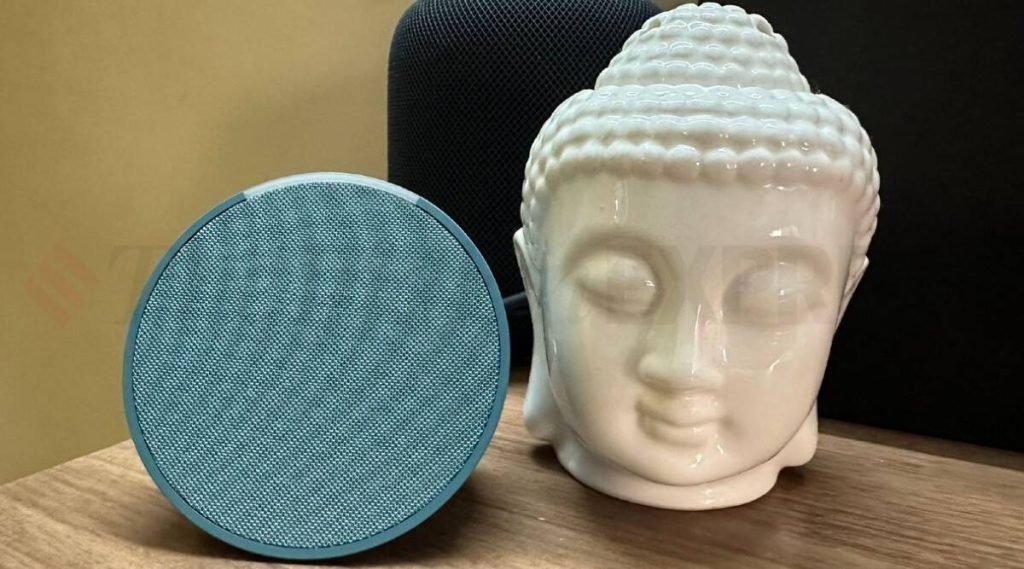
Amazon has announced that it now has a new processor called the AZ2 Neural Edge, which allows the app to respond to requests faster. The Echo Pop is currently the smallest smart speaker in Amazon's Echo lineup. The speaker measures 99mm long, 83mm wide, and 91mm high. Compared to the Echo Dot , which measures 100mm x 100mm x 89mm, the Echo Pop is a bit smaller.
The Amazon Echo Pop is priced at Rs 4,999 , which is the lowest price compared to all other devices available so far. The Echo Pop is available in four colors: White, Black, Green and Purple.
See also: Amazon Echo & Kindle security vulnerabilities for KRACK attacks
Prerequisites
- Download or update the Alexa app
- Amazon Echo Pop smart speaker
- Stable internet
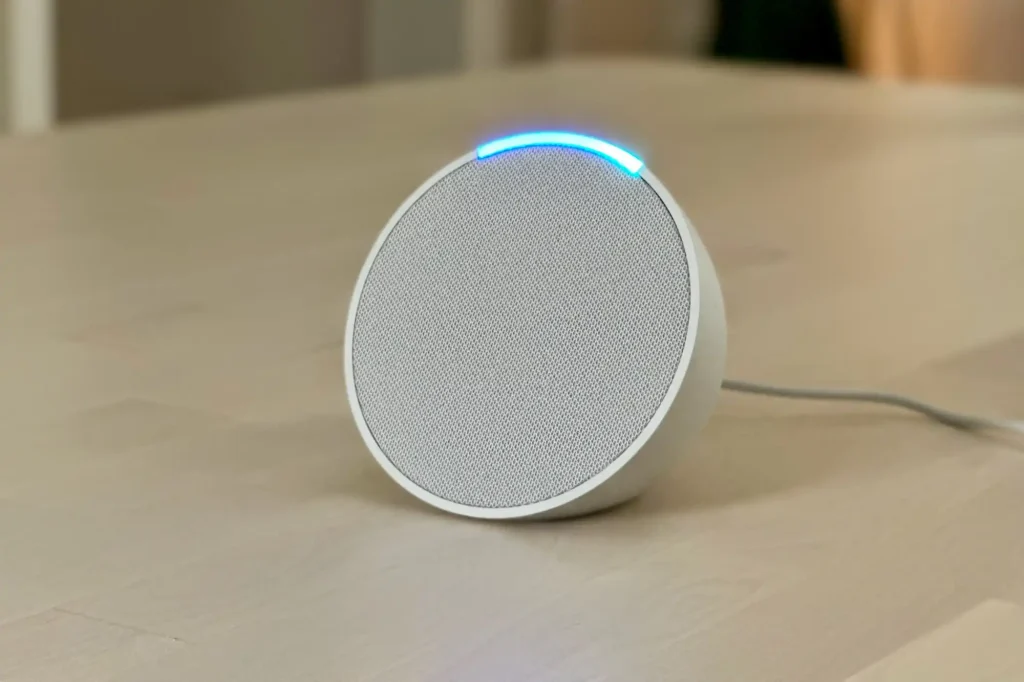
See also: Amazon Echo: Dangerous due to confirmed Wi-Fi cyberattacks!
To set up your Amazon Echo Pop, follow these steps:
- Connect your Amazon Echo Dot speaker.
- Open the Alexa app on mobile .
- Select More and select Add device.
- Select Amazon Echo and then Echo, Echo Dot, Echo Pop, and more.
- Select Echo Pop.
- That's it. You have successfully connected your Amazon Echo Pop device.
