

Did you know that your web browser automatically downloads and uses fonts that aren't installed on system ? Web fonts help the pages you browse every day look better. Learn what they are and how they work.

See also: Vaccine registration system in Italy hit by ransomware attack
We all use fonts on a daily basis. Some of them come with your operating system, while others come from applications like Adobe Creative Suite or Microsoft Office , and some you can download or purchase and install yourself. Once installed, you can use these fonts in word processors, image editing software, and more. These are desktop fonts and are stored locally.
Another type of font has become more important as our computing experience has moved online. These are Web Fonts, which are used to create the text that appears on websites.
The largest provider of web fonts, Google Fonts, is an extensive web library of over a thousand fonts. You can use them on your website via CSS, and mobile developers can access these fonts when building Android apps.
See also: How to connect an Xbox wireless controller to an Android phone
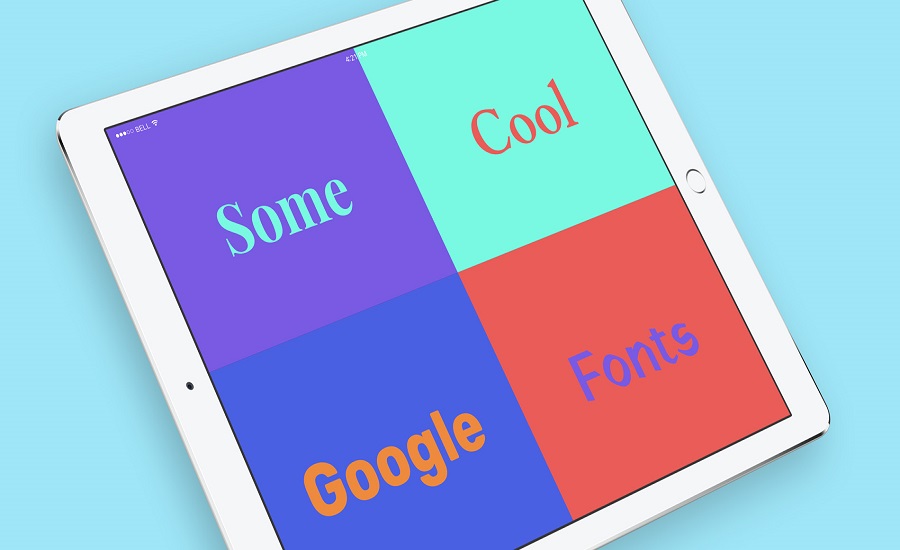
When a website uses Google Fonts, it pulls a font from Google's database and then displays the text in that font to you in your browser. These fonts are hosted on Google's server and load almost instantly.
The Google Fonts repository and all the fonts in it are completely free to use and accessible to everyone. It uses only open-source fonts, and many of these fonts have become web design staples, such as Roboto, Lato , and Montserrat. Google hosts a website that lists all the available fonts and allows you to try them out and compare them with each other. It also offers a database of free icons.
See also: Google fired 80 employees for accessing user data
Since these fonts are freely available, you can download the original font files for use on your desktop as well. You can use these fonts in projects, share them freely with others, and download them for free from other parts of the Internet.
