

The Google TV home screen presents suggestions and makes it easy to pick up your favorite shows right where you left off. Sometimes, though, the “Continue Watching” option isn’t very useful. Fortunately, you can remove titles from this option.
See also: Google blocks 'sugar dating' apps from the Play Store
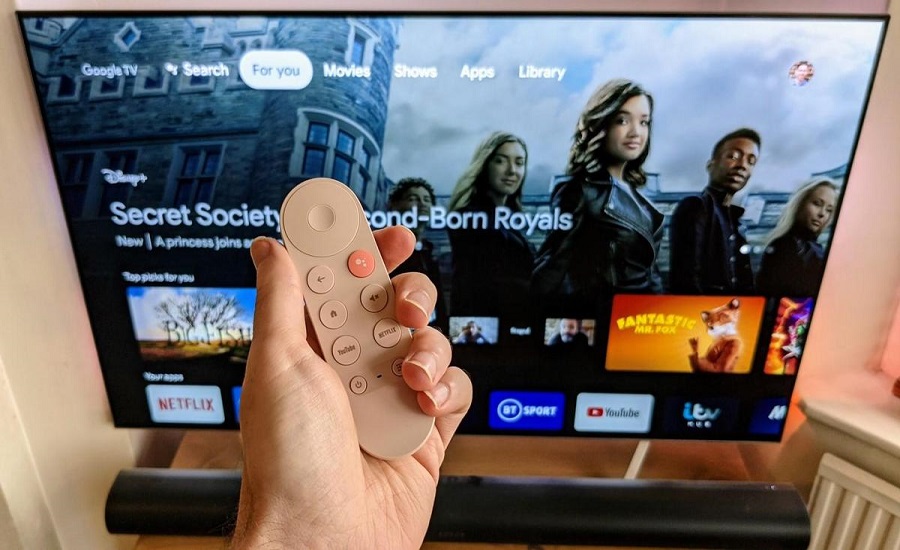
The “Continue Watching” option displays movies and TV shows that you started watching at some point on Google TV’s supported streaming services. However, you may not have intended to continue watching it, or maybe you started watching something by accident and don’t want to watch it anymore. But now, in July 2021, Google has finally made it possible to remove the programs you want from that lineup.
See also: Google in Android apps: Provision of privacy information by April 2022
First, make sure you're in the main "For You" tab on Google TV and scroll down to the "Continue Watching" line.
Highlight the title you want to remove and hold down the “OK” or “Select” button on your remote for a few seconds.
A menu will appear with two options. Select “Hide”.
The title will now be removed from the “Continue Watching” series!
See also: Turkey is causing a problem for Google! But why?
For a long time, it wasn't possible to remove titles from the "Continue Watching" option. However, you should be pleased that you can finally do so. Now, you can keep your Google TV home screen a little tidier and keep only the programs you want.
