

Windows 10: Are you thinking about which applications you install on your computer? We're not talking about applications like Word or Photoshop, which have millions of users and are completely safe to use. We're talking about other third-party applications that, according to what their manufacturers say, are necessary...
But are they?
For example, how sure are you that the Windows 10 Start menu replacement software isn't spying on you? Are you sure that the software that will clean your computer's registry doesn't cause more harm than good? And are you sure that your favorite free game doesn't come with malware?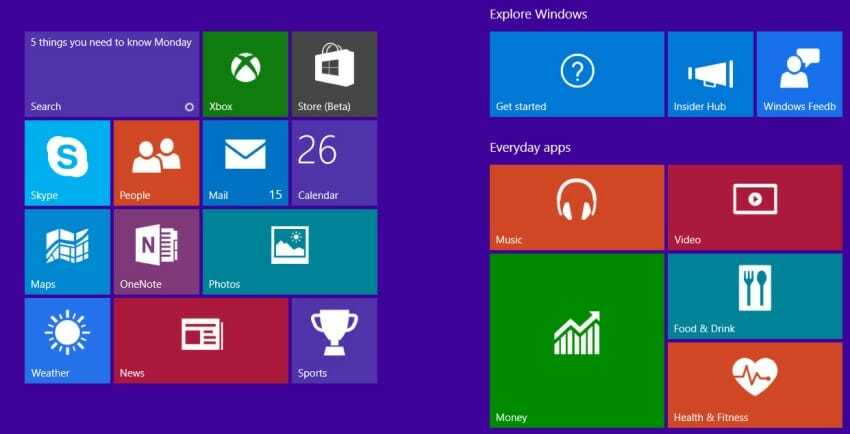
Of course, most Windows applications aren't going to cause problems. But there are some, which are popular, but you shouldn't install for any reason.
Below we list some Windows 10 applications that you should avoid.
CCleaner
In case you don’t know, CCleaner is an improved version of Windows’ native disk cleanup tool.
The app serves two functions. First, it can act as a privacy tool by deleting information like your browsing history or recently opened applications. Second, it can remove old features, logs, and unused applications from your system.
This includes Windows logs, old installation files, and temporary internet files.
None of these features are inherently bad. However, as part of the disk cleanup tool, it also offers a registry “cleaner.” Registry cleaners may promise a lot, but they often do more harm than good, especially if you don’t know how to interpret the results.
Additionally, malware was found in the CCleaner in September 2017. Piriform quickly patched the issue, but it’s still a concern.
Anyway, you don't need the app to keep your system running smoothly.
Norton Anti-Virus
A good antivirus should protect you from all threats and be so unobtrusive that you don't notice it's running in the background. Norton's threat detection is good, but it's the second area where it falls short.
If you search Google for problems slowing down a Windows computer, you'll notice that the top results are from Norton's website. You'll also find hundreds of forum posts on the same topic. Many of them are from the last 12 months.
Save money. Use one of the free antivirus applications.
Did you know that WhatsApp offers a desktop version of the app? It was released in May 2016, but its adoption has been sluggish.
You won’t find any practical difference between the desktop version and the Web version. Unlike Telegram, you need to connect your mobile phone and be on the same Wi-Fi network for it to work.
The installed app takes up almost 100MB of space, which is surprising for an app with such limited functionality.
Sure, there’s no spyware, but it’s bloat.
Flash Player
If there's one application on this list that you should avoid at all costs, it's Flash Player. The ubiquitous application is over 20 years old and has wreaked havoc on security systems on multiple occasions.
Every calendar year, it provides attackers with eight of the top 10 vulnerabilities used by exploit kits.
In mid-2017, Adobe announced that it would retire Flash, although we'll continue to see it through 2020.
Windows 10 and Internet Explorer
Edge may not be everyone’s favorite browser, but compared to Internet Explorer, it seems like a much better piece of software. Despite Edge’s presence, Microsoft continues to offer Internet Explorer for download . Officially, the app is now dead, as Microsoft has stated that it will no longer be adding new features to it. However, the last update was released in December 2017, indicating that Redmond is not ready to accept the browser’s retirement. Old habits die hard. Of course, Microsoft will keep the app updated for several years as part of its policy, but it’s hard to understand why the app is still available for download to the general public. If you think there are other apps that should be on this list, leave a comment…
