

Do you know the difference between a megabit (Mb) and a megabyte (MB)? They both sound almost the same, are spelled about the same, but are completely different.

Both terms are very important, as they determine the speed of data, such as internet connection (which you pay to companies) but also the size of data on storage devices, such as hard drives.
Below we will explain everything you need to know about megabits (Mb) and megabytes (MB).
What is Megabit and what is Megabyte?
First, we need to look at where it all starts, and we mean the bit. A bit is a binary digit, a very small unit of digital, electronic data. Eight of these bits make up a byte. A megabit (Mb) contains about 1 million of these bits, and eight (8) megabits make up a single megabyte.
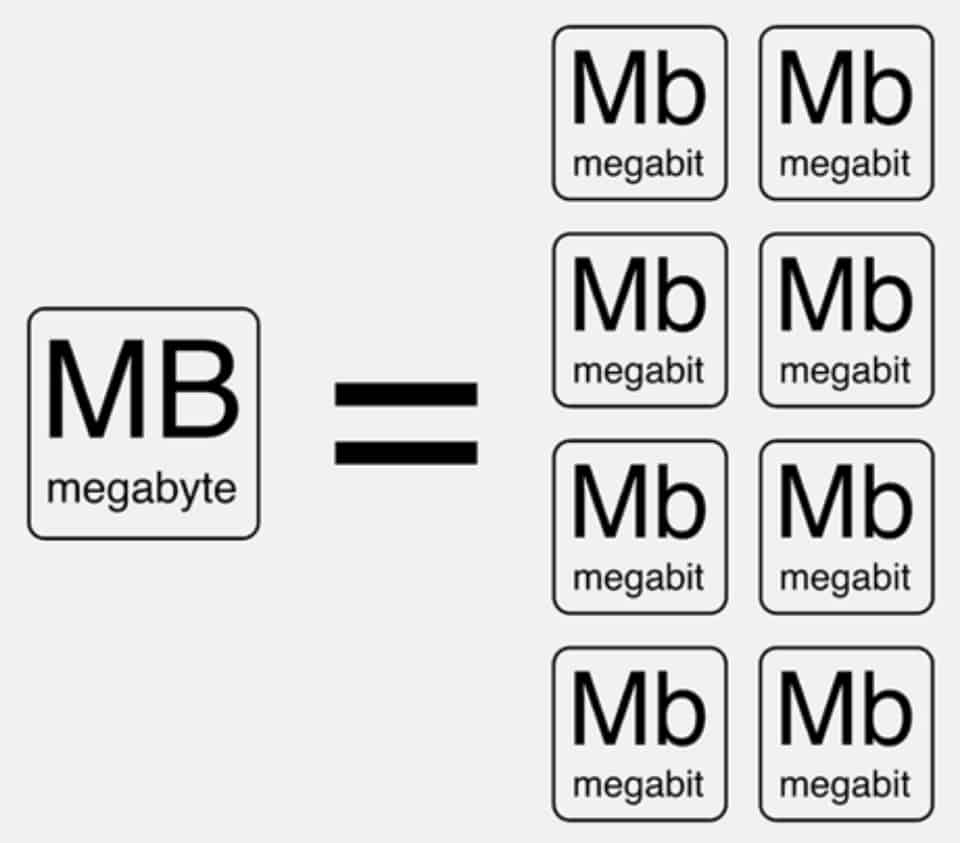
In general, data sizes for hard drives and files are usually measured in bytes, while bits are used to measure data in internet connections.
Gigabytes (GB) or terabytes (TB) are most commonly used when talking about data storage. A gigabyte contains approximately 1000 megabytes and a terabyte is 1000 gigabytes.
What is the difference between Mb and MB?
Abbreviations are very important and you should pay attention to them. Megabit which is a smaller unit than megabyte, is written with a lowercase “b”, i.e. “Mb”. Megabyte which is a larger unit is written with a capital “B” in “MB”.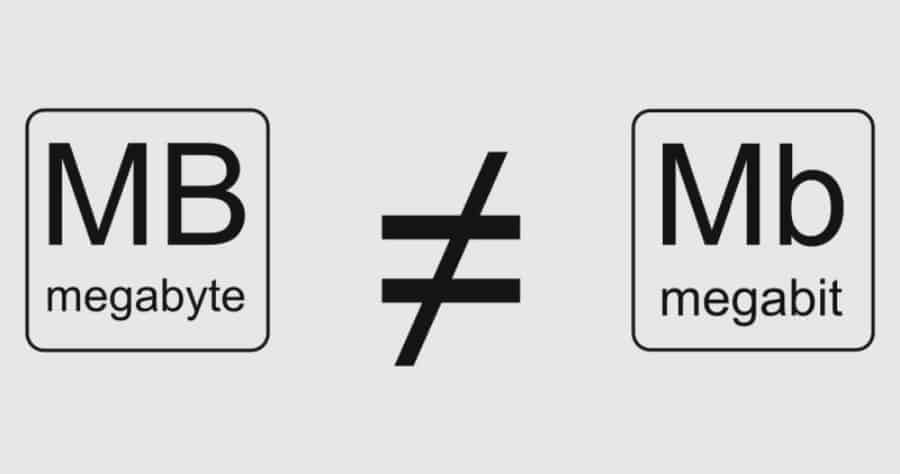
Both megabits and megabytes are commonly used to indicate the speed of data transfer, on hard drives or internet connections. If you are referring only to internet connections, then the abbreviations become “Mbps” and “MBps.” The “ps” stands for per second, or per second.
Why you need to know about Megabits and Megabytes
We all need internet access these days. We often hear about packages that offer speeds of “up to 50Mbps” or “24Mbps” and so on. It’s important to know exactly what you’re paying for.
You might think that a 50Mbps package sounds super fast. You're right, but don't expect to download files at 50MB per second.
This is because when internet service providers (ISPs) sell a connection “up to 50Mbps,” they are actually referring to 50 megabits per second, not 100 megabytes per second.
An example (rounded). If you have a 100Mbps connection, that's actually 12.5MBps, which doesn't sound all that impressive (to the uninitiated). 12.5 is obtained by dividing 100 by 8, since eight bits make up a megabit.
So a 400Mbps connection translates to 50MBps. Again, the first number is much more impressive than the second.
Marketing
Internet service providers use megabits as a very good marketing tactic. They can make their packages much more enticing to potential customers. Another trap is the “up to” because they say you can get those speeds, but not during peak hours.
The SpeedTest provides you with a good testing environment and displays results in Mbps. However, you can change the service setting to give results in MBps instead of Mbps.
Hard drives
If you want to buy a new hard drive for your computer, or an external hard drive, you should pay attention to the capacity. Drive sizes usually display the capacity in gigabytes.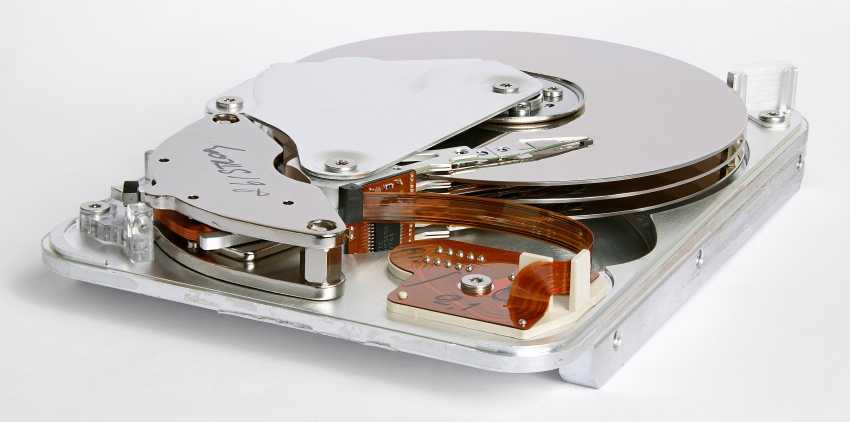
When you buy drives, you'll find sizes like 256GB, 500GB, 750GB, 1TB, and so on. These numbers translate to 256000MB, 500000MB, and 750000MB, respectively.
1TB is 1000GB, so it's about 1000000MB. The formula to find out how many megabytes are contained is to multiply the gigabytes by 1000.
To convert to megabits or vice versa, use your friend Google.
_______________________
- FlightGear 2018.3.1 free flight simulator
- Turn your photos into movies with GoPro's Quik
- Hashcat 5.0.0: The Fastest Password Cracker
- iGuRu.gr the top 20 publications of 2018
