

Arne Exton has announced the latest version of the ExTiX operating system, “The Ultimate Linux System,” which comes with Refracta Tools. This tool allows you to create your own Ubuntu distro.
Refracta Tools is installed by default in ExTiX 17.5 Build 170508, which you can download from the links at the end of the post. You can use the tool to easily create your own GNU/Linux distribution, with predefined packages and custom settings to suit your needs.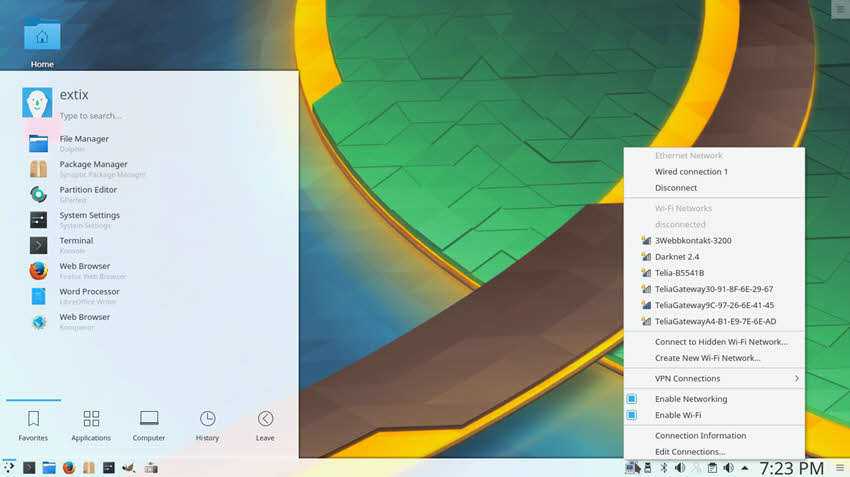
“ExTiX 17.5 Build 170508, comes with KDE 4.16.12 including Refracta Tools, which allow you to very easily and quickly make your own Ubuntu 17.04 (or Ubuntu 17.10),” says Arne Exton in today's announcement.
To create your own GNU/Linux distro based on Ubuntu 17.04 (Zesty Zapus) or Ubuntu 17.10 (Artful Aardvark), all you have to do is download the latest ExTiX ISO, and burn the image to a USB flash drive or DVD.
Immediately afterwards:
Boot it on your personal computer with the USB or DVD you burned and start Refracta Tools by following the path below:
Applications Menu -> System -> Create a live CD snapshot
Change everything you want to change (add or remove features and functions) and create your own Live ISO. The ISO you created only supports x64-bit systems.
The good thing is that you don't even need to install ExTiX on your computer to use Refracta Tools if you have enough RAM.
The entire process of creating your own ISO will not take more than 10 minutes and the image will appear in the /Home/Snapshots folder.
Download ExTiX 17.4 (LXQt) and 17.5 (KDE)
Download one of the two operating system images from the links below:
kde-refracta-isoh-1960mb-170508.iso
