

Netflix introduced offline viewing and download options last year, and now the company is bringing this functionality to Windows 10 users.
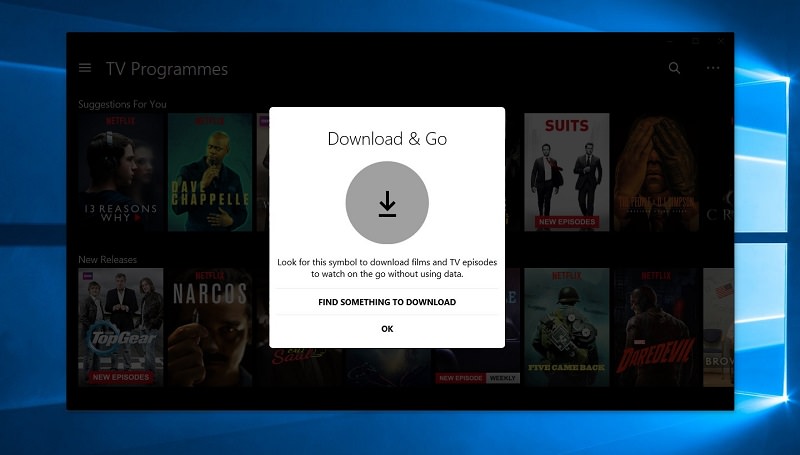
Starting today, users of the official Netflix app available in the Windows Store can easily download movies to their local drives and watch them later like a standard video file stored on their computer.
Downloading, however, is not available for all movies and TV shows, but only for selected ones, and you can watch them in a separate category within the app. All files that can be downloaded will be available in a section called Available for Download, as is the case for non-Windows devices such as iOS and Android.
The process of downloading a movie works exactly as you would expect, so all you need to do is click a small download button that appears on the video page and the file is then saved locally. You can then view the downloaded file in a special category called My Downloads.
Apparently, getting the latest version of the Netflix app is mandatory if you want to have offline viewing, with the announcement expected to be released soon.
The Netflix app in the Windows Store can be downloaded not only on computers but also on smartphones running Windows 10 Mobile, so go ahead and get the latest version to enjoy offline viewing on Windows as well.
