

In a surprise move, Apple has decided to remove iCloud Activation Lock, which allowed users to check their iOS devices by IMEI or serial number. As of this week, the feature will no longer exist, as Apple has removed all traces of it from its website.
The change may be aimed at discouraging the company's customers from purchasing used iOS devices from other (private) and third-party sellers.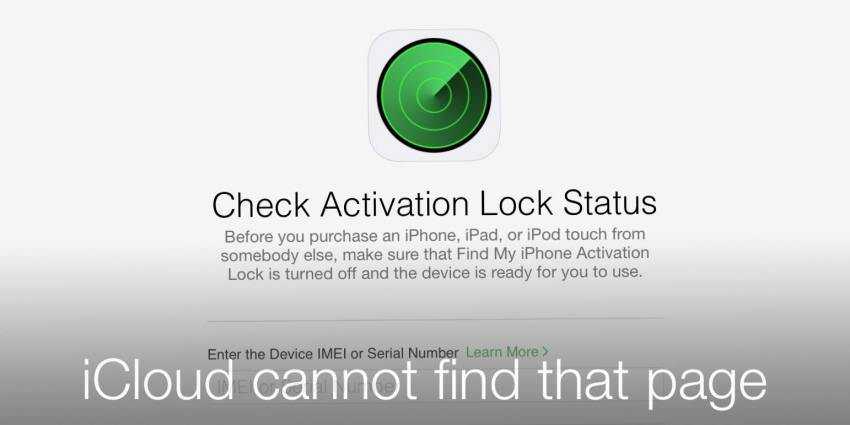
However, removing Activation Lock from iCloud will likely lead to an increase in iPhone theft since perpetrators can sell these devices much more easily.
Usually, when someone wants to buy an iOS device from a third-party reseller or other person, they could check the IMEI of the device and see if it is locked or not, before purchasing. The process was quite easy as iCloud Activation Lock was available online.
After its removal by Apple, it is much more difficult for someone to check the status of an iOS device, and impossible to do a check online.
Starting January 24, Apple is advising customers to check for Activation Lock before purchasing a used device to ensure the device has been erased and is no longer associated with the previous owner's account.
How? If you try to turn on the device and the lock screen appears instead of the Home screen, then the device has not been turned off.
You should then ask the seller to completely erase the device from Settings / General / Reset / Erase All Content and Settings.
If you have purchased a device that is still linked to the previous owner's account, you should contact the owner and ask them to turn off the device and remove it from their account.
