

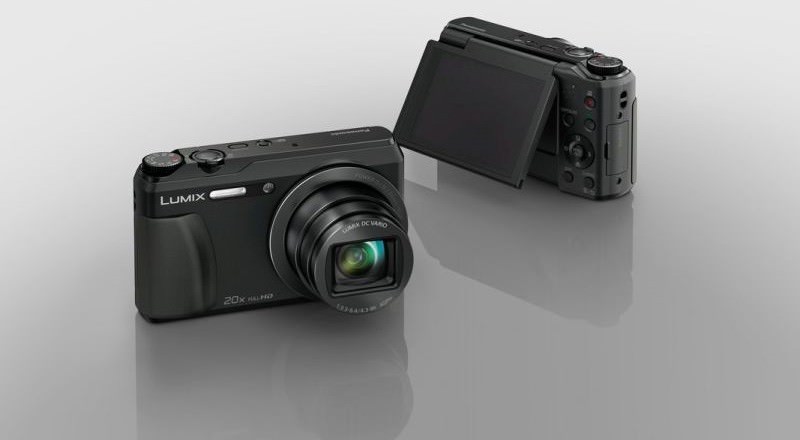
Panasonic has just released new firmware for some of its LUMIX.
Specifically, version 1.1 has been released for the DMC-SZ8 and DMC-LZ40 devices and version 1.2 for the DMC-TZ55, DMC-TZ56, and DMC-ZS35 devices.
In terms of changes, the 1.1 update improves the menu display for French-Canadian and English languages, and fixes the issue of the LCD screen not lighting up in rare cases when the device was turned on.
As for other cameras, since the aforementioned changes were added to the previous Firmware 1.1 for the ZS35, TZ56, and TZ55 cameras, the newer firmware version 1.2 only improves autofocus performance for these devices.
If you plan to upgrade your camera to the latest firmware, simply download, save and unzip the appropriate package for your device. Copy the .elf file and the firmware folder to a formatted SD memory card. Now, insert the SD card into the LUMIX unit while it is powered Off, press the zoom to the wide-angle side (i.e. as if you were zooming out) while holding down the playback button and select “Yes” in the dialog box that appears on your screen to begin the upgrade.
Please note that while the installation is in progress, turning off the camera, removing the SD card, removing the device's battery, or even opening the card compartment may result in an update failure that may cause serious malfunctions to your device.
To download the version that suits your machine, follow the correct link for you from the links on this page.
