

Microsoft Outlook.com users to import all their contacts from major email services, such as Google's Gmail.

Starting today, Outlook users can also bring all their contacts from Yahoo and other IMAP email services to Outlook.com. The new automated feature comes with a step-by-step wizard that takes care of everything. All you need to do is click on “Options” and then select “Import email accounts.” Select Yahoo and press the “Import” button.
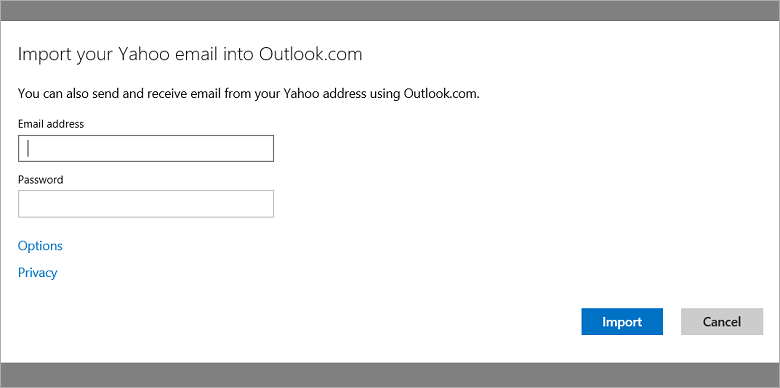
Microsoft's new feature supports importing email contacts from other service providers as well. Follow the same process, from "Options," click "Import email accounts," and then select "Other email provider."
Microsoft promises that you can continue working while the automated feature continues to retrieve data in the background. You'll see a notification when it's finished.
