

Yesterday, Nikon released a new software package developed specifically for the D500 digital camera, namely version 1.02, which addresses some errors encountered with some UHS-II SD memory cards.
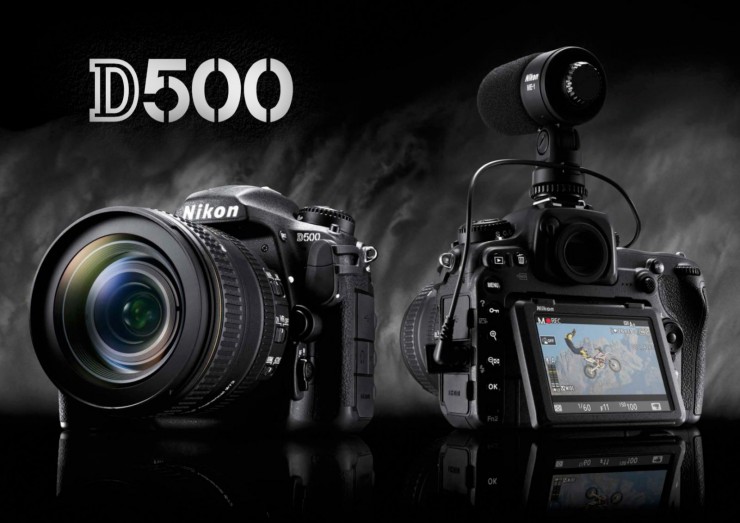
Since this is not an error originating from the camera, but from the cards themselves, Nikon has decided to implement a workaround that sets the imaging unit to UHS-I mode if a card on its side has an error that occurs in UHS-II mode.
When it's time to return to UHS-II mode, you can either reboot the D500, or simply wait for the wait timer to reboot. However, keep in mind that card-side read errors can still occur after the update, just not as frequently.
So if this issue has bothered you in the past and you want to upgrade, first check your camera's current firmware and make sure it's either not newer or incompatible with the current update, then save and run the available download file.
Additionally, we know that the manufacturer has provided two files: one for the 32- and 64-bit versions of Windows Vista, 7, 8.1, and 10, and another one for Mac OS platforms.
Now, transfer the “D500_0102.bin” file to a memory card, insert it into the camera, turn on the imaging unit, and go to Setup Menu > Firmware Version, and follow the steps to apply the new file.
With that in mind, download the Nikon D500 Camera Firmware 1.02 by clicking here, apply it to get rid of the memory card-related issues.
