

[su_heading size=”18″]Did you know that Windows 10 has a secret Start Menu? Here's how to open it![/su_heading]
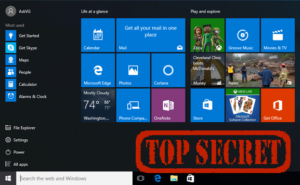
It's time to let you in on a little secret! We're about to delve into the hidden world of Windows 10... Are you ready...?!
You were certainly aware of the existence of the basic Windows 10 Start Menu. (Thankfully, it's back again!) But did you know about the existence of the... hidden Start menu?
You can easily reveal it by “right-clicking” on the Windows logo located in the lower-right part of the screen.
So with a simple click, you can quickly and easily access some of the most useful features and functions of Windows — like Control Panel, File Explorer, Search, Task Manager, and more! Put an end to the persistent and time-consuming search to find what you really need 🙂
If you have a touchscreen device, you can also access the secret menu by simply touching the Start Menu icon and holding it for a few seconds.
By the way, the keyboard shortcut for this function is Windows button + X 🙂
