

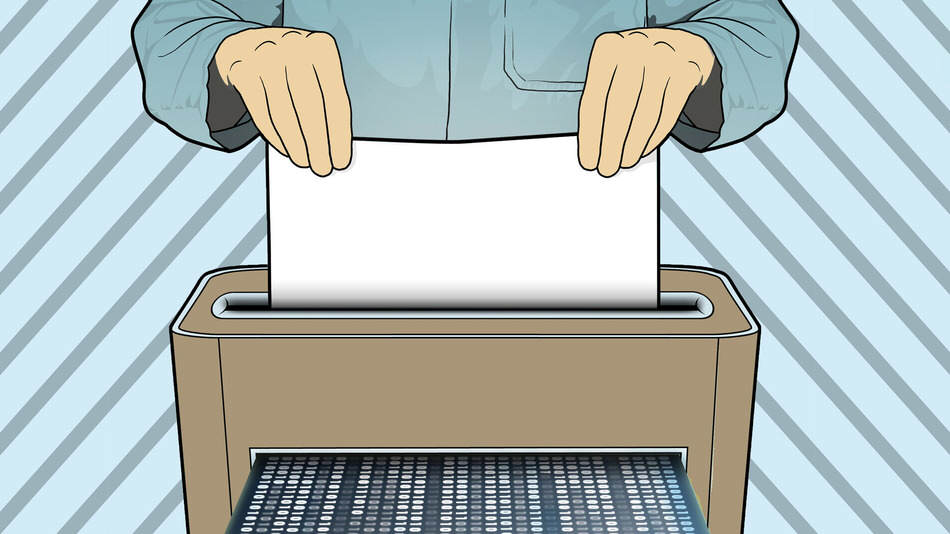
 Do you have a file on computer that you want to permanently delete? Well, it takes more than just selecting it and dragging it to the little “trash” bin in the corner of your desktop.
The computer's Recycle Bin only removes files from your desktop or the folder you saved them in. Even if you empty the Recycle Bin, only the virtual path to those files is deleted. The files still exist on your hard drive, but they are now more difficult to access.
However, there are some easy and effective ways to get rid of "unwanted" files forever: by overwriting them with other data (think of it like scribbling words written on a piece of paper until the text is no longer legible).
Let's look at two tools that can be used for this purpose.
Eraser (Windows)
[ BINTEO: https://youtu.be/sBfTLPdlkbs ]
Eraser is a free tool that allows you to select specific files on your computer and overwrite them before deleting them.
After installing the program, left-click on the desired file, press the Eraser icon and select erase. (You can choose how many times you want a file to be overwritten. Usually 2 or 3 overwrites will be ok).
Once the process is complete, you can recycle the file, knowing that it is now almost impossible to read. You can also have Eraser empty your Recycle Bin or schedule an automatic cleanup if you have a large amount of information to delete.
CCleaner (Windows)
[ BINTEO: https://youtu.be/5EwfYCe6zng ]
CCleaner CCleaner , you can target specific areas and applications on your computer – like the recycle bin, your browser, or a folder – and clear the space of any deleted files that you haven’t managed to get rid of properly.
As with Eraser, you can set CCleaner to perform a specific number of overwrites on a file, and then delete it, freeing up space on your computer.
