

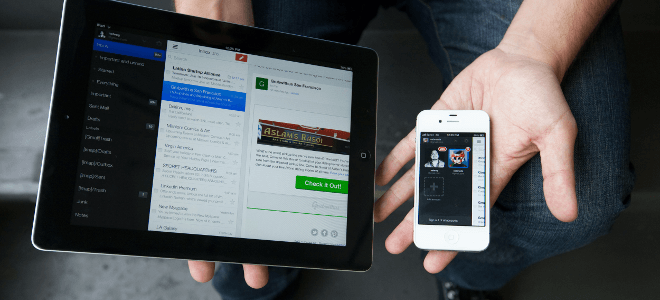
Last week many Gmail users complained that they were unable to access their account for over an hour.
It may have been, as Google has stated, an internal software error, but with the news of attacks on accounts, many decided to look into it a little further.
As Business Insider reports, Google has installed a set of tools in its email service to ensure your account is secure. Here are the steps to help you determine if you've been hacked.
1) Log in to your Gmail account from a desktop computer. Scroll to the bottom of the page and click "Details" in the bottom right.
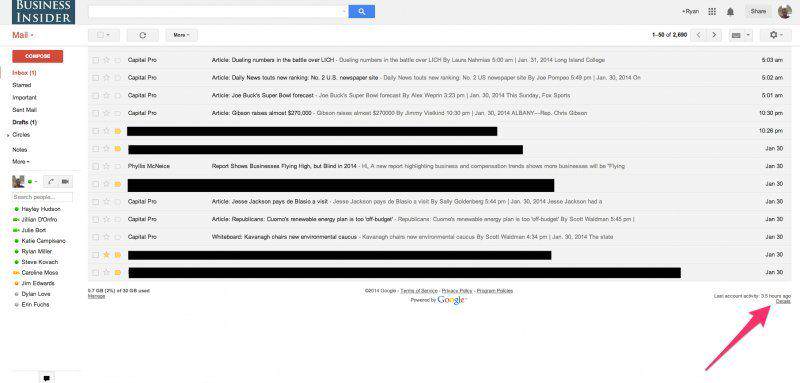
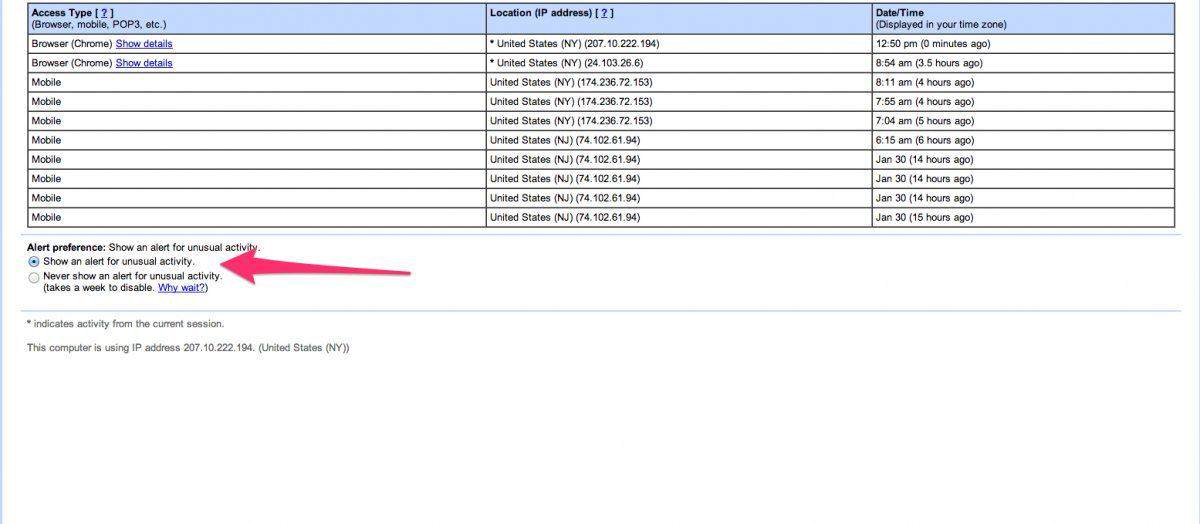
2) The window that will appear shows the last ten times you have logged into your account, either from the web or via an app. Click on the option "log out of all sessions" and at the bottom of the page that lists the notification preference, click on the option "change".

3) If someone else is trying to open your Gmail, this is where you can find out. By clicking on “Show unusual activity alert” you will be notified of any intrusion into your account. If you see an unknown IP, it would be a good idea to change your password soon.
Source: iefimerida.gr
