

Summer vacation means more photos, constant GPS use, route searches, reservations, music and communication. All of this significantly increases the power consumption smartphone's. At the same time, heat, humidity, sand and frequent travel create conditions that can affect both the battery and the overall safety of the device.
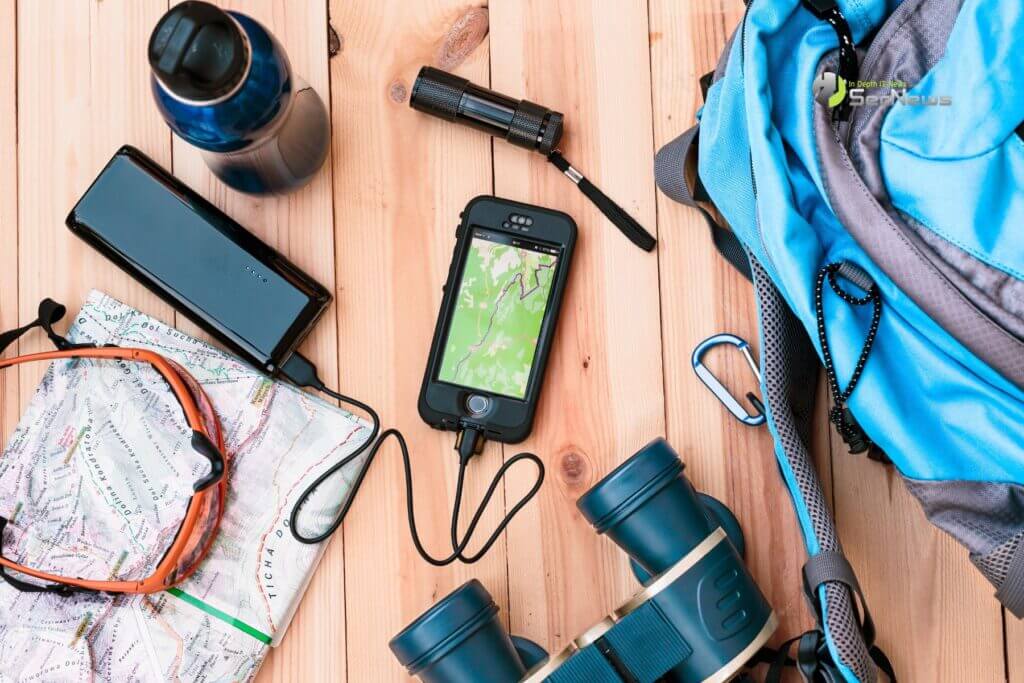
Charging properly on vacation isn't just about not running out of battery. It's also about long-term battery health, avoiding overheating , and protecting your privacy when using chargers or USB ports in public places.
See also: How to save smartphone battery when traveling
Heat is the biggest risk
Lithium batteries work best in moderate temperatures. When your phone is exposed to the sun, in a car, or on a hot surface, its temperature can rise quickly.
If you charge the device while it is already hot, the burden is double: the battery is charging and at the same time trying to dissipate the heat generated.
What to avoid
- Charging on the beach under the sun.
- Charging inside a closed car.
- Using the mobile phone for videos, games or GPS while it is charging.
- Placing the device on towels, pillows or other soft surfaces that trap heat.
The safest option is to leave the phone in a shady and cool place while charging, ideally without a case if you notice that it is getting too hot.
Don't wait for it to drop to 0%
One of the most common myths is that you should let the battery drain completely before charging it. In fact, modern lithium batteries prefer more frequent and shorter charges.
During the holidays, it is preferable to connect the mobile phone when the battery is around 20%-30% and disconnect it around 80%-90%, when this is practically possible.
See also: How to prepare your smartphone before going on vacation
Ideal charging range
- Start of charging: 20%-30%
- Disconnection: 80%-90%
- Fully charged to 100% only when you need it for a long day of travel.
Use a reliable charger
When on vacation, it's common to use whatever charger is available: at a hotel, rental, airport, or friend's house. However, uncertified chargers may provide unstable power or lack adequate protection.
What to prefer?
- The official charger for the device or a certified charger from a trusted company.
- Cable in good condition, without damage or loose contacts.
- A charger that supports the correct fast charging standards for your mobile phone.
Beware of public USB ports
USB ports at airports, stations, cafes, or hotels are convenient, but they're not always the safest option. In addition to charging, a USB port can theoretically be used for data transfer.
For greater security
- Use your own power adapter in the outlet.
- If you need to use a public USB, prefer a charging-only cable (data blocker).
- Do not allow data transfer when a message appears on the screen.

The power bank is useful, but it needs to be used correctly
A power bank is almost essential on vacation, especially on trips, beaches, or long commutes. However, it also needs to be used properly.
Useful tips
- Do not leave the power bank in the sun.
- Do not place the mobile phone and power bank together in a closed bag while they are charging.
- Charge the power bank before leaving the accommodation.
- Choose a model with overheating and overload protection.
Avoid heavy use while charging
When your phone is charging, it is best not to use it for demanding tasks. Simultaneous charging and heavy use increases the temperature and strains the battery.
Particularly demanding functions
- GPS navigation.
- Video calls.
- Games.
- High-resolution video recording.
- Streaming.
If you need to quickly charge before leaving, set the device aside for a few minutes.
See also: How to properly buy a new smartphone in 2026

Take advantage of battery protection features
Most modern smartphones have features like “Optimized Charging” or “Battery Protection.” These limit the device from staying at 100% for many hours.
If you charge your phone at night in the hotel, it's worth having this feature enabled.
What to do if your phone gets too hot
If the device displays a temperature warning or becomes too hot:
- Unplug the charger.
- Close demanding applications.
- Remove the case if it retains heat.
- Move the mobile phone to a shady and cool place.
- Do not put it in the refrigerator or freezer.
Proper charging means fewer problems
On vacation, your mobile phone becomes your camera, map, wallet, communication tool, and organizational tool. That's why it's worth protecting it.
By avoiding charging at high temperatures, using a reliable charger, and keeping the battery at reasonable levels, you can extend the life of the device and avoid unpleasant surprises when you need it most.
With a little care, your cell phone will remain reliable throughout the holidays.
