

Apple previously announced that the first public beta of iOS 27 would be released in July, meaning it would be available sometime this month. This release is part of Apple's established practice of giving users a chance to try out new features of the operating system before its official release. The public beta of iOS 27 is expected to follow the third or fourth developer beta, giving users a more stable version to test.
See also: iOS 18 Public Beta coming soon, get your iPhone ready

The history of public beta release dates for previous iOS versions shows that the first public betas from iOS 16 to iOS 26 were released between July 11 and July 24. Specifically, the iOS 26 public beta was released on July 24, 2025, iOS 18 on July 15, 2024, iOS 17 on July 12, 2023, and iOS 16 on July 11, 2022. This pattern suggests that Apple is following a consistent release strategy, allowing users to prepare for installing the new versions.
To prepare for the iOS 27 public beta, it’s important to follow a few steps. Once it’s available, anyone can install the iOS 27 public beta on a compatible iPhone for free. The process starts with signing up at beta.apple.com, where users can register their interest in participating in the beta program. Next, you need to open the Settings on your iPhone and tap General → Software Update → Beta Updates.
Select the iOS 27 Public Beta option and follow the on-screen steps. If you don't see the option, restarting your iPhone may help.
See also: iOS 18 Public Beta officially brings RCS messaging to the iPhone
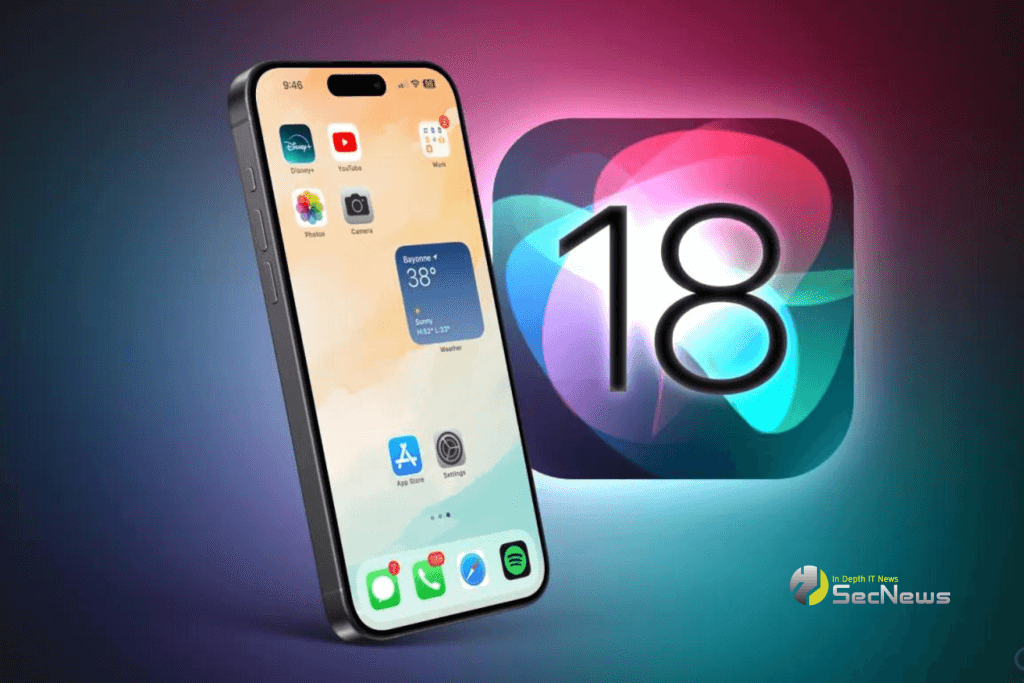
While public betas are typically more stable than developer betas, iOS betas of any kind often have bugs and performance issues. This means you may experience issues with some of the apps you rely on every day, and the issues may extend to CarPlay, affecting your driving experience. For this reason, it’s highly recommended to back up your iPhone before installing beta software. If possible, it’s a good idea to rely on a secondary iPhone to test the beta so that your daily use isn’t affected.
iOS 27 is compatible with iPhone 11 and later, but Apple Intelligence, such as Siri AI, are limited to iPhone 15 Pro and later. This means that users of older models will not have access to all the new features, which may affect their decision to upgrade their devices.
One of the most anticipated features of iOS 27 is the revamped version of Siri, which has a waiting list. To join the waiting list, open the Settings app in iOS 27 and tap on Siri. In some cases, it can take a few weeks to get access to Siri AI and the Siri app, which can be frustrating for users who are eager to try out the new features.
See also: New features of iOS 17.2 Public Beta 3
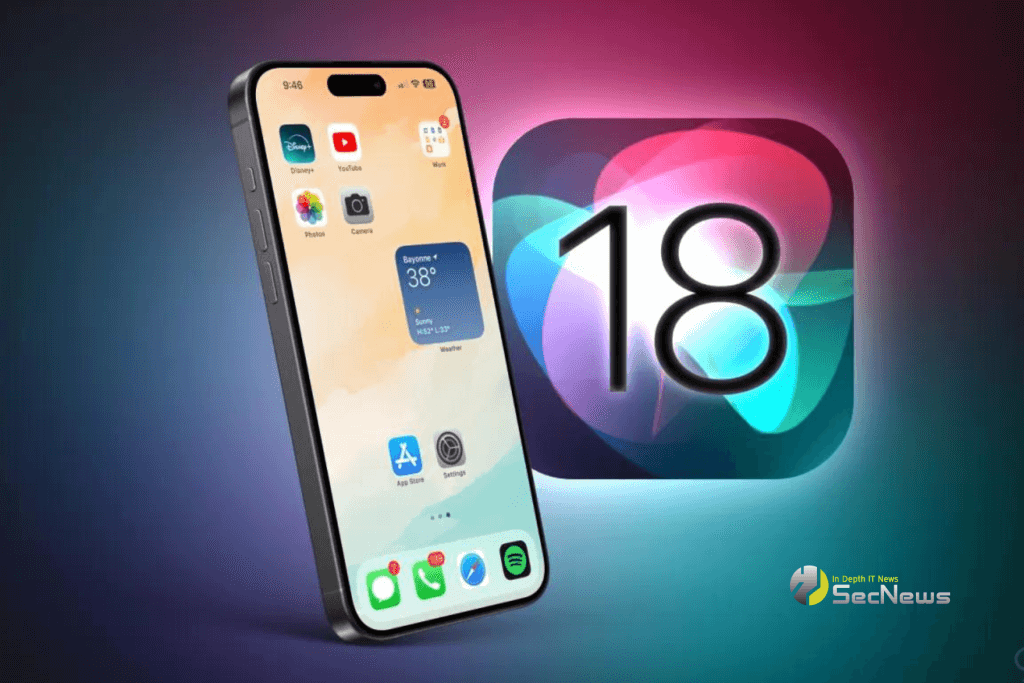
In addition to the new Siri, iOS 27 features Liquid Glass design improvements that deliver a smoother and more engaging user experience. Performance improvements promise faster and more efficient operation, while expanded child safety features offer greater protection for younger users. These improvements make iOS 27 a significant upgrade, offering new features and improvements that enhance the iPhone experience.
