

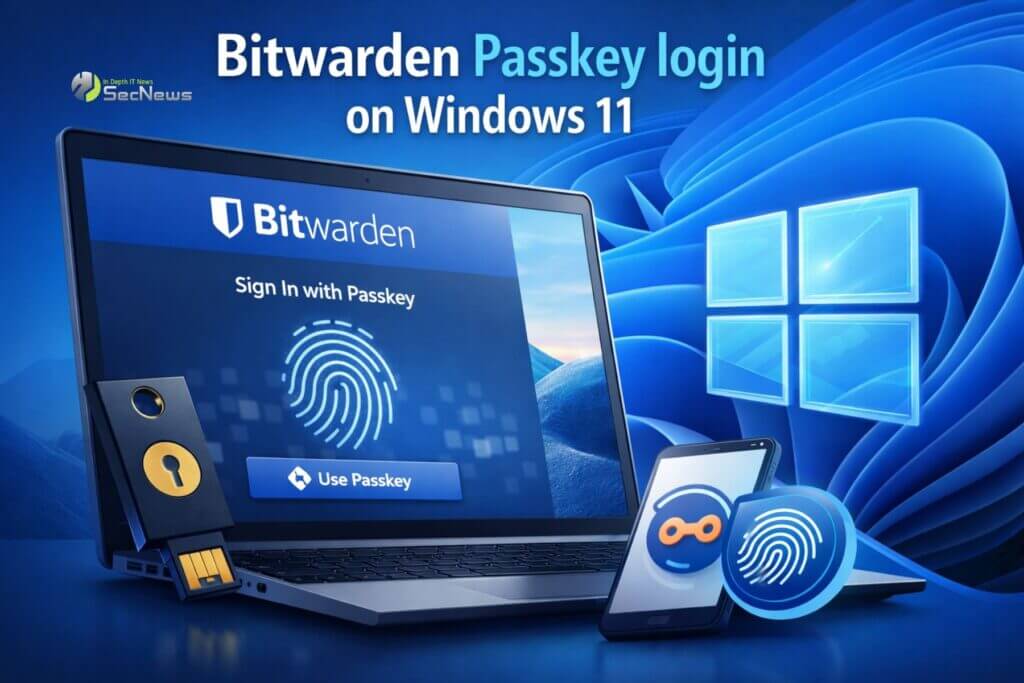
Digital account security is constantly at the forefront of the tech industry, and moving to password-free solutions is now a top priority. In this context, Bitwarden has announced a major upgrade for Windows 11 users , introducing the ability to log into the operating system using passkeys stored in the password manager’s encrypted vault.
Login to Windows without traditional passwords
The new feature allows users to log in to Windows using a passkey stored in Bitwarden (instead of a traditional password). The process is simple: when logging in, the passkey login option and a QR code appears on the screen. The user then scans the code via their mobile device, which verifies the identity using the stored passkey.
See also: WhatsApp now supports passkeys for backups
The important thing is that the new feature is not limited to subscription plans. According to the company's announcement, support will be available on all plans, including the free version of the service, which significantly enhances the spread of passwordless security.
What is Bitwarden and what does it store
Bitwarden is an open-source password and sensitive data manager that allows for the secure storage of many different types of information. Account passwords, passkeys, API keys, credit card details, personal identity data, and private notes can be stored within the user's encrypted vault.
Its philosophy is based on end-to-end encryption, which means that data is only decrypted on the user's device. This way, even the company itself does not have access to the contents of the vault.
The prerequisites for using the new feature
While the new feature is easy to use, it does require that certain basic requirements be met. Specifically, the environment must use accounts connected to Microsoft Entra ID . At the same time, FIDO2 security key sign-in must be enabled .

See also: Facebook: Brings support for passkeys!
Finally, a registered passkey for the Entra ID account. must already be stored in the Bitwarden vault Only then can the operating system utilize the passkey during the authentication process.
How authentication works with passkeys
The most important difference between passkeys and passwords is the method of verification. Instead of sending a secret code to a server, the process relies on cryptographic challenges. The system sends a challenge, which is signed by the private key stored in the user's vault.
The public key on the server verifies the signature, completing the connection process. Because no shared secrets are transmitted, the possibility credentials is drastically reduced.
The role of Bitwarden as a passkeys provider
In this new architecture, Bitwarden operates as a passkeys provider within the Windows authentication process. Credentials are not stored locally on a single device, but are synchronized to the user's vault.
This has a significant advantage: if someone loses their phone or changes devices, they can regain access using other devices that have access to the same vault. In other words, the user's identity is no longer dependent on a specific hardware token.
The broader strategy of Microsoft for passwordless login
This move ties directly into Microsoft's strategy to fully transition to passwordless environments. In November 2025, the company introduced a new passkey provider API for Windows 11, allowing third-party applications to integrate passkey management into the operating system.

Thanks to this API, services like Bitwarden and 1Password can now store and manage passkeys for applications and websites directly within the Windows environment.
See also: Microsoft: Passkeys by default for new accounts
The recent announcement essentially extends the use of passkeys to an even more critical level: the login process within the operating system itself.
Another step towards the end of passwords
The integration of passkeys into Windows login clearly shows where the cybersecurity industry is headed. As phishing attacks and data breaches remain common, using passkeys is considered a more secure and practical solution.
With the support of major platforms and password management services, the passwordless future now appears closer than ever. For users, this means fewer passwords to remember and a significantly higher level of protection.
Source: www.bleepingcomputer.com
