

Privacy protection is becoming increasingly critical in a world where cyberattacks are on the rise and digital services are an integral part of our daily lives. In 2026, users are urged to be more vigilant than ever, as hackers use increasingly sophisticated phishing techniques , social engineering and AI-powered attacks to gain access to sensitive information. Here are ten practical tips that can help you protect your personal data.
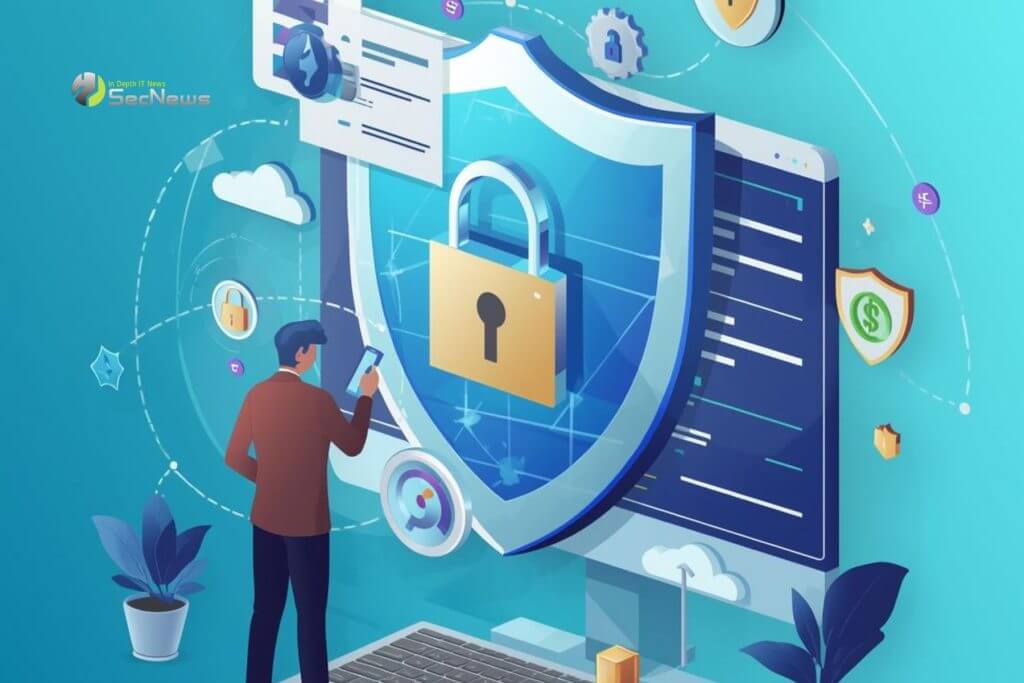
How to protect your personal data
1. Enable Two-Factor Authentication (2FA)
Using 2FA on all your accounts is one of the most effective methods of protection. Even if someone steals your password , the second layer of security — via an authenticator app, SMS, or hardware token — drastically reduces the risk of unauthorized access.
2. Use strong and unique passwords
Password reuse is a trap that hackers easily exploit. Using strong passwords with a combination of letters, numbers , and special characters, as well as storing them in password managers , ensures greater protection and ease of managing multiple accounts.
3. Monitor your credit reports
Regularly monitoring your credit reports is vital for early detection of unauthorized transactions or identity theft.
See also: PromptSpy: The first known AI-powered Android malware
4. Beware of phishing emails and SMS messages
Phishing attacks remain one of the most common methods of stealing personal information. Do not open suspicious links , do not download files from unknown sources, and always check the authenticity of the sender, especially if you are asked to provide personal information or passwords.

5. Use VPN for a secure connection
A VPN (Virtual Private Network) encrypts your data traffic, protecting you when using public Wi-Fi networks. Using a VPN reduces the chance of sensitive information, such as login credentials and banking data, being intercepted.
6. Update software and apps regularly
Installing operating system and application updates significantly reduces the chances of software vulnerabilities. Hackers often target older versions that haven't received the latest security patches.
7. Limit storing sensitive data in the cloud
Storing data in cloud services offers convenience, but increases the risk of breach. Store only the files you need and use encryption before sending them to the cloud to maintain the confidentiality of your information.
See also: Palo Alto: Cyberattacks are facilitated by basic cybersecurity failures
8. Check app permissions
Apps often request access to data and features that are not needed for their basic functionality. Regularly reviewing and removing unnecessary permissions reduces the risk of data leaks.

9. Educate yourself and family
Cybersecurity education is the most powerful tool against data breaches. By learning to recognize suspicious behaviors, emails, and links, users can protect not only themselves but also their loved ones from malicious attacks.
10. Use identity monitoring and alert services
Data breach notification services provide early warning of suspicious activity and help quickly restore security.
See also: A new approach to protecting against the risks of GenAI
The digital economy of 2026 requires enhanced protection and vigilance, as speed and convenience should not sacrifice the security of personal data. By implementing the above ten steps, users can create a strong defensive barrier against hackers and protect both their personal and professional data, ensuring trust and security in the modern digital environment.
