

Apple released the first beta of iOS 26.2 last week. The upcoming update includes a number of new features and changes to the iPhone, including a new Liquid Glass for the Lock screen clock, offline lyrics in Apple Music, and more.
See also: iOS 26.1: Restore the touch-to-snooze alarm button
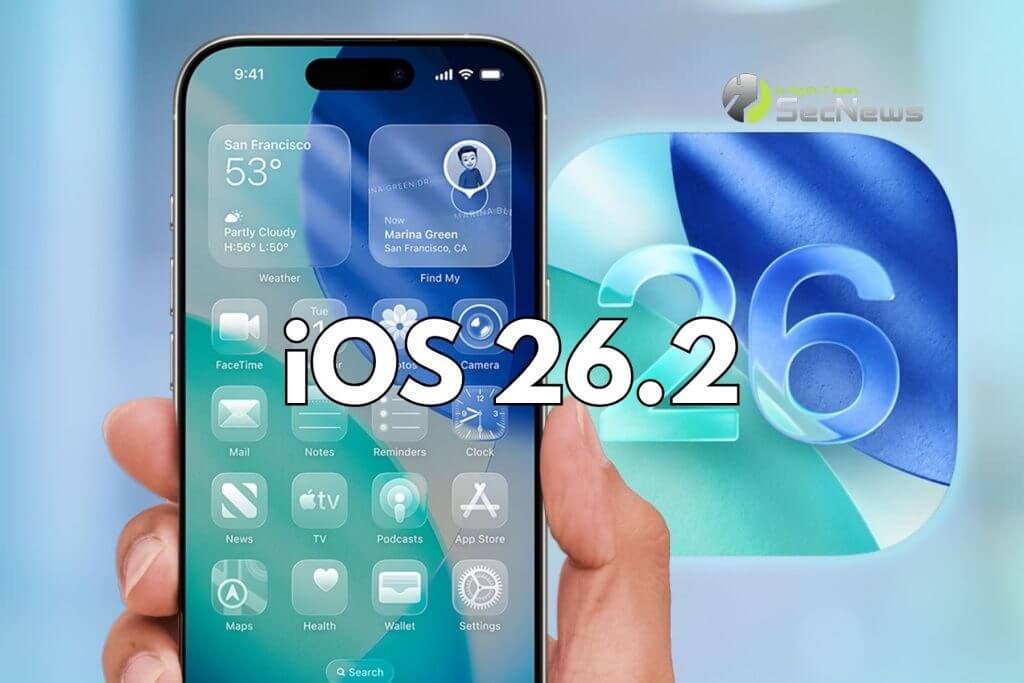
In a recent press release, Apple confirmed that iOS 26.2 will be released to all users in December, but it didn't provide a specific release date. Below, we've highlighted eight new features coming with iOS 26.2.
Liquid Glass Lock Screen Adjuster
A new slider in the Lock Screen customization menu lets you adjust the opacity of Liquid Glass for the clock, letting you decide how clear or cloudy it appears. This comes after the addition of “Clear” and “Tinted” options for Liquid Glass in iOS 26.1.
Offline Lyrics on Apple Music
iOS 26.2 adds offline lyrics support to Apple Music, allowing you to view a song's lyrics even when you're not connected to a Wi-Fi or cellular network.
Sleep Score Reviews
iOS 26.2 and watchOS 26.2 have revised Sleep Score ranges:
– Very Low: 0-40 (previously 0-29)
– Low: 41-60 (previously 30-49)
– Good: 61-80 (previously 50-69)
– High: 81-95 (previously 70-89)
– Very High: 96-100 (previously 90-100)
Apple says that sleep scores are calculated based on how much sleep you got, the consistency of when you fell asleep, and the frequency and duration of awakenings during the night. The feature is available in the Health app on all iPhone models compatible with iOS 26 and in the Sleep app on all Apple Watch models compatible with watchOS 26.
Alarms for Reminders
iOS 26.2 lets you set alarms for reminders in Reminders . When you add a reminder, selecting a time and then turning on the "Urgent" option will trigger an alarm at the specified time.
Apple Podcasts improvements
Apple's Podcasts app has three new features in iOS 26.2, including automatic chapter breaks for episodes, timed on-screen links, and the ability to see other podcasts that a podcast mentions directly from the audio player and transcript.
See also: iOS 26.1: All the new features the update brings

Apple News redesign
In the Apple News app, there's now a dedicated "Following" tab and buttons for quick access to topics like sports, puzzles, politics, business, and food.
iPhone Screen Flash for Notifications
Starting with iOS 26.2, your iPhone screen can flash when you receive a notification. Previously, this setting was limited to the camera LED flash on the back of your iPhone. In the Settings, under Accessibility → Sound & Vision → Flash for Notifications, there are now options for LED Flash, Screen , and Both. Or, you can keep the setting off.
AirPods Live Translation in the EU
iOS 26.2 makes Live Translate on AirPods available in the EU. Live Translate lets you understand someone who speaks a different language than you. For example, if you speak English and someone speaks to you in French, Siri can tell you what they’re saying in English through your AirPods. The feature works best when both participants in a conversation are using Live Translate on AirPods. If you’re talking to someone who isn’t wearing AirPods, you can see a live transcription in the other person’s language on your iPhone.
Live Translate is available on AirPods Pro 3, AirPods Pro 2, and the higher-end AirPods 4 with Active Noise Cancellation. The feature launched in the US and select other countries with iOS 26, but wasn't available in the EU until iOS 26.2, as Apple said it needed additional time to ensure compliance with the EU's Digital Markets Act.
iOS 26: Use Live Translation with AirPods
In addition to compatible AirPods, users need an iPhone 15 Pro or later with Apple Intelligence enabled and the Apple Translate app installed. As of iOS 26.1, Live Translate on AirPods supports the following languages:
– English (U.S.)
– English (U.K.)
– French (France)
– German (Germany)
– Portuguese (Brazil)
– Spanish (Spain)
– Chinese — Simplified (China)
– Chinese — Traditional (China)
– Japanese
– Korean
– Italian
See also: iOS 26.1: Apple fixes multiple security vulnerabilities

iOS 26 also features a built-in Live Translation feature in the Messages, Phone, and FaceTime apps, without requiring AirPods.
