

Samsung warned last month that ads were coming to the giant Android tablets built into its Family Hub smart refrigerators. Starting November 3, connected refrigerators worth more than $2,000 will get a new widget that will display ads, confirmed Shane Higby, head of Home Appliances at Samsung Electronics America.
See also: Samsung reveals Apple Vision Pro competitor
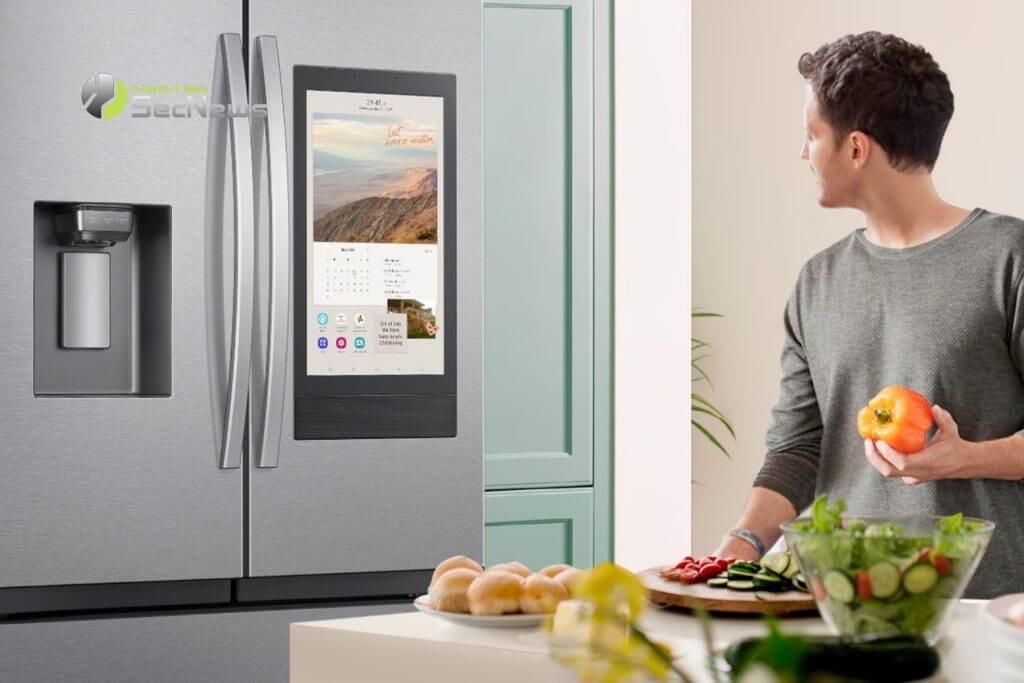
This widget appears in the bottom third of the fridge screen and switches between four screens every 10 seconds. Users can swipe to switch more quickly. Samsung says the widget will only appear on Weather and Color themed screens, not on Art or Album screens. A new Daily Board screen will also not have the widget, but will instead display an ad on one of the six tiles.
The update will begin rolling out to all Family Hub refrigerators in the US with the larger 21.5-inch and 32-inch this week, starting Monday, October 27, with ads starting to appear about a week later.
The issue isn't just the ads themselves. It's that they're added to the device after it's already in the home. No one who bought an Echo Show or a Family Hub refrigerator did so knowing they'd be shown ads.
See also: Samsung is reportedly abandoning ultra-thin smartphones
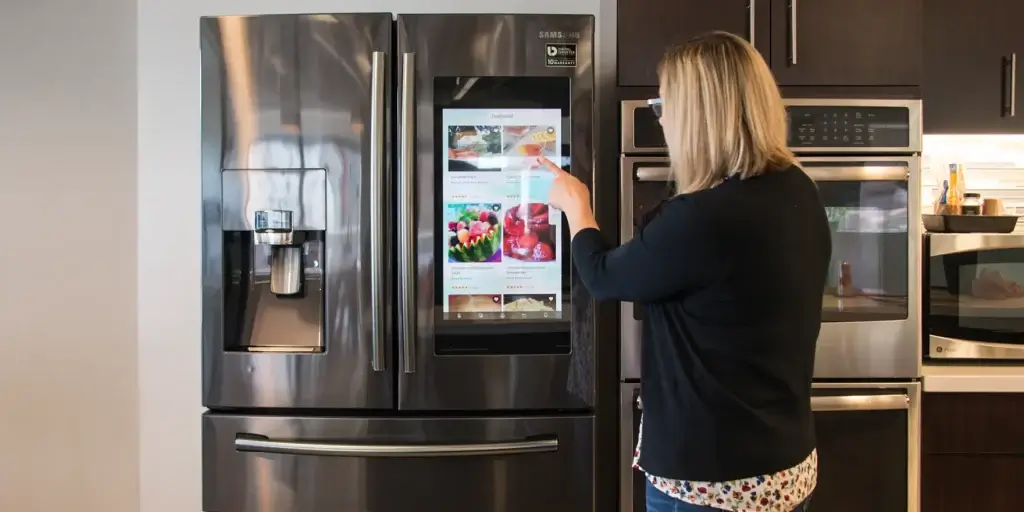
Samsung’s current ad widget is slightly less intrusive than the full-screen ads on the Echo Show, though the nearly 32-inch display on the fridge is much more visible than the Show’s 8-inch display. Initially, it will only show ads for Samsung products and services, like the Samsung refrigerator water filter. However, it appears Samsung is planning to open this program up to third-party advertisers.
Higby said that while the ads may include Samsung device care and accessories, future promotions will depend on feedback and insights gained from the program. A presentation by Samsung Ads ’ Travis Scott Howe to advertisers earlier this year described the new program as a way to bring “ your brand message to every screen in the connected home. ”
See also: Samsung to unveil Project Moohan next week
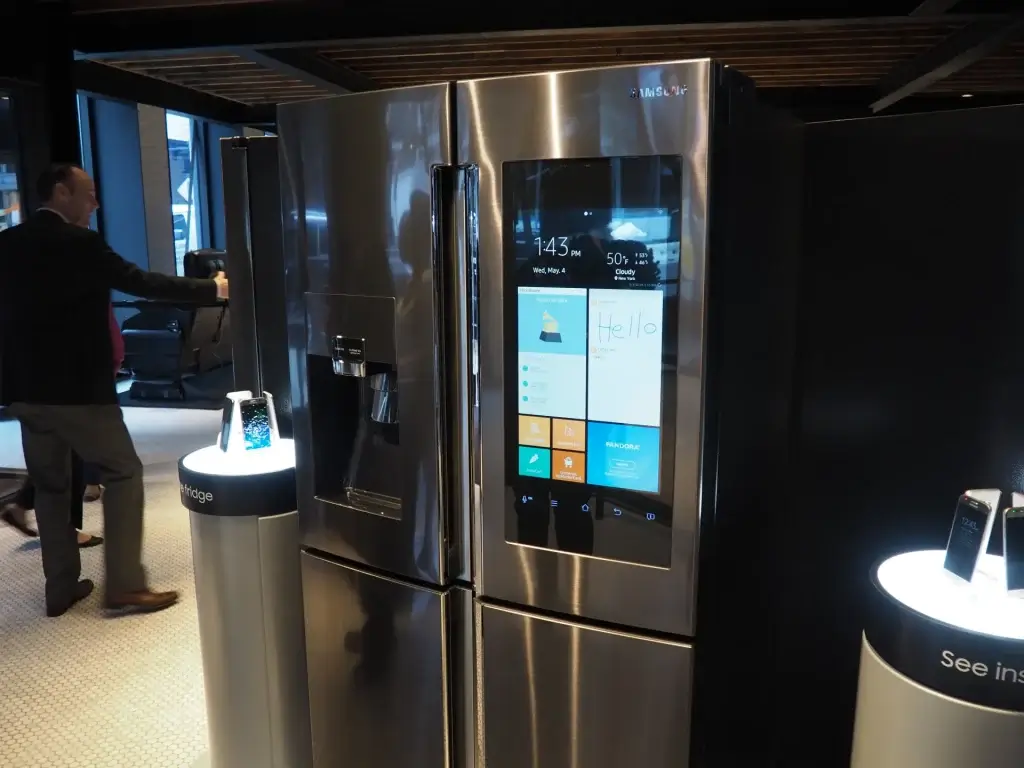
To disable ads on your Family Hub, you can remove the widget entirely. If you think you might like the widget's other features (calendar, weather, and news), you can tap the "X" on a particular ad and it won't appear again, but then you'll get another ad. The widget comes on all Family Hub smart refrigerators with larger screens in the US.
