

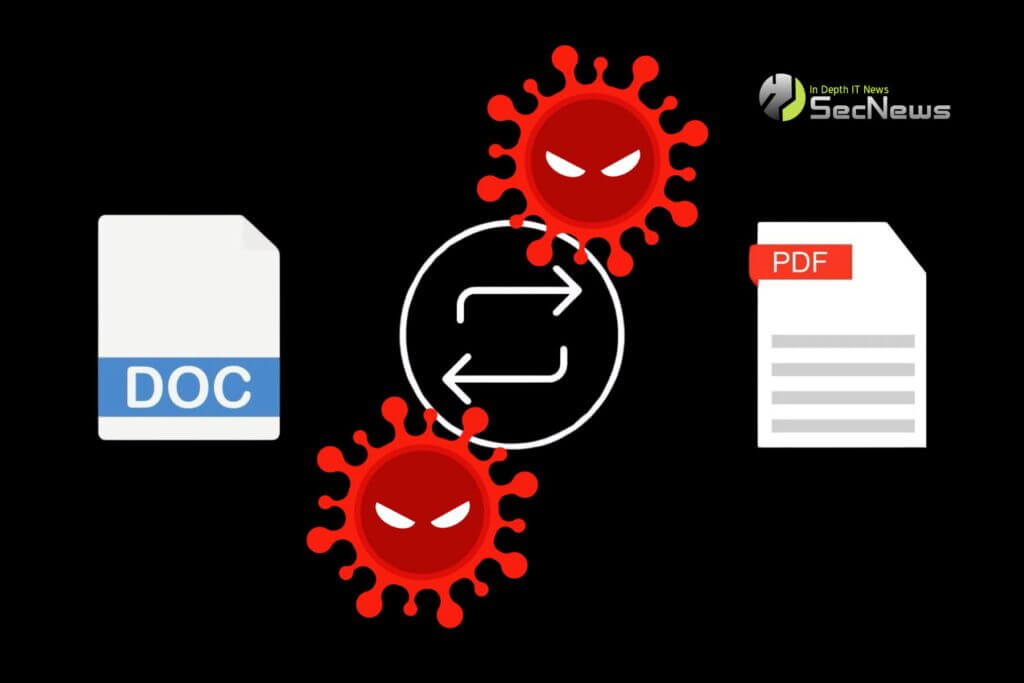
The FBI is warning about the emergence of fake online file converters that allow users to steal information or even deploy ransomware on their devices.
The warning came after the FBI in Denver received an increased number of reports of these malicious tools. The security agency encourages victims to report instances of this scam.
The FBI says cybercriminals are creating websites that promote free document conversion (e.g., from a .doc file to a .pdf file), download tools (download MP3 or MP4), or file merging tools (e.g., joining multiple .jpg files into one .pdf file).
See also: 'DollyWay' malware campaign compromised 20,000 WordPress sites
While the online tools work as advertised, the FBI says the resulting file may also contain hidden malware, which can steal the user's information or encrypt their files.
The FBI says that uploaded documents can be scanned by the tools to steal specific sensitive information, such as names, social security numbers, cryptocurrency seeds, passphrases, wallet addresses, email addresses, passwords and banking information.
According to the FBI, scammers try to mimic URLs from legitimate services (changing just one letter) to make text conversion tools appear trustworthy.
"Users who previously typed 'free online file conversion tools' into a search engine are vulnerable, as the algorithms used for results now often include paid results, which may be scams," the FBI explained.
See also: Arcane: New info-stealer malware targets users through game cheats
It’s worth noting that some have questioned whether these free tools could lead to malware attacks. However, last week, cybersecurity researcher Will Thomas shared some websites claiming to be online document converters, such as docu-flex[.]com and pdfixers[.]com.
These sites are no longer available, but they distributed Windows executables named Pdfixers.exe [VirusTotal] and DocuFlex.exe [VirusTotal], both of which are detected as malware.

A cybersecurity researcher also spotted an ad campaign in November that promoted fake file conversion websites. These sites promised to convert your files, but also downloaded the malware Gootloader.
It is important to thoroughly research the programs you use. Check reviews before downloading any tool. Check the URL of websites. If a website looks suspicious or doesn’t have HTTPS, avoid it. Also, if a website is relatively unknown, it is best to avoid it as well. If you need to edit files, choose software only from official sources (Adobe, Microsoft, Google Docs, etc.).
If you use an online file converter or downloader, be sure to analyze any file that results from the website. If it is an executable file or JavaScript, it is definitely malicious.
🔒 Protect your privacy with Proton VPN
Swiss VPN from the creators of Proton Mail — strict no-logs policy, strong encryption, and built-in NetShield that blocks ads, trackers, & malware.
- ✔ No-logs, based in Switzerland (except 14-Eyes)
- ✔ NetShield: blocks ads, trackers & malicious domains
- ✔ Covers all devices — free version available
The link is an affiliate link — SecNews may receive a commission at no additional cost to you. It does not affect the independence of our article writing.
See also: Microsoft warns of new StilachiRAT malware
Finally, it's a good idea to use antivirus and firewall, which could block suspicious downloads and ransomware attacks. And don't forget to keep your device up to date, so you can immediately address potential security vulnerabilities.
Source: www.bleepingcomputer.com
