

Several US cities are warning of a phishing campaign that is scaring residents with fake messages about unpaid parking tickets. According to the messages, if residents don't pay, they will be charged an additional $35 fine per day.
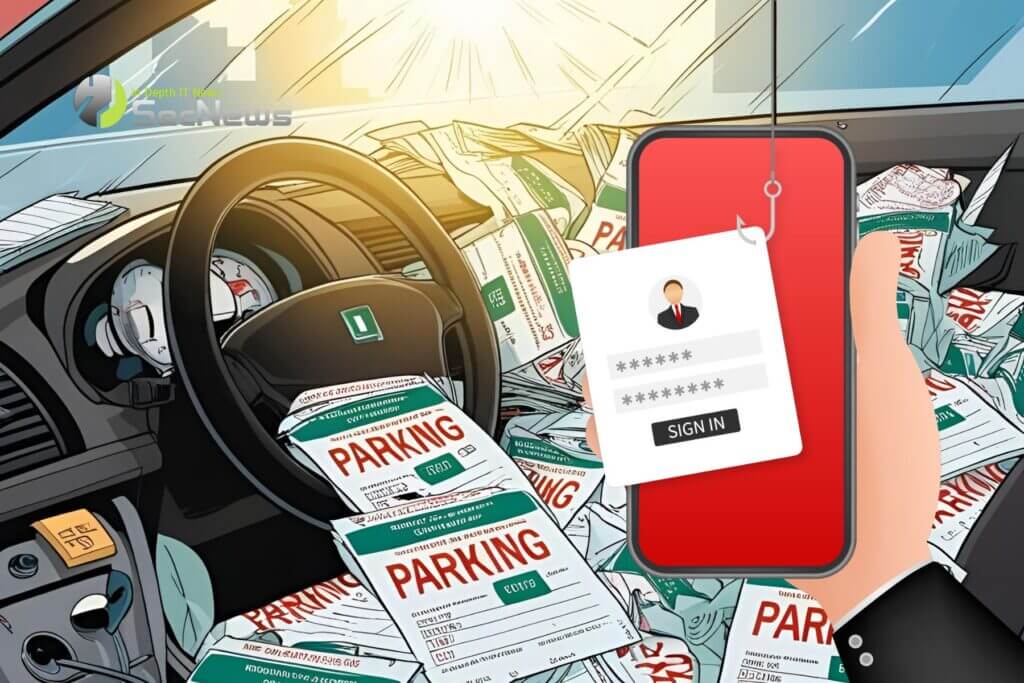
While parking scams have been around for years, there has been a huge surge in phishing emails targeting mobile phones. As a result, many cities across the US, including Annapolis, Boston, Greenwich, Denver, Detroit, Houston, Milwaukee, Salt Lake City, Charlotte, San Diego, San Francisco and others, have begun issuing warnings. These emails began last December and are ongoing.
See also: EncryptHub distributes ransomware and info-stealers via phishing, Trojanized Apps
A phishing email, obtained by BleepingComputer, claims to be from New York City regarding an unpaid parking ticket. If not paid, the amount would increase by $35 per day. The email then invites the recipient to open an embedded link to pay the fine.
The same message is sent to all citizens, only the city changes each time. The scammers use an open redirect on Google.com to redirect users to a phishing site that bears the name of the impersonated city. For example, the phishing site for New York is nycparkclient[.]com.
Last year, Apple introduced a security feature that disables links in text messages from unknown senders and suspicious domains. Since Google.com is a trusted domain, Apple iMessage doesn't disable the link. Therefore, the company's use of open redirection makes it easy to trick unsuspecting users into clicking on the link.
See also: YouTube: New phishing scam uses deepfake video of CEO
According to BleepingComputer, the phishing message targeting New York City residents takes users to a website that pretends to be “New York City Department of Finance: Parking and Camera Violations.” There, the target is asked to enter their name and zip code. Whatever name someone enters, they will see this message: “Your vehicle has an unpaid New York City parking ticket. To avoid a $35 late fee, settle your balance immediately.”
The outstanding balance varies by campaign, with the one that received BleepingComputer reporting that there was a debt of $4.60.
However, there is a sign that this is a scam, as the dollar sign appears after the amount and not before, as is common in the US. This further indicates that the phishing scam was created by individuals outside the US.
In the next phase, if the user clicks on the “Continue Now” button, they will be taken to the page where the hackers attempt to steal their data. On this page, the user is asked to provide their name, address, phone number, email address, and credit card information.
See also: Phishing attacks distribute FatalRAT malware

How can you protect yourself from mobile phishing?
- Be careful with suspicious messages: Do not click on links or open attachments from unknown sources. Delete suspicious messages immediately.
- Verify the legitimacy of apps: Only download apps from official app stores and research the developer before downloading.
- Be careful with personal information: Be wary of websites or apps that ask for too much personal information, especially if you're not familiar with them. Legitimate sources usually don't ask for too much personal information.
- Check for security certificates: Before entering any sensitive information on a website, make sure it has a secure connection by checking for HTTPS protocol and a padlock symbol in the address bar.
- Keep your device software up to date: Regularly update your mobile device's operating system and apps to patch any security vulnerabilities.
- Use strong and unique passwords: Create strong and unique passwords for all online accounts to make it harder for attackers to access your information. Consider using a password manager to create and store complex passwords securely.
- Use two-factor authentication: Enable two-factor authentication for all your online accounts to add an extra layer of security.
- Use mobile anti-phishing tools: Install and use anti-phishing tools on your mobile device to detect and prevent phishing attacks.
- Avoid using public Wi-Fi: Public Wi-Fi networks are vulnerable to security breaches, making it easy for attackers to steal your personal information.
- Educate yourself: Stay up to date on the latest phishing techniques and scams so you can recognize them and avoid falling victim.
Source: www.bleepingcomputer.com
