

Google Maps is a great app and website that not only guides you from point “A” to “B” quickly and safely, but also provides you with information about everything you need to know about your trip. However, thieves can exploit Google Maps, especially the Street View feature, to plan burglaries.
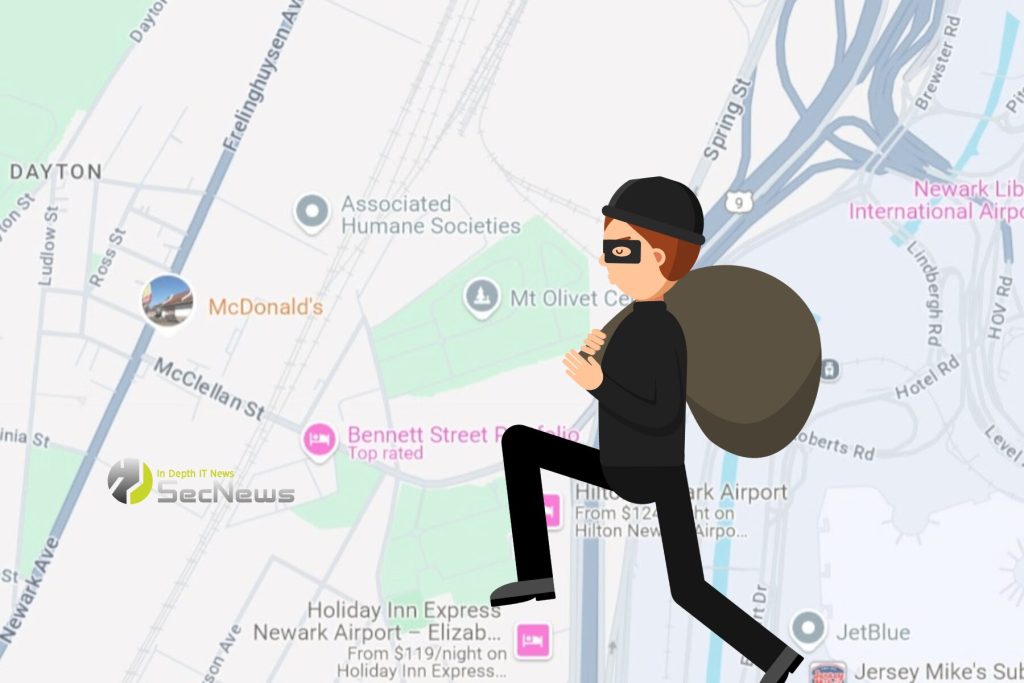
According to security analyst Daniel Linsky, organized criminals use Google Street View to identify potential targets, analyze property values, and plan entry and exit routes. They can also determine whether a home has a front door camera or a sophisticated outdoor security system.
Read about: How to use Street View in Google Maps on iPhone
There is a way to blur your home in Google Maps Street View, but you'll need to use the desktop version, as this feature isn't available on the iOS or Android. Open GoogleMaps.com, find your address, and follow the instructions to report a problem and blur the image.
With the desktop version of Google Maps, you can blur the image of your house, face, or car
This will take you to a page titled “Report Inappropriate Street View Image.” You can use your mouse and other tools to place a red square over the area of the Street View image you want to blur. You can request to blur your face if it’s captured by Street View cameras, or to blur your house, license plate, or other object. You can also file complaints about incorrect Street View navigation arrows or poor image quality. Follow the instructions to blur a specific house, car, or person on Google Maps.
See more: Google updates Street View imagery in dozens of countries
Keep in mind that blurring a property is permanent. Security analyst Linsky also recommends blurring the inside of your homes if they are listed on sites like Redfin and Zillow. You might be surprised at how many thieves use these sites to screen a potential target in advance.
Take a few minutes to request a blur of your home, face, or car in Google Maps Street View. The process may take a few minutes, but it can save you money and protect from a burglary attempt at your home. This way, you can not only protect your property from theft, but also reduce the chances of physical harm.
Source: phonearena
🔒 Protect your privacy with Proton VPN
Swiss VPN from the creators of Proton Mail — strict no-logs policy, strong encryption, and built-in NetShield that blocks ads, trackers, & malware.
- ✔ No-logs, based in Switzerland (except 14-Eyes)
- ✔ NetShield: blocks ads, trackers & malicious domains
- ✔ Covers all devices — free version available
The link is an affiliate link — SecNews may receive a commission at no additional cost to you. It does not affect the independence of our article writing.
