

Don't want to see someone's videos on your follower list anymore? Unfollowing that user on your TikTok account is easy. We'll show you two different ways to do this, as well as how to bulk unfollow multiple accounts at once.

How to unfollow someone on TikTok
There are two ways to unfollow someone : you can use the user's profile or the TikTok search box. Both methods accomplish the same thing, so choose the one that's most convenient for you.
From the user profile page
To unfollow someone from their profile page, launch TikTok on your phone and access the user's profile. You can do this by tapping on the user's name in their video.
On the selected user's profile page, next to "Message," tap the icon of a person with a checkmark on it.
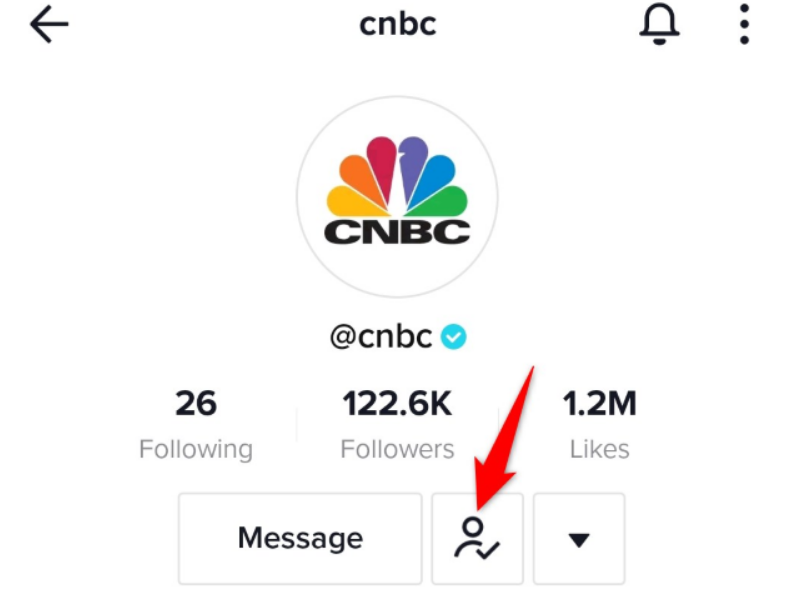
And immediately, you will unfollow that person on TikTok. The button you pressed now says “Follow,” which indicates that you have successfully unfollowed that person.
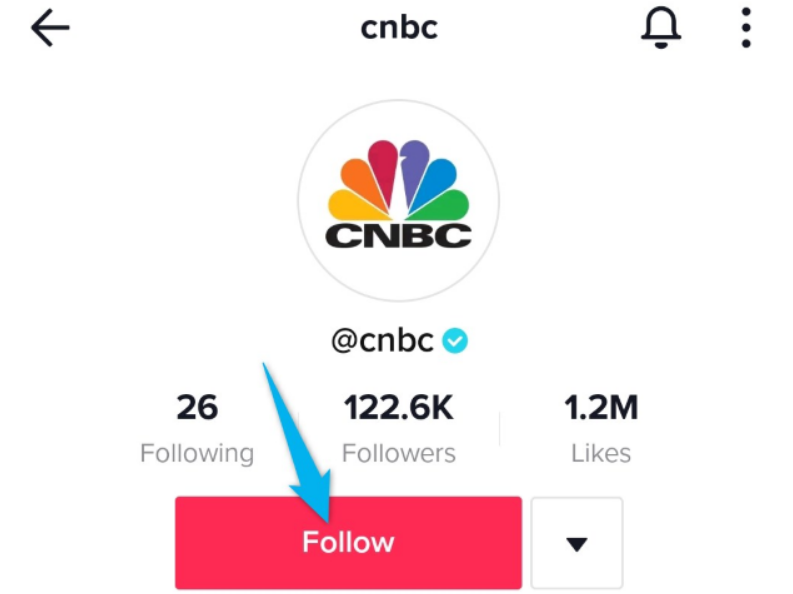
And you are ready.
Using the search box
If you can't find a video from the user you want to unfollow, use TikTok's search box to find that user.
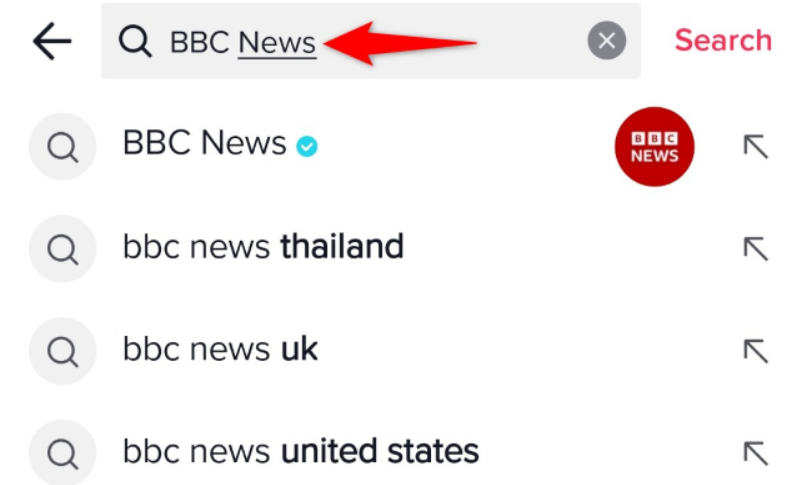
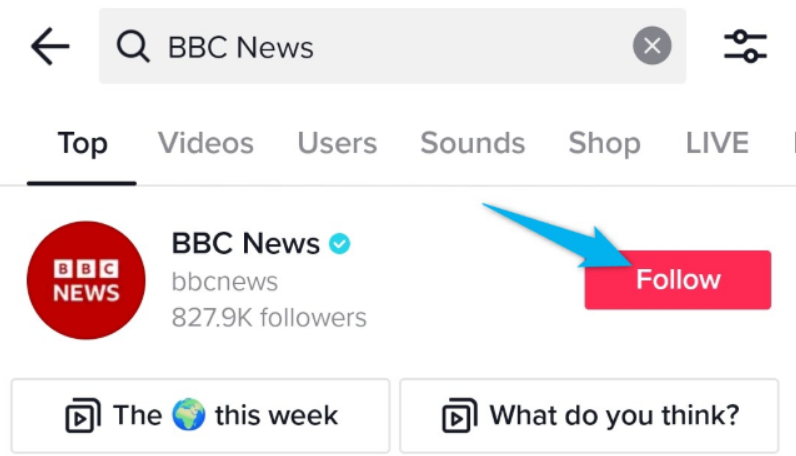
First, launch the TikTok app on your phone and select the search icon at the top. Then, type in the username of the account you want to unfollow and press Enter.
In the search results, next to the account you want to unfollow, tap “Following.”
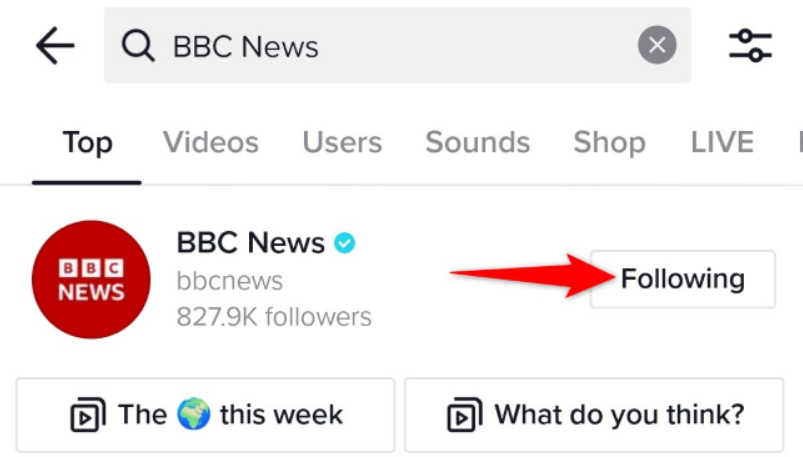
“Following” will change to “Follow,” meaning you have successfully removed this account.
You are ready.
How to mass unfollow on TikTok
Have you followed too many accounts that you now want to unfollow? You can make your job easier by viewing the list below and removing multiple users from there at once.
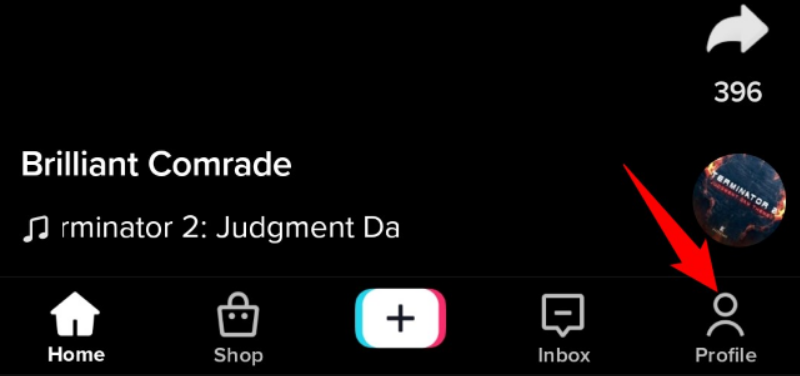
To do this, launch TikTok on your phone and tap “Profile” in the bottom right corner of the app.
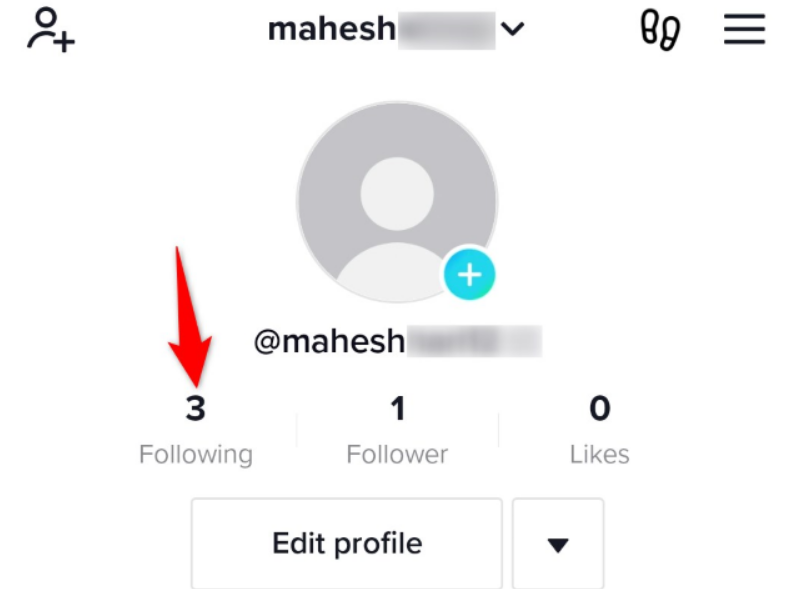
On your profile page, tap “Following.”
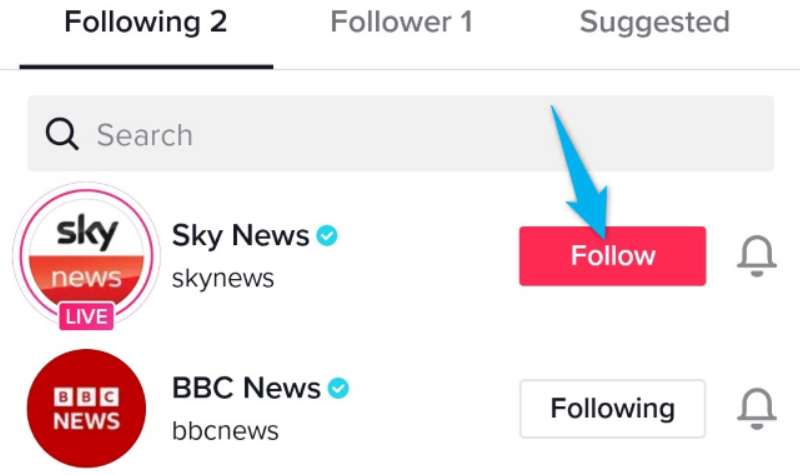
You will see the accounts you are following. Here, to unfollow an account, tap “Following” next to it.
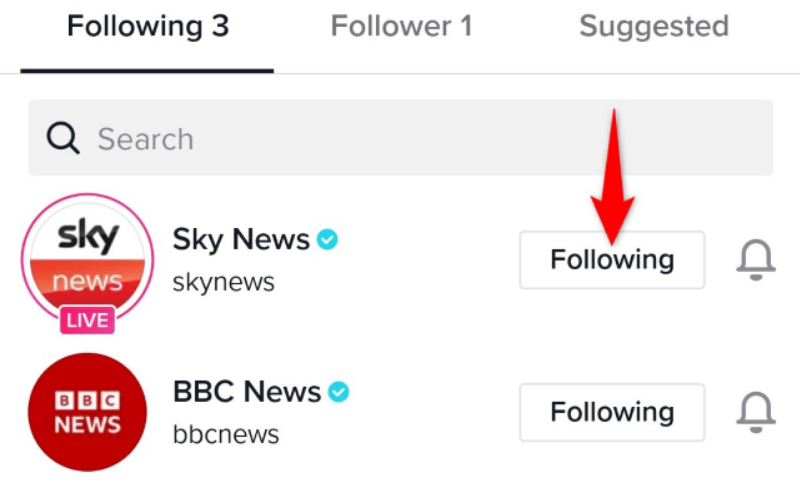
When you tap this option, the button will change to “Follow,” indicating that the selected user is unfollowed.
And that's how you get rid of specific people from your TikTok feed. I'm glad to watch your curated content!
Information source: howtogeek.com
