

WhatsApp has developed a proxy feature, allowing users to access the platform even if governments impose internet censorship. Not sure how to use WhatsApp with a proxy connection? Here's a helpful guide!
WhatsApp has introduced its advanced proxy feature, making it accessible on Android, iOS , and desktop devices . This new feature allows users to stay connected with their loved ones even when they face limited or blocked internet access due to an unfortunate service outage – or even worse, government censorship of communication. With the help of this feature for WhatsApp , you can now easily stay in touch without worry!
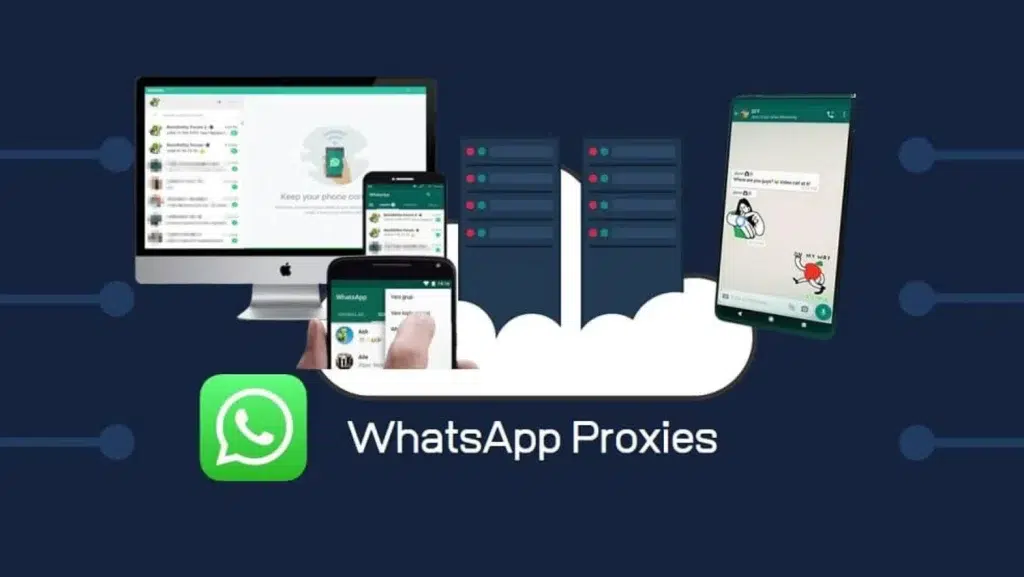
If you're suffering from internet outages in your area, then why not try proxy servers to continue using WhatsApp ? These servers are created by volunteers and organizations who want to help others with secure and unrestricted communication.
How to find proxy servers for WhatsApp
Do you experience regular internet outages? Look no further – you can easily access and save multiple proxy server through trusted social networking platforms or search engines. Fortunately, many volunteers are willing to create and share these proxies online for the benefit of everyone!
See also: WhatsApp: For what reasons can you be blocked from the app?
It is necessary to save various proxy server for many reasons. Very often, certain proxy servers are blocked after some time, so in case you cannot access a network, you can enter another connection instead.
How to connect to a WhatsApp proxy on Android
- Update or download the latest version of WhatsApp.
- Open WhatsApp > Chats tab > Settings > Storage and Data > Proxy
- Now click use proxy and enter a proxy address you want to connect to.
- Press Save.
- Once the connection is successful, WhatsApp will show you a checkmark.
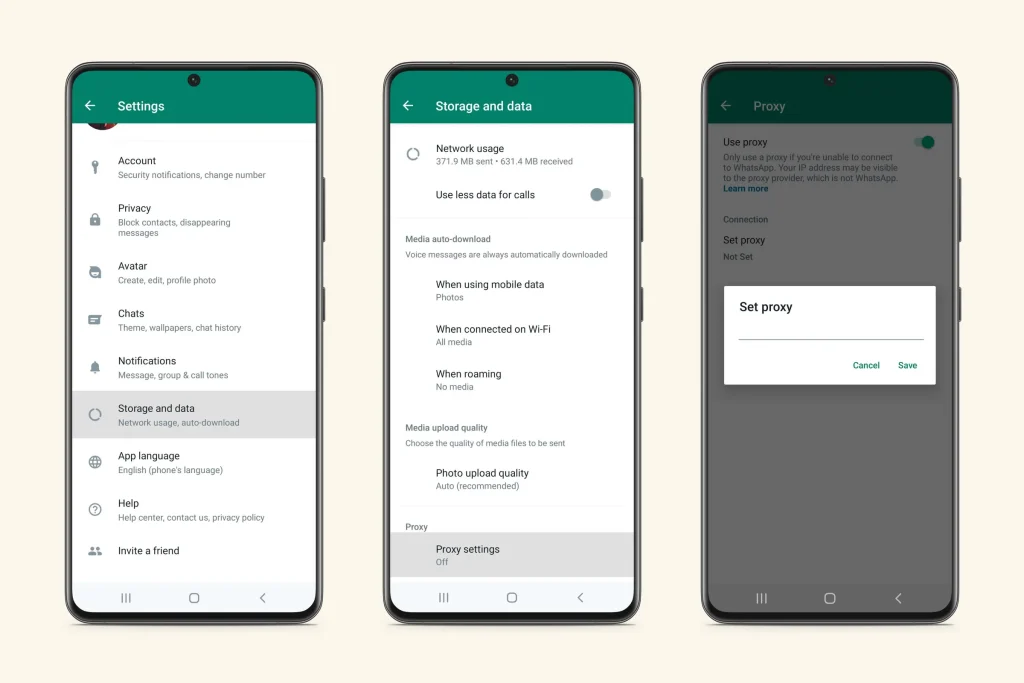
How to connect to a WhatsApp proxy on iPhone
- Go to WhatsApp Settings > Storage and Data > Proxy.
- Click use Proxy.
- Enter the proxy address and press save to connect.
How to create WhatsApp proxy
If you aspire to help those in need by creating a proxy server, this is easily possible! All that is required is ports 80, 443 or 5222 on the server and an available domain name (or subdomain) that points to your IP address. Find detailed documentation and source code for this project on GitHub with ease.
WhatsApp is asking its users to discreetly share proxy addresses with those who cannot connect directly to the platform.
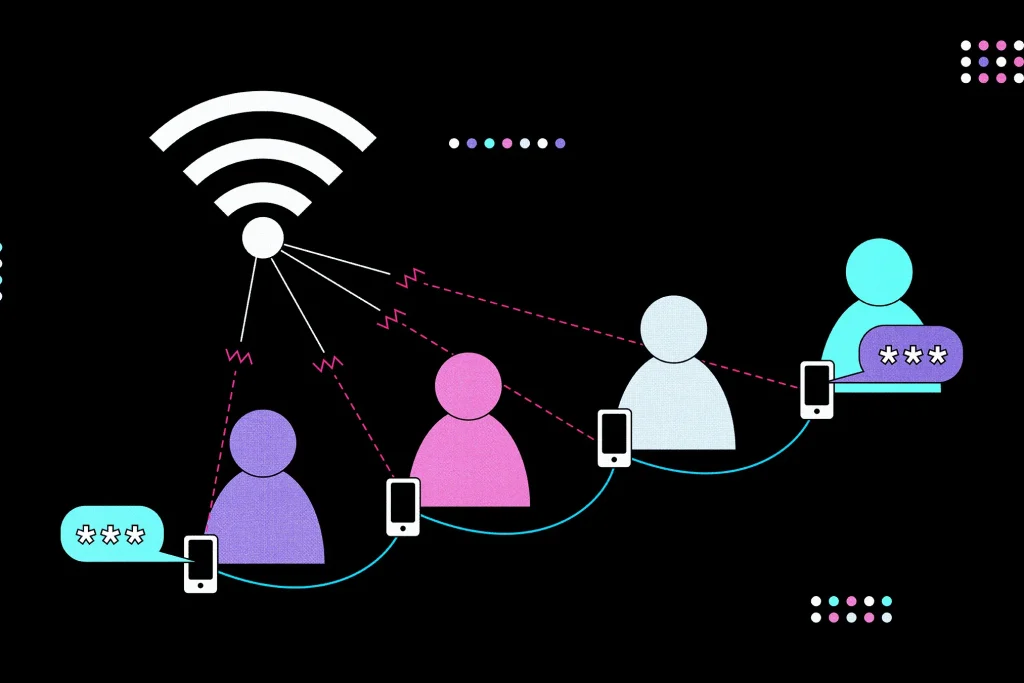
In particular, using a WhatsApp does not affect the security and privacy offered by the Meta. End-to-end encrypted messages, calls and video calls are ensured by the secure connections made. All your data will remain between those you communicate with – it will not appear either on WhatsApp or on the meta/proxy servers! Keep in mind though: using a third-party proxy means you share IP with them, as it is not provided directly by Whatsapp.
See also: WhatsApp's new native Mac app is now in open beta
A proxy server is a type of server that acts as an intermediary between you and the Internet, allowing users to securely access websites and applications while protecting their identity and data.
Source: indiatoday.in
