

In recent days, two major breaches , affecting the personal information (names, email addresses, and phone numbers) of millions of users.

Specifically, data from 2.8 million user of restaurant booking platform Eatigo was put up for sale on an online forum. Additionally, data, such as encrypted passwords and parts of credit card numbers, from 1.1 million RedMart.
Below, there are some basic steps to protect online accounts after data breaches:
1. Change passwords
After data breaches, users should change the passwords they use on compromised sites and applications, whether the service provider has taken protective measures or not.
Also, no user should use the same credentials on different platforms. If you do, you should change your password on all platforms. This will prevent your other accounts from being compromised

2. Watch out for phishing emails
Phishing is a common technique used to trick users. Hackers impersonate someone they know or a trusted company and trick people into revealing sensitive information, such as passwords.
For example, attackers could pose as Lazada or Eatigo, using stolen credentials (usernames, email addresses, etc.) to encourage unsuspecting victims to click on links that supposedly reset passwords or verify their accounts.
You should not open the links in such emails. It is better to visit the company's official site (by entering the site URL) and reset your password there.
Opening links in phishing emails can lead you to dangerous sites or to sites that ask you to provide personal information (they imitate official applications and ask for passwords, etc.). Of course, this information ends up in the hands of hackers.
Phishing attacks are one of the most common threats, so we all need to be very careful. Be wary of messages that come from unknown senders, but also those that appear to come from known ones. Check for unusual signs and contact the individuals to make sure that the email really comes from them. Finally, opening suspicious links and attachments should be avoided because it often leads to data breaches.
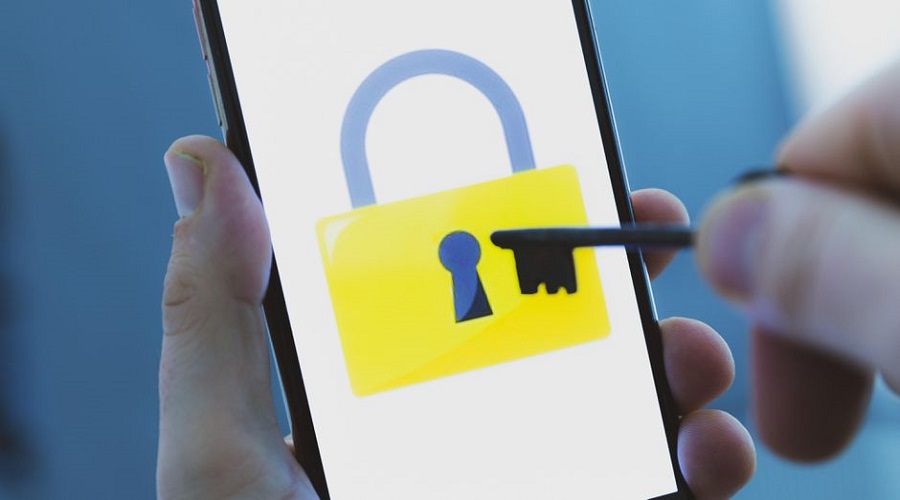
3. Enable two-factor authentication (2FA)
Where possible, it’s a good idea to implement two-factor authentication (2FA). In addition to your password, you also receive a “one-time” code generated from a security token or delivered via SMS. This way, you can log in to your account more securely and prevent data. Most online platforms, including Gmail, have implemented 2FA features.
Source: The Straits Times
