

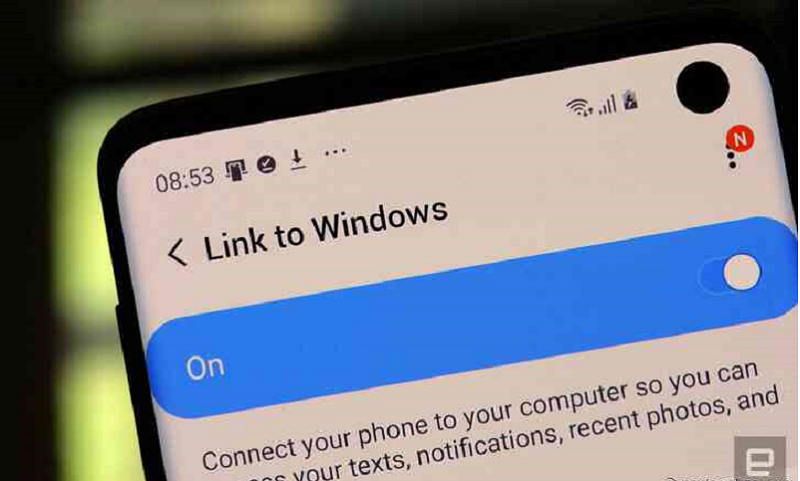
Microsoft Samsung are offering an alternative and better way to take and transfer photos or files from PC to your phone. Specifically, according to SamMobile, the latest Windows 10 Insider build lets you drag and drop files over Wi-Fi to and from any supported Samsung phone, like the Galaxy S10 or S20. Microsoft has already started making it easier to work between Android/Samsung devices and PCs. Last month, it introduced copy-pasting from Windows 10 to Samsung phones, already allowing you to receive notifications and answer calls from any Android phone. For years, apps have supported similar features, including Microsoft’s ActiveSync for Windows Mobile, but this is going to make it easier for basic users. All you need is Microsoft’s “Your Phone” app and Samsung’s “Link to Windows.” You can long-press the files or photos you want to transfer from your phone, then select all the ones you want to transfer to your computer. To transfer files from your computer to your phone, simply drag and drop them into the “Your Phone” window.
However, there are some limitations. The file size is limited to 512MB, which means that it is not possible, for example, to download larger HD from your computer to your phone. Transfers are also limited to 100 files, so sending a large number of photos from your phone to your computer may present problems. Finally, your phone and computer must be on the same Wi-Fi, while the service requires Samsung Connect to Windows 1.5, which is not supported on all Galaxy devices. As already mentioned, this feature is currently only available for the latest version of Windows 10 Insider but is expected to be supported in the future on other versions.
